Blog
Web extraction, LLMs, and building in public.
Technical deep dives on web extraction, content parsing for LLMs, anti-bot bypass, and building open-source infrastructure in Rust. Written by the team behind webclaw.
webclaw turns any website into clean, structured content for AI applications. These posts cover the engineering decisions, trade-offs, and lessons learned building a web extraction toolkit from scratch.
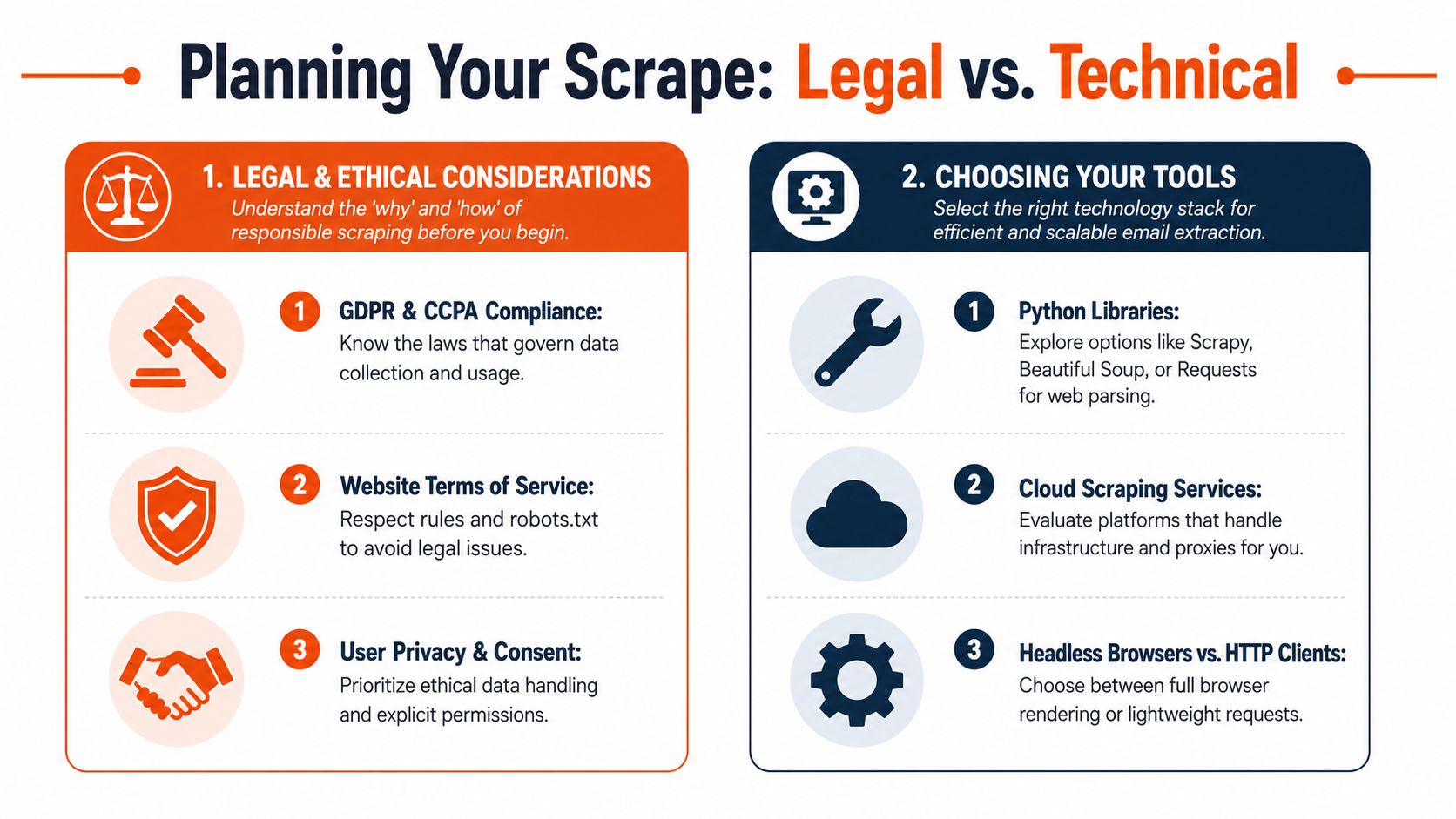
How to Scrape a Website for Emails (the 2026 Guide)
Scraping a website for emails in 2026 is contact discovery plus data-quality control, not regex on a homepage. How to crawl, render, extract, validate, and use email data responsibly.

Competitor Price Tracking: A Developer's Guide 2026
Competitor price tracking is a production data pipeline, not a dashboard. How to collect, normalize, match, and act on competitor price data without making the wrong pricing call.
Get started
Stop reading. Start scraping.
Cancel anytime. Turn any page into clean, structured content your agent can actually use.