How to Convert HTML to Markdown: The Complete 2026 Guide
You probably have one of three problems right now.
You exported a pile of HTML from a CMS and need Markdown for a docs site. You scraped a page and got a blob full of wrappers, inline styles, and tracking junk. Or you're trying to convert a live URL and discovering that the HTML you fetched isn't the page your browser shows.
That last case is where most advice falls apart. Converting static HTML files to Markdown is a solved problem. Converting modern, JavaScript-rendered pages into clean Markdown is a different class of problem, and it needs a different toolchain.
Why Converting HTML to Markdown Is Tricky
You export a clean-looking page, run it through an HTML to Markdown converter, and get a mess. Headings collapse into plain text. Navigation leaks into the article body. Buttons, tabs, and callouts turn into awkward link lists or disappear entirely.
The core problem is simple. HTML and Markdown solve different jobs.
Markdown is built for document structure. HTML often mixes document structure with layout wrappers, styling hooks, analytics attributes, embedded components, and CMS output that was never meant to become readable source text. A converter has to decide what is content, what is decoration, and what to drop. That decision is where quality is won or lost.
I treat conversion as a content extraction problem first, and a syntax conversion problem second. That approach avoids a common mistake: judging the source by how it looks in a browser instead of how it is marked up. A page can look minimal and still be full of nested <div> tags, pasted rich text, duplicated mobile elements, and brittle class names that mean nothing outside the original site.
Static HTML files are the easy case. If the full article is already present in the file, tools can usually map headings, paragraphs, lists, links, images, and code blocks into decent Markdown with predictable cleanup afterward.
Live pages are a different class of problem. Many modern sites ship an initial HTML shell and fill the actual content in with JavaScript after load. A plain fetch gives you placeholders, script tags, hydration blobs, and empty containers. The converter is not failing. It never received the article. If that pattern sounds familiar, it is the same scraping failure described in this post on JavaScript rendering with browser fallback for web scraping.
That gap matters more than people expect.
For practical planning, split HTML to Markdown work into three buckets:
- Local static files where the content already exists in the markup
- Application HTML strings where you control preprocessing and conversion rules
- Live URLs where rendering, extraction, and conversion have to work together
Pick the wrong bucket and the output looks broken for reasons the converter cannot fix. That is why a tool that works well on exported files often falls apart on modern, JavaScript-rendered pages.
Fast Conversions with Command-Line Tools
A folder full of exported .html files is the cleanest HTML to Markdown job you will get. The content is already on disk, the structure is fixed, and a CLI can turn a manual cleanup project into a repeatable batch step.
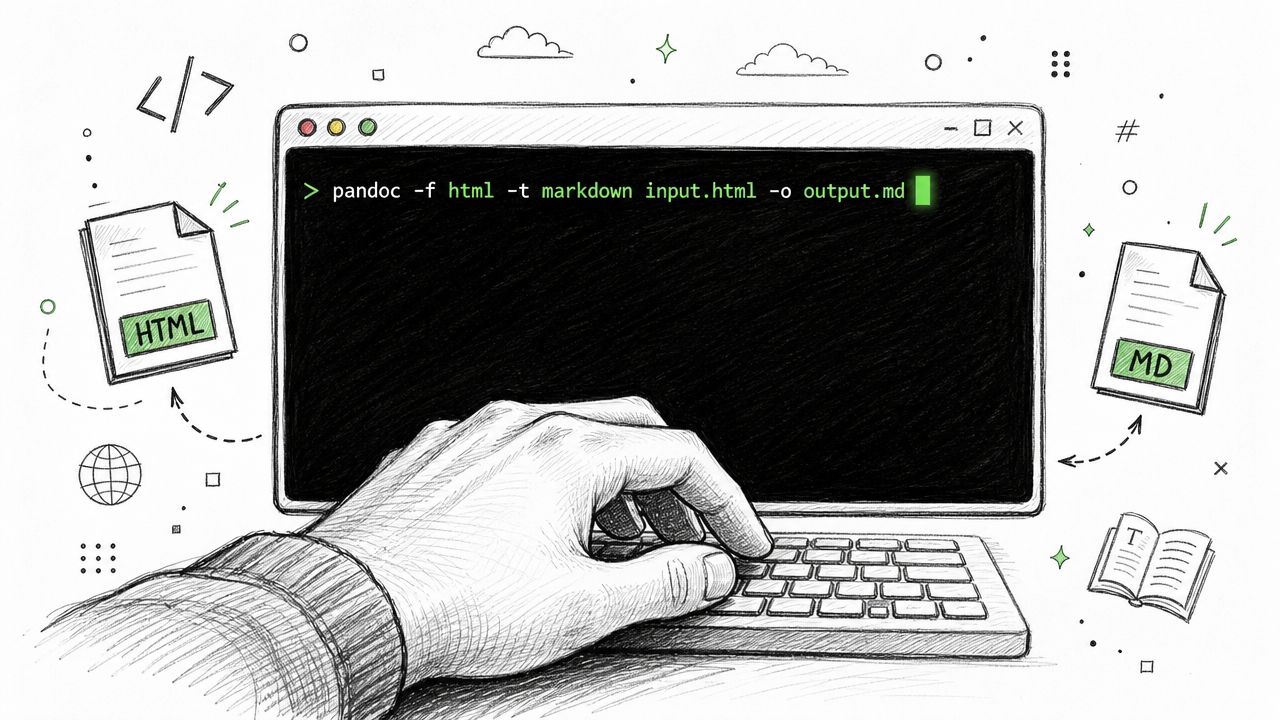
Pandoc is still the default tool here because it handles real documents well, not just toy snippets. It supports multiple Markdown targets, writes directly to files, and fits naturally into shell scripts, cron jobs, and CI pipelines. An older walkthrough on R-bloggers shows the basic pattern of converting HTML straight to a Markdown file with Pandoc, which is still the core workflow many teams use today (Pandoc HTML to Markdown example).
When Pandoc is the right answer
Use Pandoc if the job looks like content migration, not web scraping.
It works best when:
- The source files are already local and contain the actual article body
- You need repeatable output across dozens or hundreds of files
- You want conversion in scripts or CI without adding application code
- You can tolerate some post-conversion cleanup for tables, odd inline HTML, or messy CMS exports
For shell-first workflows that also need extraction and conversion from the command line, Webclaw provides a CLI for scripted scraping and Markdown conversion.
Single file conversion
For one file, keep the command simple:
pandoc input.html -t gfm -o output.md
-t gfm targets GitHub Flavored Markdown, which is a sensible default for docs repos, knowledge bases, and static site workflows. If the destination parser is stricter, switch formats early instead of cleaning up flavor mismatches later.
Review the output every time the source contains tables, embeds, copied editor markup, or layout HTML mixed with content. Pandoc is good at translating document structure, but it cannot guess which parts of a bad source file were presentational clutter and which parts were meant to survive.
Batch conversion for folders
Command-line tools prove their worth.
On Unix-like systems, a basic loop covers the common case:
for f in *.html; do
  filename="${f%.html}"
  pandoc "$f" -t gfm -o "$filename.md"
done
If the export includes nested directories, use find:
find . -name "*.html" | while read -r f; do
  filename="${f%.html}"
  pandoc "$f" -t gfm -o "$filename.md"
done
A Windows batch version follows the same pattern:
for /r %%f in (*.html) do pandoc "%%f" -t markdown -o "%%~dpnf.md"
These commands are boring in the best way. They are easy to rerun, easy to diff, and easy to drop into a migration script. That matters more than cleverness when you are converting an archive and need the second run to behave exactly like the first.
Here's a quick walkthrough if you want to see the terminal flow before scripting it:
Don't hand-edit hundreds of exported pages unless you have no other option. Batch conversion gets you to a reviewable baseline much faster.
The main limitation is not speed. It is input quality. CLI converters are strong when the file already contains the full rendered content. They break down on modern sites where the HTML response is only a shell and JavaScript fills in the article later. In that case, the conversion step is fine. The missing piece is rendering and extraction before conversion even starts.
Integrating Conversion with Code Libraries
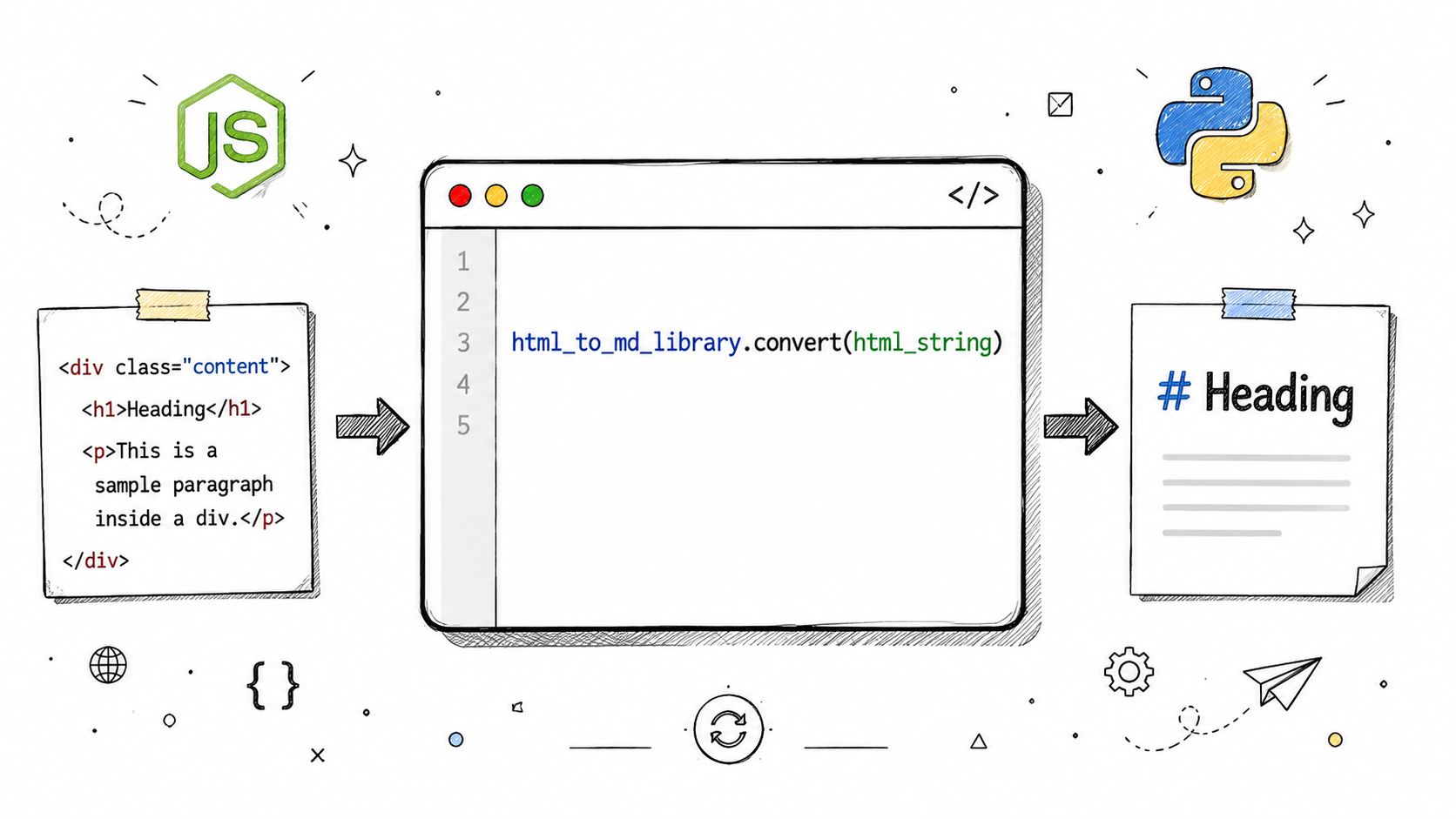
Once conversion moves inside an application, libraries are a better fit than shell commands.
This is the right layer when you're fetching HTML from another service, receiving fragments from a CMS, or converting content as part of a pipeline. The advantage isn't just convenience. You get hooks for preprocessing, custom rules, and downstream logic in the same runtime.
Modern tooling has also become more language-friendly. The html-to-markdown project describes itself as a high-performance, CommonMark-compliant converter powered by Rust and says it ships native bindings for 16 languages and runtimes including Rust, Python, TypeScript/Node.js, Ruby, PHP, Go, and Java (html-to-markdown language bindings on GitHub).
Node.js with Turndown
In Node.js, turndown is the library many developers reach for first because it's easy to plug into existing code.
const TurndownService = require('turndown');

const turndownService = new TurndownService();
const html = `
  <h1>Example</h1>
  <p>This is <strong>HTML</strong>.</p>
`;

const markdown = turndownService.turndown(html);
console.log(markdown);
That works well for clean HTML snippets. It gets more interesting when you add rules for elements your content relies on, such as task lists or special code wrappers.
Turndown is also useful as a reminder of where basic conversion stops. Its implementation examples and plugin ecosystem point toward the same reality: preserving tables, task lists, and other richer structures often requires custom rules or plugins, because the default conversion path doesn't preserve every semantic detail.
Python with markdownify style workflows
In Python, the pattern is similar. Take HTML as input, convert it in memory, then hand the Markdown to the next step in your system.
from markdownify import markdownify as md

html = """
<h2>Release Notes</h2>
<ul>
  <li>Added export support</li>
  <li>Fixed table rendering</li>
</ul>
"""

markdown = md(html)
print(markdown)
The useful part isn't the conversion call itself. It's that you can place validation around it:
- sanitize incoming HTML
- strip scripts and irrelevant wrappers
- preserve selected tags
- test output against your own formatting rules
If you're building Python ingestion pipelines around live web content, SDK-based access matters too. That's where a hosted extraction layer can fit behind your application code, and Webclaw provides a Python SDK for programmatic scraping workflows.
Where libraries fit well
Libraries are the sweet spot for app-level conversion, but only when the input HTML is already trustworthy.
They're strong for:
- CMS exports in memory
- email or rich text normalization
- Slack bots or internal tools that process pasted HTML
- post-fetch cleanup after another system has already rendered the page
They're weak for:
- single-page apps
- pages that require JavaScript to populate content
- URLs that block basic fetchers
- sites where the main article must be extracted from navigation and boilerplate first
A converter library can transform HTML you already have. It can't fetch the content a browser had to render before the HTML became meaningful.
That boundary matters. A lot of teams keep trying to fix rendering failures with better conversion rules. The problem is earlier in the pipeline.
Comparing HTML to Markdown Methods
Different methods fail in different ways. That's why arguments about the "best" way to convert HTML to Markdown usually go nowhere.
If you're converting a local export from an old CMS, Pandoc is usually enough. If you're converting snippets inside an app, libraries are cleaner. If you're trying to turn a live article URL into readable Markdown at scale, you need a scraping pipeline that can render, extract, and convert.
HTML-to-Markdown Method Comparison
| Criterion | CLI Tools (e.g., Pandoc) | Code Libraries (e.g., Turndown) | Scraping API (e.g., Webclaw) |
|---|---|---|---|
| Best input type | Local HTML files | HTML strings inside apps | Live URLs |
| Setup effort | Low for one-off use | Moderate, depends on app stack | Moderate, depends on API integration |
| Batch processing | Strong | Strong if you build the loop | Strong if the API supports bulk workflows |
| Control over rules | Limited to tool options and filters | High, especially with custom rules | Usually higher-level than libraries |
| JavaScript-rendered pages | Poor | Poor unless paired with a browser renderer | Strong when rendering is built in |
| Output cleanup needed | Moderate on messy content | Moderate to high on messy content | Lower when extraction removes boilerplate first |
| Good for migrations | Yes | Sometimes | Yes, especially from live sites |
| Good for production ingestion | Sometimes | Yes, for controlled inputs | Yes, for live web content |
A simple decision rule works well in practice:
- Use CLI tools when you have files on disk and want speed.
- Use libraries when conversion is one step inside a broader application.
- Use a scraping API when the source is a URL on the open web and reliability matters more than raw control.
The key trade-off isn't convenience. It's whether the method can see the same document a user sees in the browser.
Advanced Challenges in HTML Conversion
A conversion pipeline usually looks fine in a demo. Then it hits a real page from a CMS, docs platform, or modern frontend app and starts dropping structure.
Where fidelity breaks first
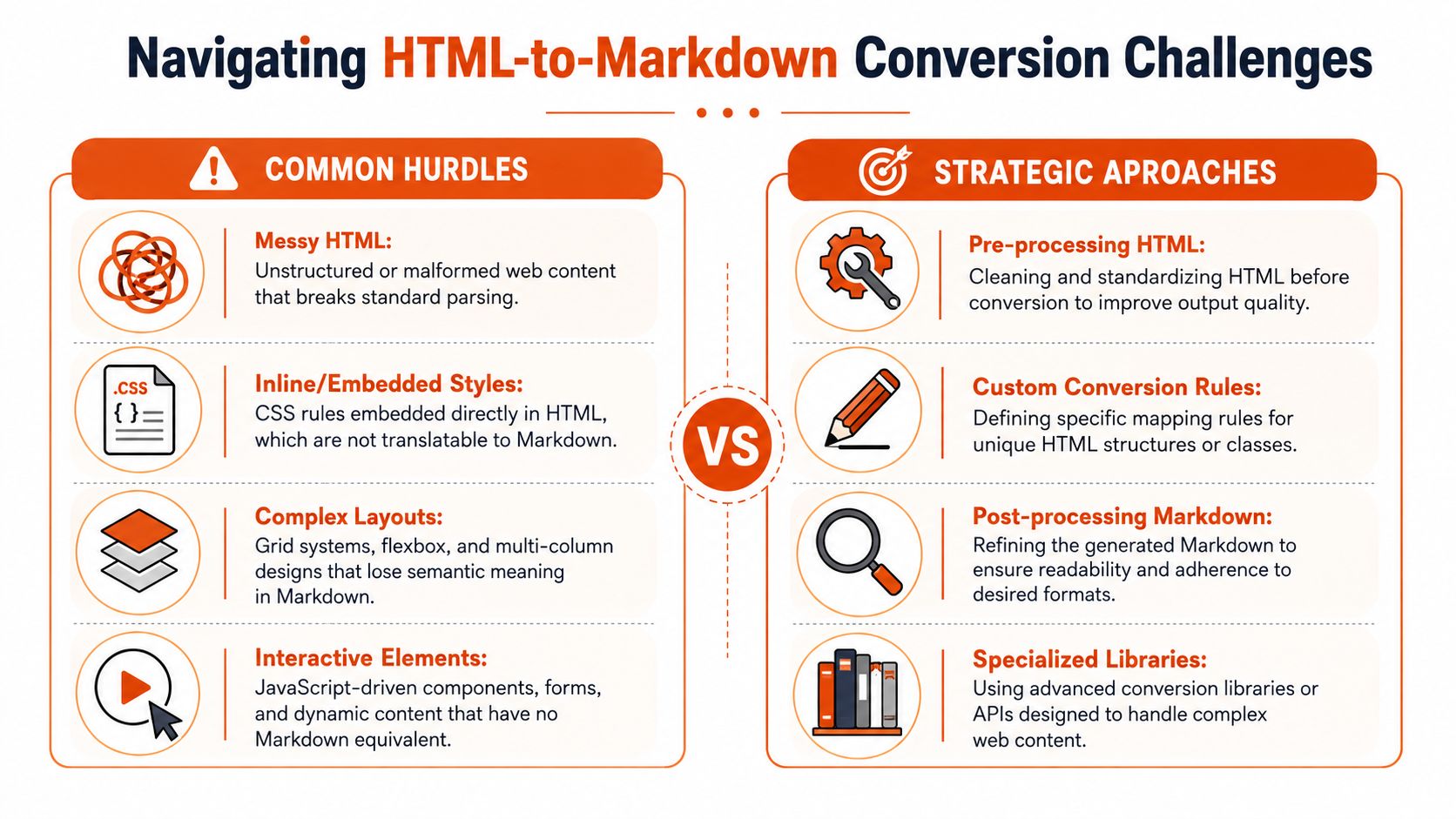
The hard part is not converting <h1> to #. The hard part is preserving meaning once the HTML gets messy.
Real input includes nested lists inside alerts, syntax-highlighted code blocks split across multiple wrappers, tables with merged cells, and UI-driven markup where classes carry semantics that Markdown cannot express. The converter still produces output, but the output can stop being trustworthy. That matters in docs migrations, knowledge base ingestion, and any workflow where people expect the Markdown to remain editable.
A few failure modes show up repeatedly:
- Complex tables flatten into paragraphs or broken pipe tables.
- Nested lists lose depth, numbering, or parent-child relationships.
- Code blocks keep text but lose language hints, indentation, or callout formatting.
- Inline semantics disappear when classes or attributes represented status, warnings, or domain-specific meaning.
Turndown is a good example of the trade-off. It gives developers room to add rules and plugins for edge cases, which is often the only way to keep difficult structures intact on controlled inputs (Turndown repository with custom rule and plugin patterns).
Sometimes the right answer is to stop forcing a pure Markdown result. Dries Buytaert makes that point clearly. If Markdown cannot represent a fragment without mangling it, keep that fragment as HTML inside the document (why unsupported markup can remain as HTML).
That compromise works well in production. Clean Markdown for the parts Markdown handles well. Literal HTML for the parts it does not.
Static HTML and live pages fail in different ways
Static files usually fail on representation. Live pages fail earlier, at acquisition.
With a local HTML file, the converter at least sees the document you intend to convert. The job is to map tags and preserve structure. With a live URL, the initial response may be an app shell, a placeholder, or a half-rendered tree that only becomes meaningful after JavaScript runs. A traditional converter can process that HTML perfectly and still return useless Markdown.
That gap trips up teams building LLM ingestion and content pipelines. The problem is no longer just syntax conversion. It becomes fetch, render, extract, and then convert. That is why practical HTML to Markdown workflows for LLM pipelines treat rendered page state and content extraction as first-class concerns.
Even after rendering, another failure shows up. The browser sees everything. Navigation, cookie banners, sidebars, share widgets, related posts, hidden tabs, and footer boilerplate all compete with the article body. If extraction is weak, the Markdown is technically complete but operationally noisy.
For static files, custom conversion rules usually solve the worst problems. For live pages, fidelity depends on upstream decisions about rendering timing, DOM selection, and boilerplate removal before Markdown conversion starts. That is the dividing line between a tool that converts HTML and a system that can reliably convert the web.
The Production Solution A URL to Markdown API
A common failure case looks like this: a team tests conversion on saved HTML, gets clean Markdown, then points the same pipeline at live URLs and starts ingesting cookie banners, empty app shells, and navigation text. The converter did its job. The input was wrong.
A production URL-to-Markdown system has to do more than transform tags. It has to fetch the page, deal with blocking, wait for JavaScript-rendered content when needed, isolate the main body, and return Markdown that is usable without another cleanup pass.

What changes when the input is a live URL
URL input changes the problem definition.
With a static file, conversion quality mostly depends on how well the tool maps HTML elements into Markdown. With a live page, success depends on whether you can acquire the right DOM state before conversion starts. Older HTML-to-Markdown tools were built for pasted markup or local files. They often break on modern sites because the meaningful content is assembled after the initial response, sometimes behind client-side routing, deferred rendering, or interaction-heavy components.
That has direct engineering consequences:
- HTTP fetches often miss the core content. Some pages need a browser session and render time.
- Rendered DOMs still need extraction. The article body matters more than headers, popups, and sidebars.
- Clean extraction still needs careful conversion. Headings, links, lists, code blocks, and tables need to survive in a form downstream systems can use.
For one-off jobs, teams can stitch those steps together. In production, that stack gets expensive to maintain. Headless browser timing, anti-bot failures, per-site extraction fixes, and Markdown normalization all become ongoing work.
A practical API workflow
A typical request pattern looks like this:
curl -X POST "https://api.webclaw.io/v1/scrape" \
  -H "Authorization: Bearer YOUR_API_KEY" \
  -H "Content-Type: application/json" \
  -d '{
    "url": "https://example.com/article",
    "formats": ["markdown"]
  }'
The application flow is straightforward:
- Send a URL to the API.
- Let the service fetch, render, and extract the page.
- Receive Markdown centered on the main content.
- Store it, index it, summarize it, or pass it into another pipeline.
That model fits the actual problem better than raw HTML input. If your source starts as a URL, URL-native tooling keeps rendering and extraction in the same system instead of pushing those concerns into separate scripts and services. Webclaw follows that pattern in its URL scraping API docs with Markdown output options.
When to use this approach
Use a URL-to-Markdown API when the source is the public web, the target pages rely on JavaScript, or you need consistent output across many domains without owning browser automation yourself.
Skip it when the input is already stable. If the team has exported HTML files, Pandoc is simpler. If the job is converting fragments inside your own app, a library keeps the logic close to the code that needs the result.
The practical rule is simple: if the request is "take this URL and give me readable Markdown," treat acquisition and extraction as part of conversion. File-based tools handle syntax well. They do not solve the live web.