
10 Best Web Scraping Tools for 2026: An Expert Guide
Your scraper works on simple sites, then falls apart on the pages that matter. A product grid loads fine until JavaScript rewrites the DOM, a review page throws a CAPTCHA, and a competitor site starts blocking your requests by fingerprint. If you're trying to feed a RAG pipeline, monitor prices, or power an AI agent, basic HTTP fetching isn't enough anymore.
The web scraping tools market has clearly matured, too. Mordor Intelligence estimates the market at USD 1.03 billion in 2025 and projects USD 2.23 billion by 2031 with a 13.78% CAGR for 2026 to 2031, which is a strong signal that scraping has moved into mainstream infrastructure rather than a niche scripting task Mordor Intelligence's web scraping market report. The choice now isn't whether to scrape, it's which tool fits the job without creating a maintenance burden you'll regret later.
1. Webclaw
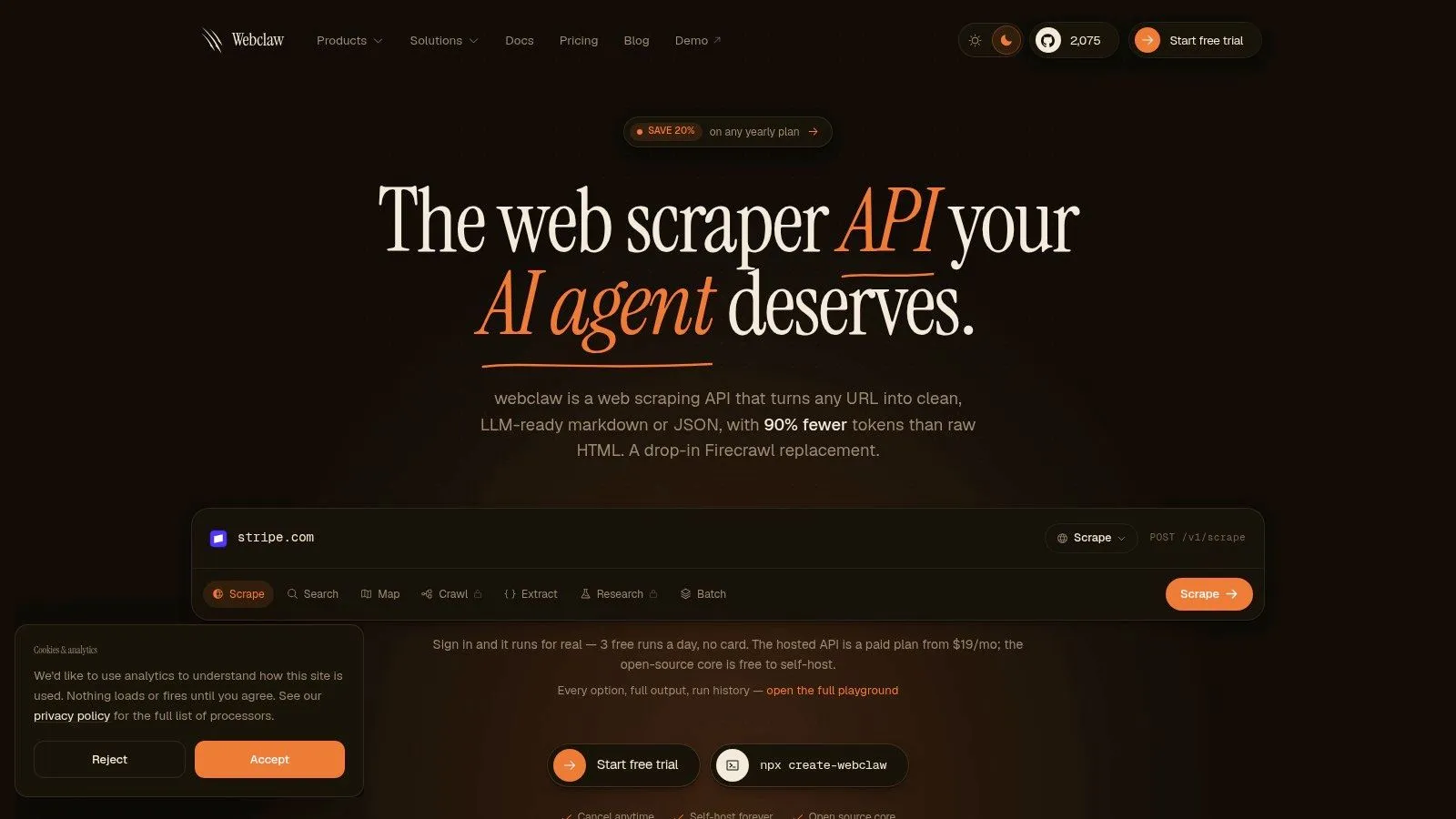
Webclaw fits the cases where raw HTML is the wrong output. If you are feeding a retrieval pipeline, a browser agent, or an extraction workflow that needs cleaner context, it returns markdown, typed JSON, plain text, or token-efficient LLM output instead of leaving you to strip navigation, cookie prompts, and repeated links by hand. It also handles JavaScript-heavy pages and bot defenses, which makes it relevant for sites that break simple fetch-and-parse stacks.
Why it stands out for LLM workflows
Webclaw treats LLM ingestion as the primary job, not a side feature. That matters for teams building agents that need structured web access, because it ships an MCP server with tools for scrape, crawl, search, map, extract, summarize, diff, and research. It also includes a compatibility layer for Firecrawl-style workflows, plus official SDKs for TypeScript, Python, and Go, along with a CLI for scripting and one-off jobs.
The practical trade-off is clear. Tools built around page acquisition still leave you to clean the result before an LLM can use it, while Webclaw is designed to reduce that cleanup step and keep only the text that matters. For teams comparing it directly with managed crawling platforms, the Webclaw vs Apify comparison is the place to check how that workflow difference plays out in practice. The open-source core is also available for self-hosting, which gives teams more control if they want to keep the pipeline in their own infrastructure.
2. Apify
Apify fits teams that need hosted scraping jobs without building and maintaining the execution layer themselves. Its hosted Actors are useful for fast prototyping, scheduled runs, dataset storage, and managed execution in one place. The public template ecosystem matters most when you are testing a target and do not want to spend time wiring up basic crawling logic before you have proof the target is workable.
Best when you want managed crawling and templates
Apify is strongest when the job is operational, not exploratory. You can run ready-made Actors for common target types, store results in datasets, and automate recurring runs with scheduling and webhooks, which cuts down the infrastructure work for teams that need data delivered on a predictable cadence.
The trade-off is control. Protected targets still require attention to browser behavior, proxies, and custom logic, because hosted execution does not remove bot detection or JavaScript rendering issues. Apify can scale with heavier workloads, but inefficient runs still consume resources, so usage needs to be watched closely if you want billing to stay predictable.
For practitioners, that makes Apify a practical middle ground. It gives you a managed runtime and a broad template ecosystem, while still allowing code-first workflows if you do not want a no-code setup. For a direct comparison with a platform built around model-ready extraction, the Apify comparison with Webclaw is useful for seeing where managed crawling ends and cleaner output begins.
2. Apify
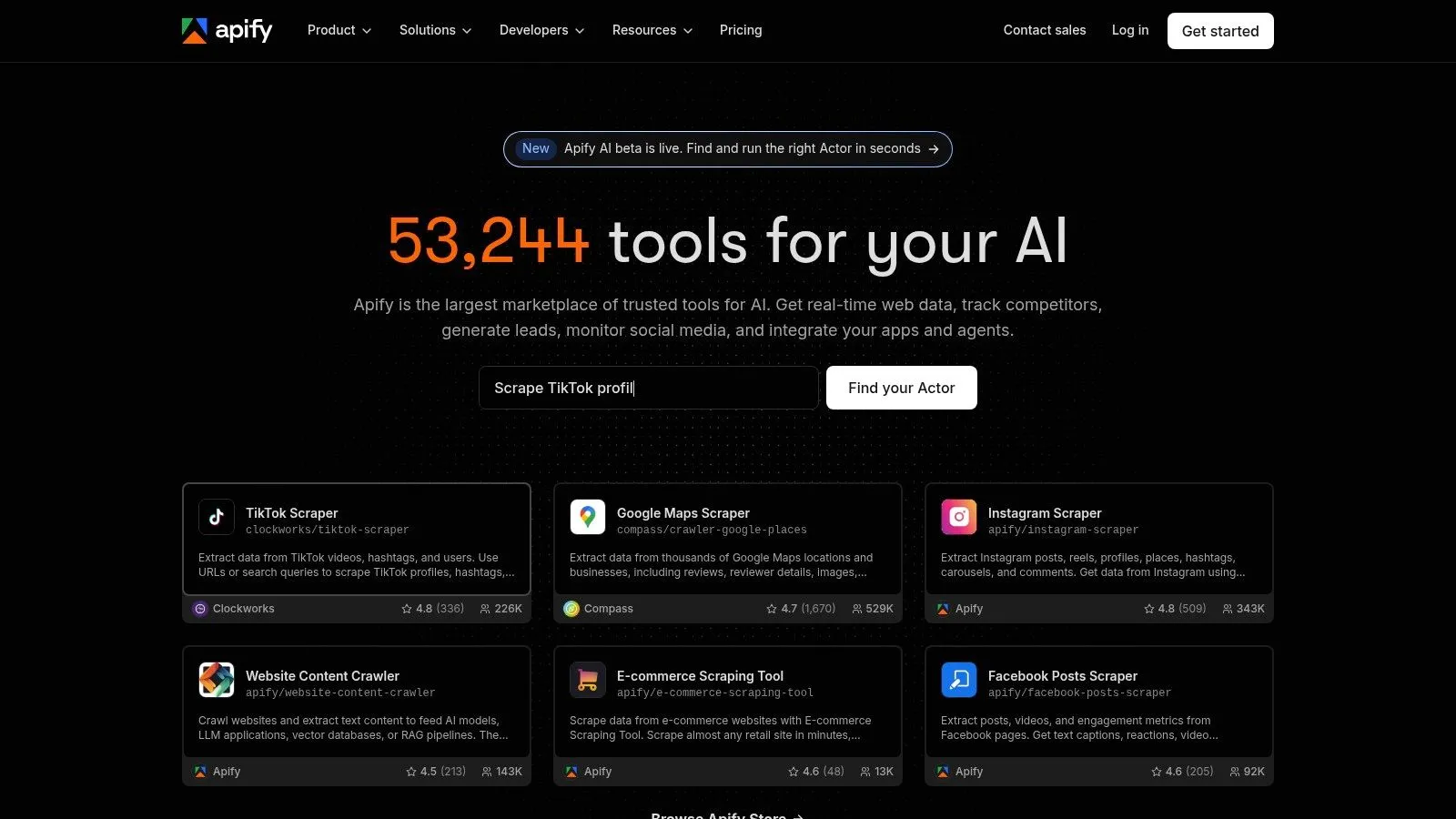
Apify is the platform you reach for when you want hosted scraping jobs without building your own infrastructure from scratch. Its hosted Actors work well for teams that need fast prototyping, scheduling, dataset storage, and managed execution in one place. The public template ecosystem is especially useful when you're testing a target and don't want to spend a day wiring up basic crawling plumbing.
Best when you want managed crawling and templates
Apify works best when your job is operational rather than experimental. You can launch ready-made Actors for common target types, store results in datasets, and automate recurring runs with scheduling and webhooks. That removes a lot of infrastructure overhead for teams that just need data coming in on a predictable cadence.
The trade-off is control. Once you get into highly protected targets, you'll still need to think about browser behavior, proxies, and custom logic, because no hosted platform can make the hard parts disappear. Apify can absolutely scale with you, but you still need to watch resource usage so billing doesn't drift upward on inefficient runs.
For practitioners, that makes Apify a solid middle ground. It gives you a managed runtime and a broad template ecosystem, but it doesn't force you into a no-code workflow if you prefer code. If you're comparing platform-first options, the Webclaw vs. Apify comparison is worth a look because the two tools solve different stages of the extraction problem.
Use Apify when the main question is how fast you can get a reliable recurring crawl into production. If the question is how to feed an LLM clean context by default, Apify usually needs more downstream cleanup.
3. Zyte API (by Zyte)
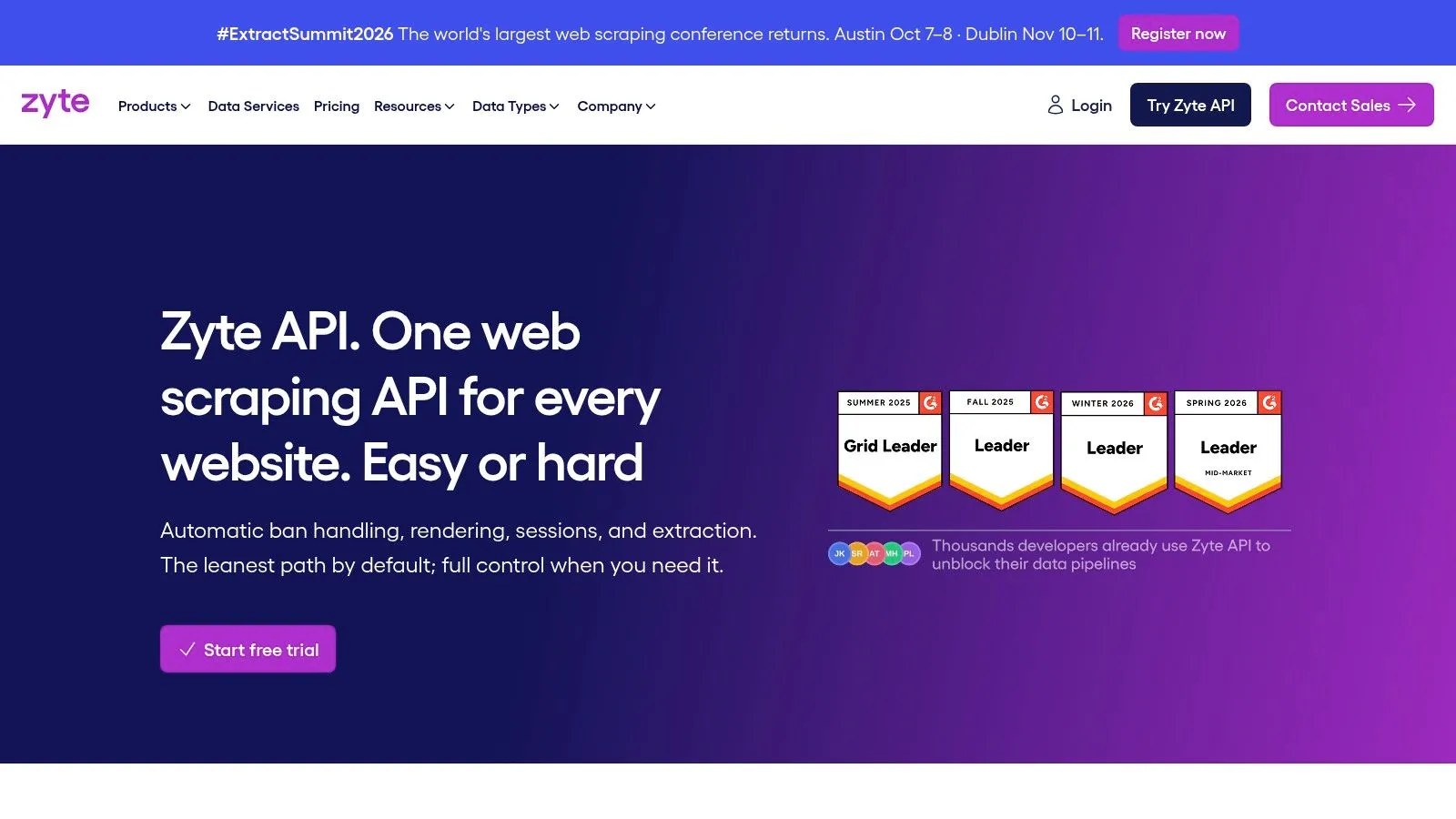
Zyte API makes sense when your target list isn't uniform. One site serves simple HTML, another pushes a SPA, and a third starts blocking obvious bots. A tool that can choose between HTTP, proxies, and browser rendering automatically cuts down on a lot of operational guesswork.
Best when targets vary in complexity
The value here is automatic decision-making. Zyte API can switch between plain requests, smart proxies, and managed browser rendering depending on the page, which is useful when your team doesn't want to hand-tune a different setup for every domain. It also provides browser scripting options for more complex flows, so you can go beyond simple page fetches when interactions are required.
That flexibility comes with a familiar downside, though. The more the platform abstracts, the less predictable some cost and execution details can feel when you're running mixed workloads. That's not a reason to avoid it, but it is a reason to model your request patterns before you standardize on it.
When a crawling project spans static pages, dynamic rendering, and anti-bot friction, the expensive mistake is usually not the wrong parser. It's managing three different scraping stacks manually.
If your team wants less ops work and can accept a managed black box in exchange for that convenience, Zyte belongs near the top of the shortlist. For a direct tool-level comparison, the Webclaw vs. Zyte analysis helps frame the difference between AI-first output and general-purpose scraping automation.
4. Bright Data Web Unlocker and Scraping Browser
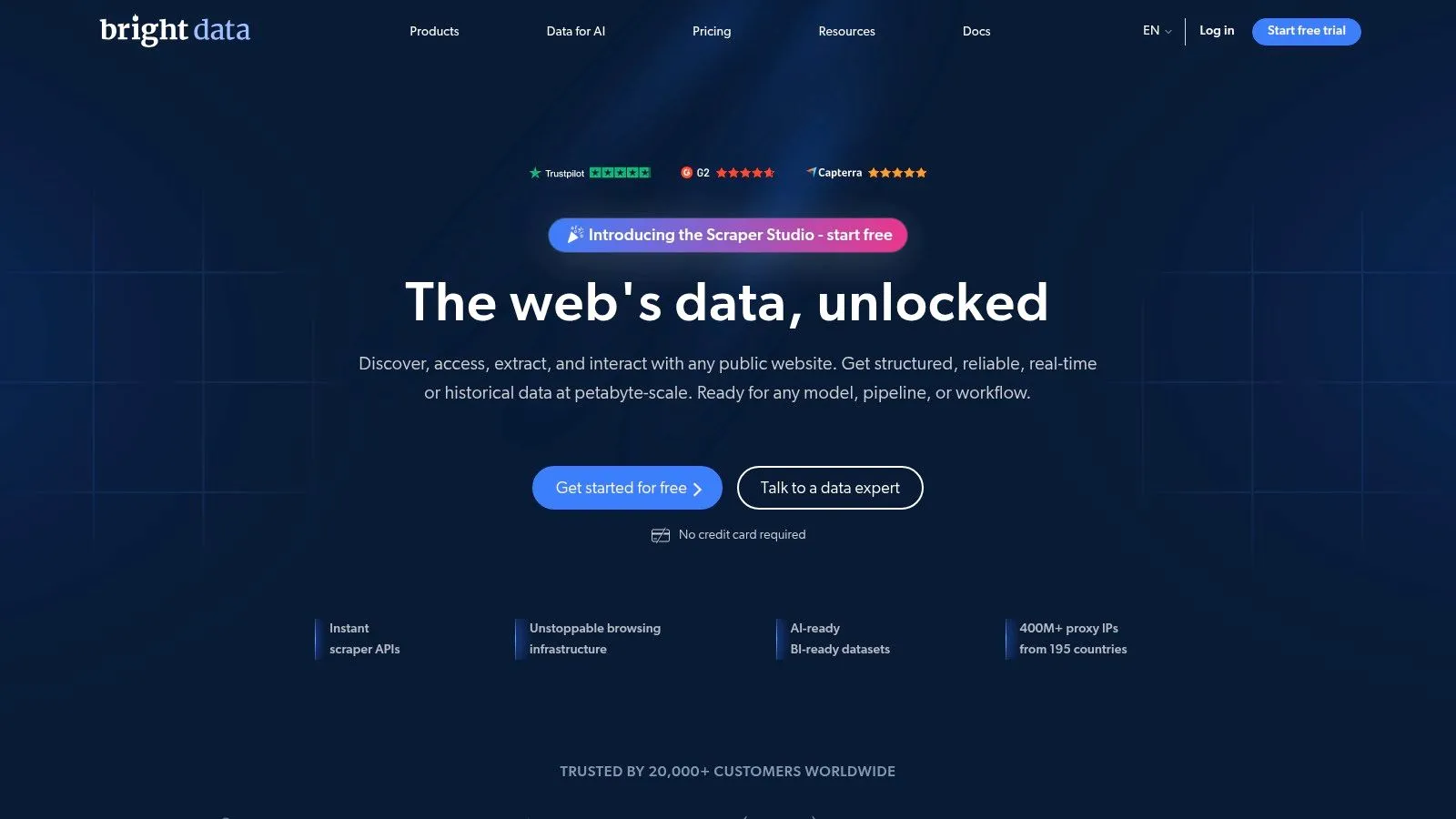
Bright Data is the enterprise-heavy option in this list. It combines request-level unblocking through Web Unlocker with a managed browser through Scraping Browser, so it's aimed squarely at teams that hit severe blocking, geo constraints, and brittle target behavior.
Best when blocking and geo-targeting are the problem
The strength of Bright Data is breadth. If a site is hostile to simple scrapers, you can move from direct requests to a managed browser without rebuilding your entire workflow. That's valuable for regulated industries, local-market research, and anything where location-specific content matters enough to justify a premium stack.
The trade-off is cost forecasting. Enterprise-grade unblocking stacks are rarely simple to budget for if your usage varies a lot, and request or browser-time models can become painful if scripts are inefficient. You need to be disciplined about target selection, retries, and pagination because the platform will happily do expensive work if you tell it to.
For teams that care more about success rate on hard targets than minimizing stack complexity, Bright Data is one of the safest bets. For a more model-centric alternative perspective, the Webclaw vs. Bright Data breakdown for LLM scraping is useful because it highlights the difference between infrastructure for access and infrastructure for clean context.
Use Bright Data when the scraping challenge is less about extraction logic and more about getting a stable, unblockable session in the first place.
5. Oxylabs Scraper APIs
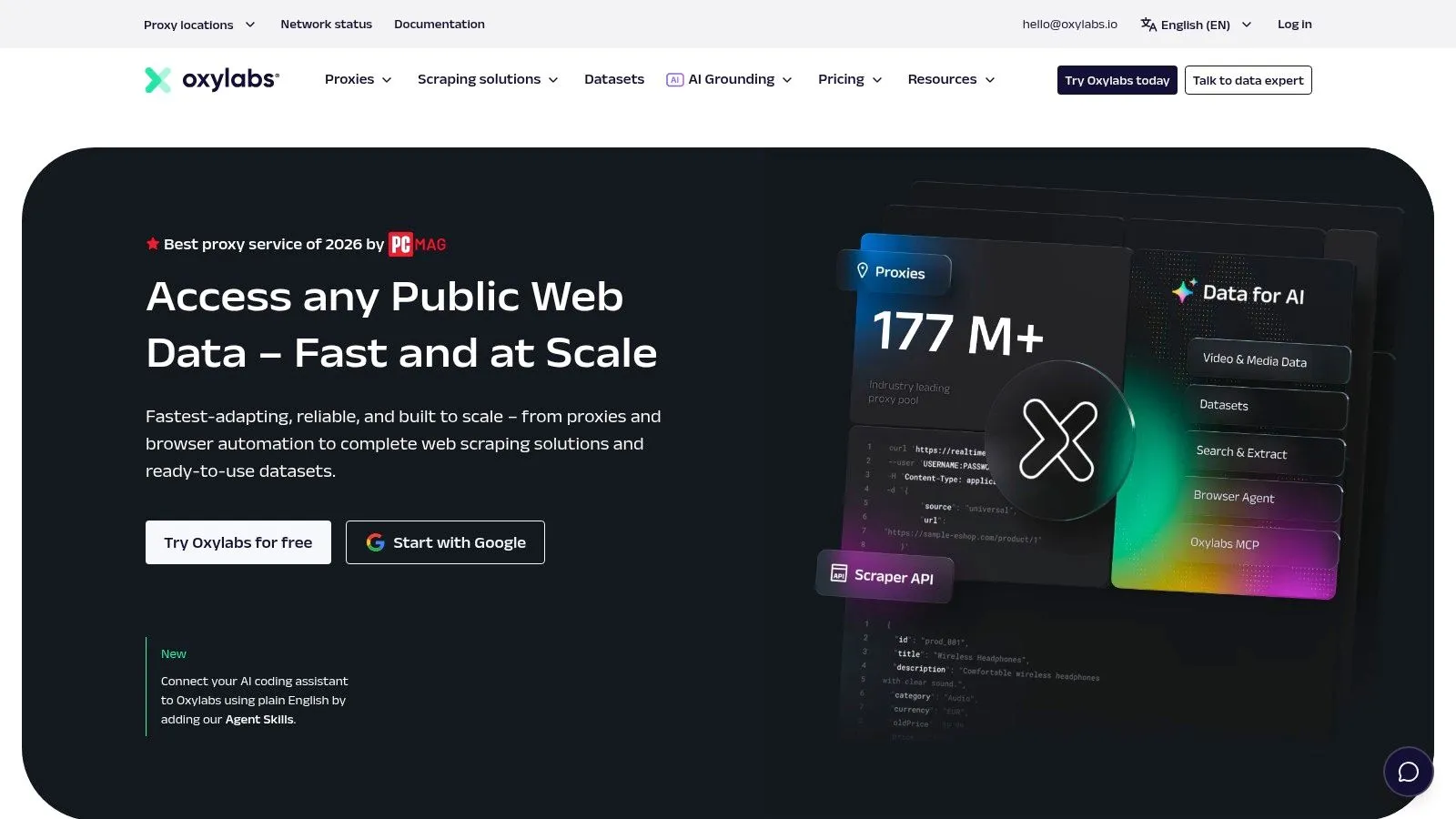
Oxylabs is built for teams that want a turnkey API surface with serious proxy backing. It's especially attractive when the workload is vertical, like SERP monitoring or e-commerce tracking, and the team wants a provider that already understands those patterns.
Best for enterprise-scale vertical scraping
What Oxylabs does well is package the ugly parts into a vendor-managed system. Scraper APIs for web, e-commerce, and search-related targets can reduce the amount of custom browser and proxy management your team has to own. That is useful when uptime and data consistency matter more than having complete control over every step.
The downside is obvious to anyone who has bought enterprise scraping infrastructure before. High reliability usually comes with a higher price tag, and cost modeling matters if your crawl volumes swing widely over time. Teams that don't watch request behavior closely can end up paying for convenience they didn't fully use.
If you need a provider that can support serious recurring extraction and still leave room for targeting by country, city, or ASN, Oxylabs belongs in the enterprise conversation. It's a better fit for established data operations than for solo builders looking for quick proof of concept. The practical difference from an AI-first stack is simple, Oxylabs helps you fetch at scale, but it doesn't try to make the output model-ready by default.
6. Scrapy
Scrapy still earns its place because it gives you full control without locking you into a hosted platform. It's the framework for developers who want to define crawl behavior, pipelines, deduplication, retries, and output exactly the way they need it, then keep that logic in their own codebase.
Best for code-first custom pipelines
The appeal of Scrapy is predictability. You own the request flow, the parsing rules, the retry behavior, and the output schema, which makes it excellent for teams that need bespoke pipelines or want to integrate tightly with their own infrastructure. It's also a strong fit when crawling rules are deterministic and you care about repeatability more than visual debugging.
The limitation is just as clear. Scrapy does not solve JavaScript rendering or anti-bot mitigation for you, so you'll still need proxies, browser integration, or other supporting tools when targets get difficult. That extra work is manageable for experienced teams, but it's a real maintenance burden if you only scrape occasionally.
A good rule is to use Scrapy when the site is stable enough that you can build durable parsing logic around it. If you need a browser to behave like a real user, Scrapy often becomes the orchestration layer rather than the whole stack. For a practical Python-oriented reference, see the Webclaw guide to crawling in Python.
Practical rule: if you're already comfortable owning infrastructure and parsing logic, Scrapy gives you the cleanest long-term control of the open-source options.
7. Playwright
Playwright is the browser automation tool many teams use when the page only makes sense after JavaScript runs. It gives you direct control over Chromium, Firefox, and WebKit, which is why it shows up so often in dynamic scraping workflows.
Best for dynamic pages and browser control
Playwright is strongest when the task needs interaction, not just retrieval. Login flows, infinite scroll, modal dismissals, and SPAs are all easier when you can script a real browser with reliable locators and auto-waits. That makes it useful for scraping scenarios where the content is present only after the page behaves like a user-facing application.
The cost is operational. You still have to manage execution, scaling, and anti-bot tactics yourself, and browser-heavy scraping uses more resources than request-only extraction. Teams often underestimate that overhead at the prototype stage, then discover that “works on my laptop” doesn't translate cleanly to production.
For pure scraping, Playwright is rarely the simplest tool. For hard dynamic pages, it's one of the most dependable foundations. If you want a side-by-side view of browser automation choices, the Webclaw comparison of Playwright and Puppeteer for web scraping is a good companion read.
Use Playwright when the browser itself is part of the data collection problem. If you only need clean text and structured output, it's usually more machinery than you need.
9. Diffbot
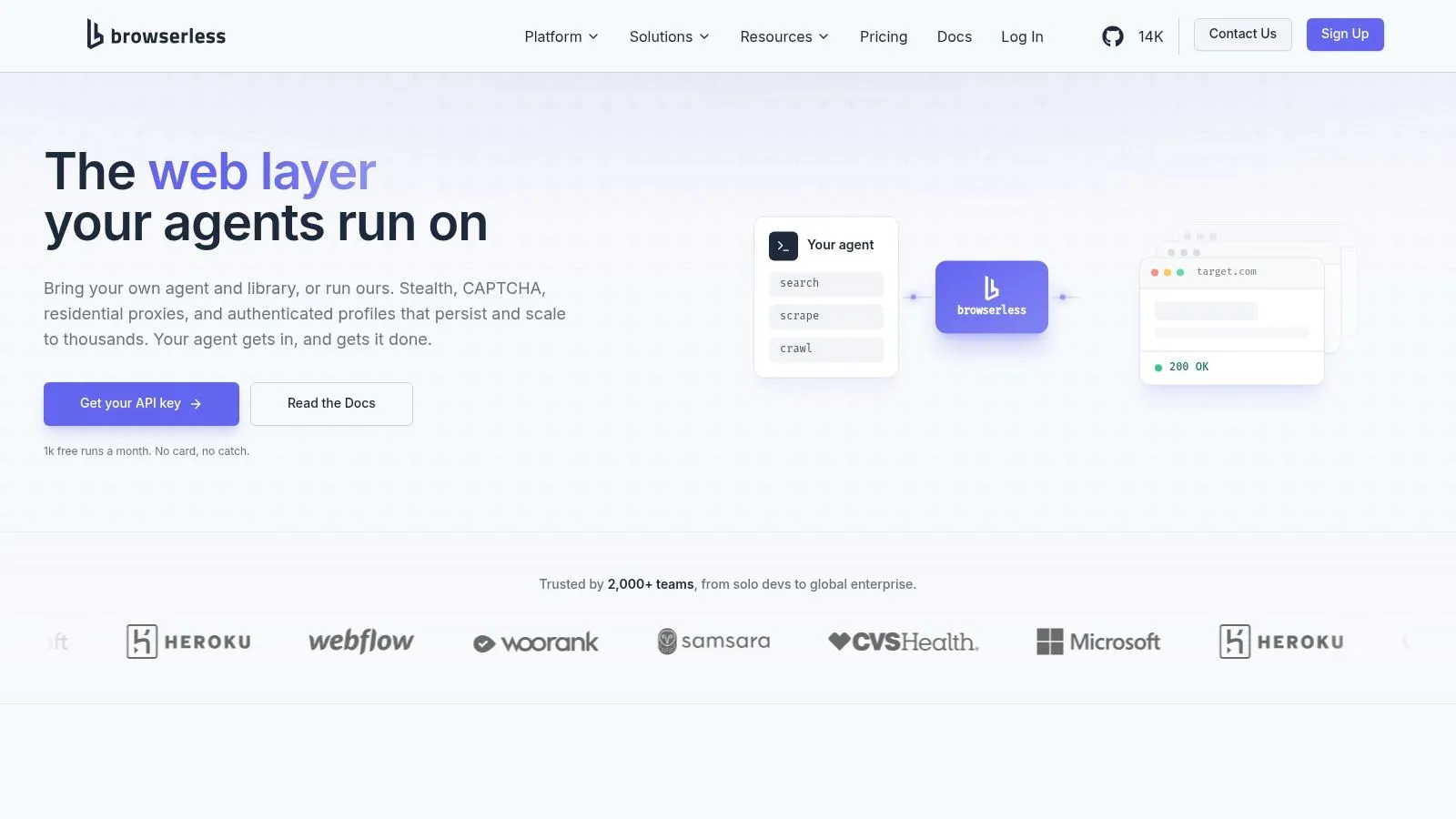
Diffbot offers a value proposition centered on extraction plus structure rather than fetch plus parse. It is built for teams that care more about normalized entities than raw HTML, and that difference matters once you need data you can query, compare, and reuse across sources.
Best for structured entity extraction
Diffbot is a strong fit when the output is a dataset of organizations, products, people, or articles rather than a one-off page scrape. Its Knowledge Graph and automatic extract APIs reduce the amount of site-specific rule writing you have to maintain, which helps when you are building analytics, enrichment, or monitoring workflows across many pages and domains.
That trade-off matters. You give up some control over field-by-field extraction in exchange for less maintenance and more normalized output. If a target site has a highly specific layout, or if you need pixel-level control over exactly which DOM nodes are captured, a hands-on framework may be the better choice.
Diffbot also works well in retrieval pipelines because structured entities are easier to query and reuse than raw page dumps. Teams that want to spend less time writing parsers and more time using the resulting data get a different kind of value from it than they do from request-based scraping tools.
9. Diffbot
Diffbot takes a different approach from most scraping tools because it focuses on automatic entity extraction. Instead of making you define selectors for every site, it tries to read pages as structured content and return data that is easier to reuse downstream.
Best for structured entity extraction
Diffbot is most useful when the end goal is a dataset of organizations, products, people, or articles, not just a single page scrape. Its Knowledge Graph and automatic extract APIs reduce the amount of site-specific rule writing you normally have to maintain, which makes sense for analytics and enrichment workflows that span many pages and domains.
That trade-off is real. You give up some field-level control in exchange for lower maintenance and more normalized output. If you need pixel-level extraction from a very specific site layout, a more hands-on framework may fit better. Diffbot works best when broad structure matters more than micromanaging every field on every target.
It also fits well into retrieval workflows because structured entities are easier to query and reuse than raw page dumps. For teams that want less parsing work and more normalized output, it offers a different value proposition from request-based scraping tools. It is extraction plus structure, not just fetch plus parse.
10. Octoparse
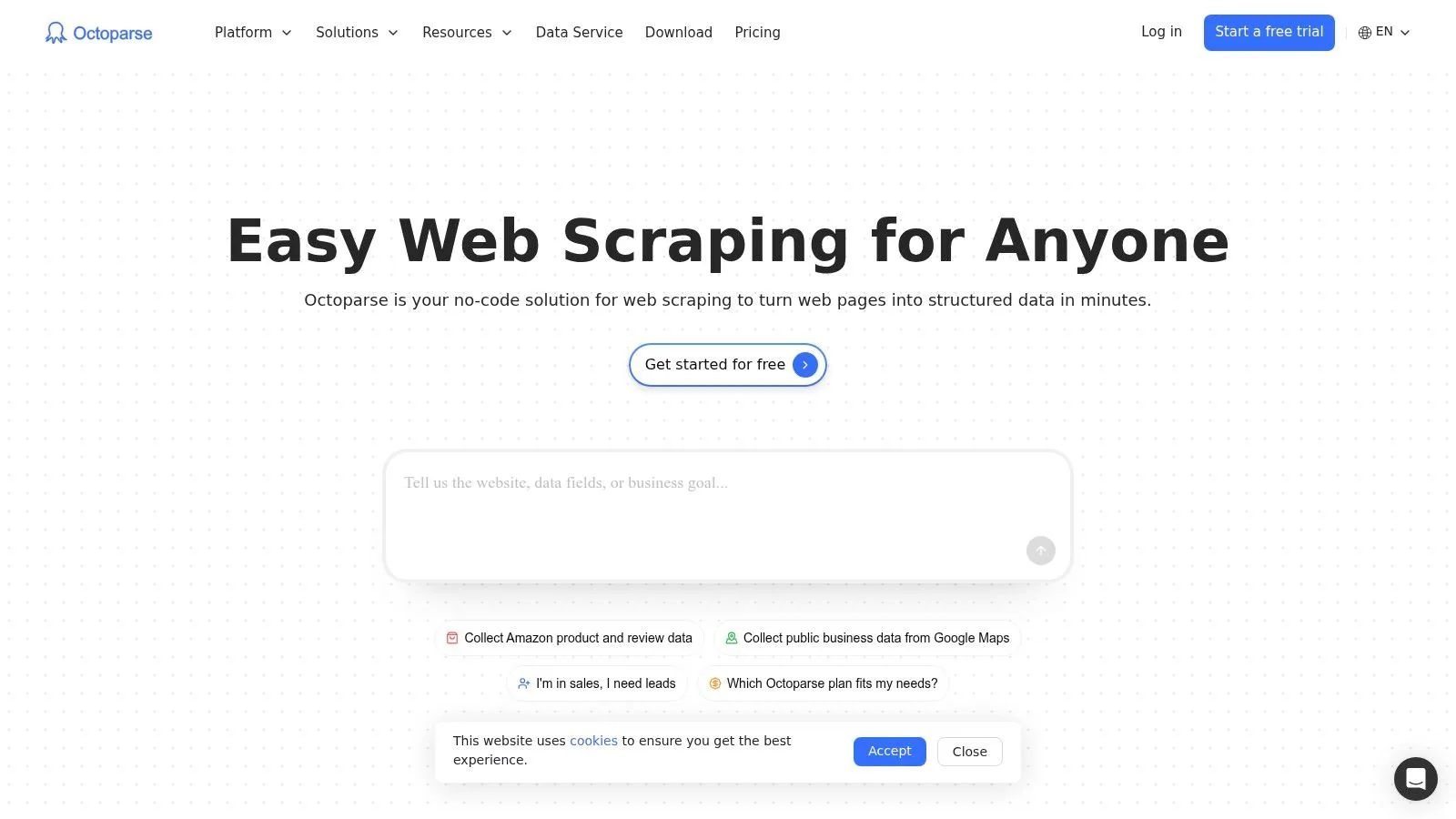
Octoparse is the no-code option that makes the most sense for marketers, analysts, and non-programmers who need data now. Its point-and-click interface lowers the barrier to entry, which matters when the priority is getting a dataset out of a site without building a scraper from scratch.
Best for no-code extraction
Octoparse works well when the job is repetitive and reasonably structured. Templates, cloud runs, and scheduling help teams avoid local machine dependence, which is handy for recurring pulls that don't justify a full engineering project. If you're doing straightforward extraction from familiar page structures, it gets you moving quickly.
The limitation is flexibility. Complex SPAs and aggressive bot defenses still need manual tuning, and there's only so far a visual tool can go before code-first tools become the better choice. That's not a flaw, it's the trade-off for faster onboarding.
For teams that need a fast path to output without writing code, Octoparse is still one of the most approachable choices. For teams that care about downstream LLM consumption, though, you'll usually need an extra cleanup step before the data is model-ready.
Top 10 Web Scraping Tools, Feature & Performance Comparison
| Tool | Core features ✨ | Unique strengths 🏆 | Target audience 👥 | Pricing / Value 💰 | Quality ★ |
|---|---|---|---|---|---|
| Webclaw | ✨ LLM‑optimized markdown/JSON/text, JS rendering, best-effort protected-page handling, MCP & SDKs | Token‑efficient , MCP tools, open‑source core | 👥 LLM/AI engineers, RAG/agent teams, researchers | 💰 Hosted plans; self-host the open-source core | Target-dependent extraction |
| Apify | ✨ Hosted Actors, templates, queues, storage, SDKs | Fast prototyping with ready‑run templates | 👥 Rapid prototypers, devs, integrations | 💰 Generous free tier; per‑resource billing | ★★★★ Scales well |
| Zyte API | ✨ Auto stack (proxy/browser/HTTP), JS rendering, geolocation | Smart decisioning for varying target complexity | 👥 Ops‑light teams targeting mixed sites | 💰 Managed service; project‑scoped pricing | ★★★★ Minimizes ops |
| Bright Data | ✨ Web Unlocker, Scraping Browser, large proxy network | High success on protected & geo‑sensitive targets | 👥 Enterprise scrapers, large‑scale ops | 💰 Premium enterprise pricing | ★★★★★ Enterprise‑grade |
| Oxylabs Scraper APIs | ✨ Turnkey Scraper APIs, JS option, geo targeting | Enterprise SLAs, strong at SERP/retail monitoring | 👥 Enterprise/monitoring teams | 💰 Higher cost; request/GB models | ★★★★ Reliable at volume |
| Scrapy | ✨ Python crawler engine, pipelines, middleware | Full programmatic control; OSS extensible | 👥 Developers building bespoke pipelines | 💰 Free OSS (self‑host infra cost) | ★★★★ Powerful but DIY |
| Playwright | ✨ Cross‑browser automation, resilient locators | High‑fidelity browser control & debugging | 👥 Engineers needing full browser automation | 💰 Free OSS (infra/scale costs) | ★★★★ Robust for SPAs |
| Browserless | ✨ Managed headless Chrome/Playwright, session pooling | Offloads browser ops; session/debug tools | 👥 Teams wanting browser‑as‑a‑service | 💰 Browser‑time billing; pay per session | ★★★★ Easy to integrate |
| Diffbot | ✨ Automatic AI extract APIs, Knowledge Graph, DQL | Structured entities & continuously‑crawled KG | 👥 Analysts, data teams needing entity graphs | 💰 Credit‑based; planning required | ★★★★ Great for graph analytics |
| Octoparse | ✨ Visual, template‑driven scraping, cloud runs | No‑code extraction for non‑developers | 👥 Marketers, analysts, non‑programmers | 💰 Freemium + paid cloud plans | ★★★ Quick ramp‑up, less flexible |
Choosing Your Tool A Quick Decision Framework
The best web scraping tools are the ones that fit the work in front of you, not the ones with the flashiest marketing. If your output is going straight into a model, an AI-first API like Webclaw is the most direct path because it strips noise and returns clean context by default. If your job is enterprise data collection on hostile targets, platforms like Bright Data and Oxylabs are built for that kind of reliability and proxy-heavy operation.
For teams that want full control, open-source frameworks still matter. Scrapy is a strong choice for deterministic crawling and custom pipelines, while Playwright is the better answer when JavaScript rendering and real browser behavior are essential. If you want to avoid infrastructure overhead altogether, Browserless can host the browser layer while your own code handles extraction.
No-code tools still have a place, especially for analysts and marketers who need something workable quickly. Octoparse is useful when a visual workflow is enough and engineering time isn't available. Diffbot sits in a different lane, too, because it's strongest when you want structured entities instead of hand-built parsing logic.
A practical way to decide is to start with the hardest part of your real workload. If the hard part is token waste and messy HTML, choose an AI-first extractor. If the hard part is bans and geo-blocks, choose a managed unblocking stack. If the hard part is maintaining your own logic, choose a framework only when the control is worth the cost.
If you're building agents, RAG pipelines, or research tools right now, don't settle for a scraper that hands your model a pile of boilerplate. Start with Webclaw, test it on the pages that usually break your stack, and see how much cleaner your downstream workflow becomes.