
Sitecrawler Alternatives: Top 10 Web Scraping APIs 2026
You're probably staring at a scraper that still works on easy pages, then falls apart the moment a site ships client-side rendering, bot protection, or a layout full of noise. That's the core reason sitecrawler alternatives matter now, especially if you're feeding pages into a RAG pipeline, an agent, or any workflow where raw HTML becomes expensive, messy context. The old “just crawl it” mindset breaks down fast when the output has to be clean enough for a model to trust.
The market has also split. Some tools are still built for classic SEO audits, some are browser-first, and others are now designed around LLM-ready output and structured extraction. If you're comparing options for production work, the right question isn't “which crawler works,” it's “which one gives me reliable, token-efficient context with the least engineering pain.”
1. Webclaw
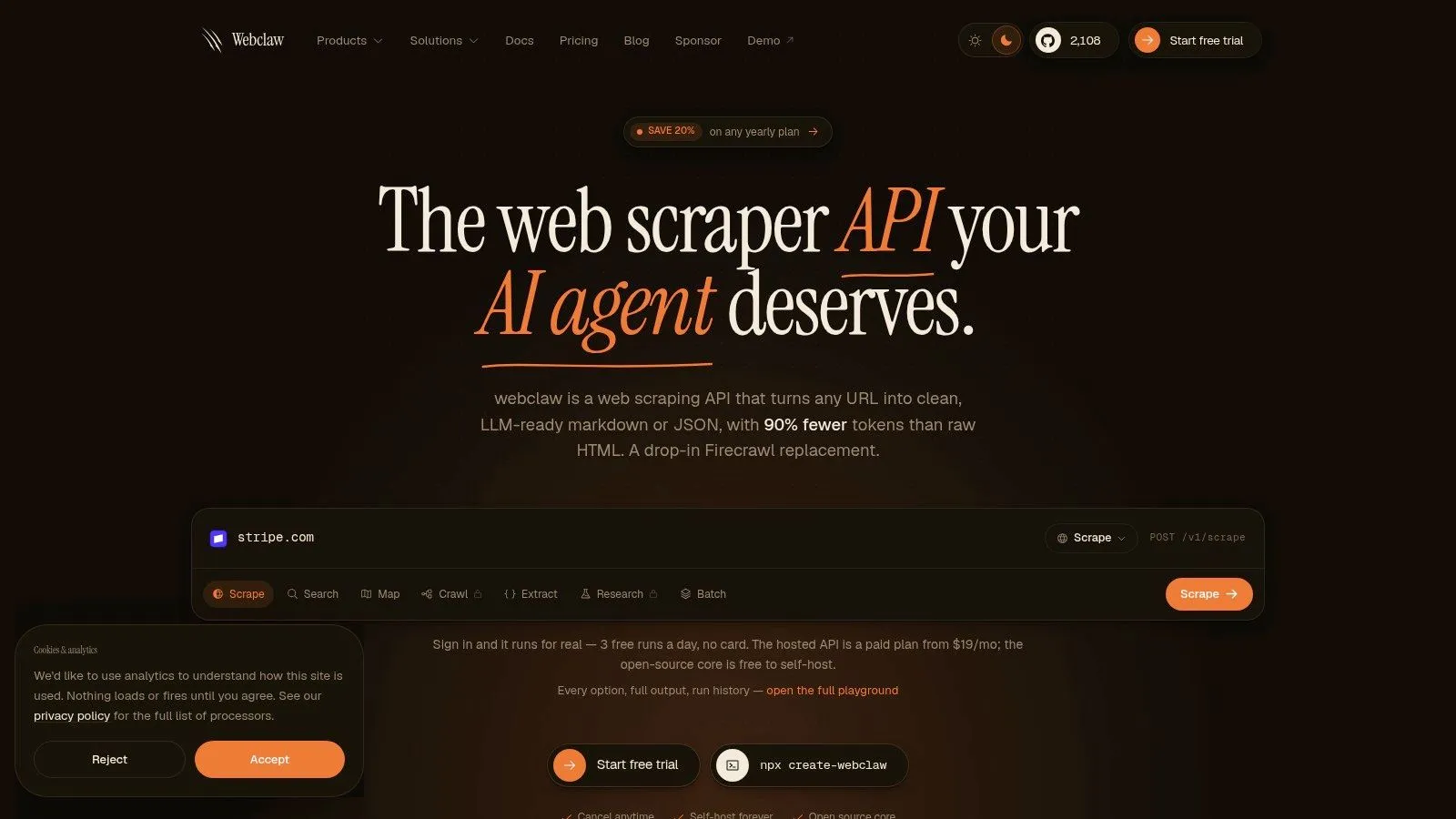
Webclaw is the clearest AI-native option in this list for teams that need scraped pages to become clean, token-efficient context instead of another pile of HTML to sanitize later. It is built for developers who care about what reaches an LLM, agent, or retrieval layer, not just whether a page was fetched. The hosted API runs on a single REST key, and the product surface covers scraping, crawling, mapping, search, batch work, summarization, research, brand analysis, diffing, and structured extraction.
Practical rule: if the page is going into an LLM, measure output quality before you measure crawl success rate.
The output control is the main reason it stands out. Webclaw supports Markdown, JSON, plain text, LLM-optimized output, and raw HTML, and its vertical extractors can return typed JSON instead of pushing generic page dumps through your post-processing stack. That reduces token waste and cuts down on brittle parsers, which is often where production pipelines break. The platform also renders JavaScript, supports BYO proxies, and is built to get through many of the anti-bot layers that stop naive HTTP fetchers.
What makes it different in production
The integration path is straightforward for teams building agents. Webclaw provides official SDKs for TypeScript, Python, and Go, plus a CLI and an MCP server that can connect with tools like Claude and Cursor. The hosted API uses credit-based plans starting at $19/month, while the open-source core is available locally under AGPL-3.0, which gives you deployment control if you are willing to work within the license terms.
The trade-off is cost behavior. Credit-based billing can rise quickly when protected targets require heavier extraction paths, and self-hosting only solves part of that problem if your workflow still depends on cloud-assisted capabilities. For teams that care about LLM-readability, privacy-aware request handling, and fast integration, Webclaw is a strong fit among sitecrawler alternatives.
Residential backconnect proxy guidance
2. Apify
Apify sits at the platform layer, not the narrow API layer. That's useful if you don't want to stitch together crawlers, queues, proxy handling, and storage from scratch, because Apify's Actors already package those concerns into reusable jobs. The ecosystem is broad, and that makes it attractive for teams that need a mix of crawling, automation, and production scheduling instead of a single-purpose fetch endpoint.
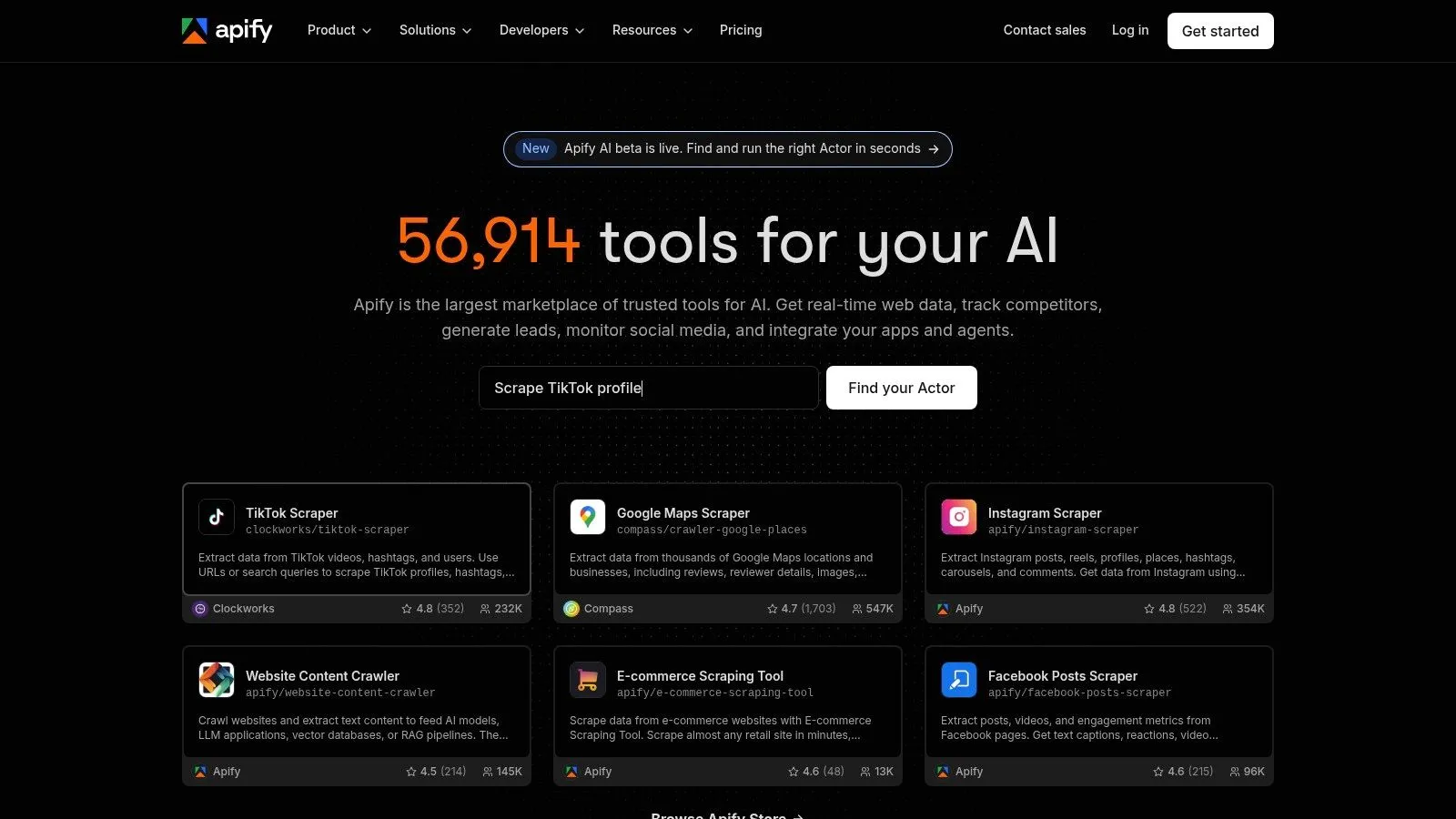
The upside is speed to first value. You can move from prototype to production without building much infrastructure yourself, and the marketplace of maintained scrapers reduces setup time when the target site is common. The downside is that you inherit a lot of platform decisions, including the compute model, Actor quality variance, and the need to vet third-party components instead of assuming every scraper in the marketplace is production-safe.
Where Apify fits and where it doesn't
Apify is strongest when your team wants a managed system for repeatable jobs, not just a URL-in, content-out call. It's also a better fit when you expect to run scheduled tasks, handle multiple targets, or keep extracted data in platform storage without wiring all of that yourself. If you need a simple crawl API for RAG ingestion, it can feel heavier than necessary.
The other issue is cost visibility. The credit and compute-unit model can be hard to reason about at first, especially if different Actors use different runtime patterns. That's not a dealbreaker, but it does mean teams should test before committing to an architecture built around it.
Apify alternative guidance for AI crawlers
3. Zyte API formerly Scrapinghub
Zyte API is the kind of tool teams pick when they care more about predictable fetch success than about controlling every browser step. It combines HTTP and full-browser modes with automatic request tiering, so the service can choose a cheaper path when a site is easy and escalate when a site needs more machinery. For production teams, that can remove a lot of operational guesswork.
The strongest part of Zyte's approach is unblocking discipline. The product is backed by Zyte's proxy and anti-blocking stack, and it offers optional auto-extraction, screenshots, and network capture when you need more than a page fetch. That makes it practical for teams that want a managed service without building browser fleets or proxy routing logic themselves.
The trade-off is opacity, not capability
Zyte can be very capable, but the pricing model isn't always transparent until you test the target. That matters if your workloads vary by domain difficulty or if you're operating on a budget and need to forecast usage carefully. Automatic features also add per-request cost, so a workflow that looks simple on paper can get more expensive once you layer in extraction and browser handling.
For developers building AI pipelines, Zyte is best when reliability matters more than output specialization. It gets pages, captures what happened, and keeps the fetch layer abstracted. If your main issue is getting through blocks and you're fine doing your own post-processing, it's a solid option.
4. Bright Data Web Unblocking API and Scraping Browser
Bright Data is built for hard targets. If you are dealing with protected, interactive, or JavaScript-heavy sites, its Web Unblocking API and Scraping Browser give you two different ways to handle anti-bot friction. The first focuses on getting pages through with retries and proxy management, while the second gives you remote browser control when navigation and interaction matter.
That split is useful, but it also means you have to decide up front how much machinery your workflow needs. If you only need content from simple pages, Bright Data can be more infrastructure than necessary. If you are crawling targets that punish naive requests, the managed browser layer and proxy rotation are the kind of tooling that saves engineering time and keeps jobs alive.
You do not buy Bright Data for elegance. You use it when failure is more expensive than complexity.
The practical issue is overlap. The API and browser tooling solve adjacent problems, so teams need to decide whether they want raw request handling or interactive browser automation. If that boundary is unclear, setup can drift and the stack gets harder to reason about. Once the architecture is defined, Bright Data is one of the more serious answers for hostile sites and workflows where bot resistance is the main obstacle.
residential backconnect proxy patterns
5. Oxylabs
Oxylabs is another enterprise-grade choice, but it's more explicitly a suite than a single tool. You get scraper APIs, a Web Unblocker, and large proxy pools in one place, which is useful if your crawling stack needs both extraction and the network layer to be managed by the same vendor. That combination matters when jobs get large, regulated, or distributed across multiple geographies.
The main advantage is coverage. Teams can use JavaScript rendering, country or city geotargeting, and proxy options that span residential, ISP, mobile, and datacenter use cases. That makes Oxylabs appealing for organizations that don't want to bolt together separate products for each layer of the stack.
Why teams outgrow lighter tools
Oxylabs tends to make sense when small utility APIs stop being enough. If you're running a serious data collection program, the support posture and enterprise framing can matter as much as the scraper itself. The downside is straightforward, the breadth can be too much for smaller teams, and the best economics often live higher up the commitment ladder.
If your workload is simple, Oxylabs may feel like buying a freight truck to carry groceries. If your workload needs scale, region control, and unblocking in one stack, that same truck starts to look reasonable.
6. ScrapingBee
ScrapingBee is one of the cleaner middle-ground choices. It gives developers a familiar API surface, optional JavaScript rendering, rotating and premium proxies, geotargeting, and an Auto-Mode that tries to choose the cheapest setup that still works. That's a sensible model for teams that want better success rates without jumping straight into a full managed-browser stack.
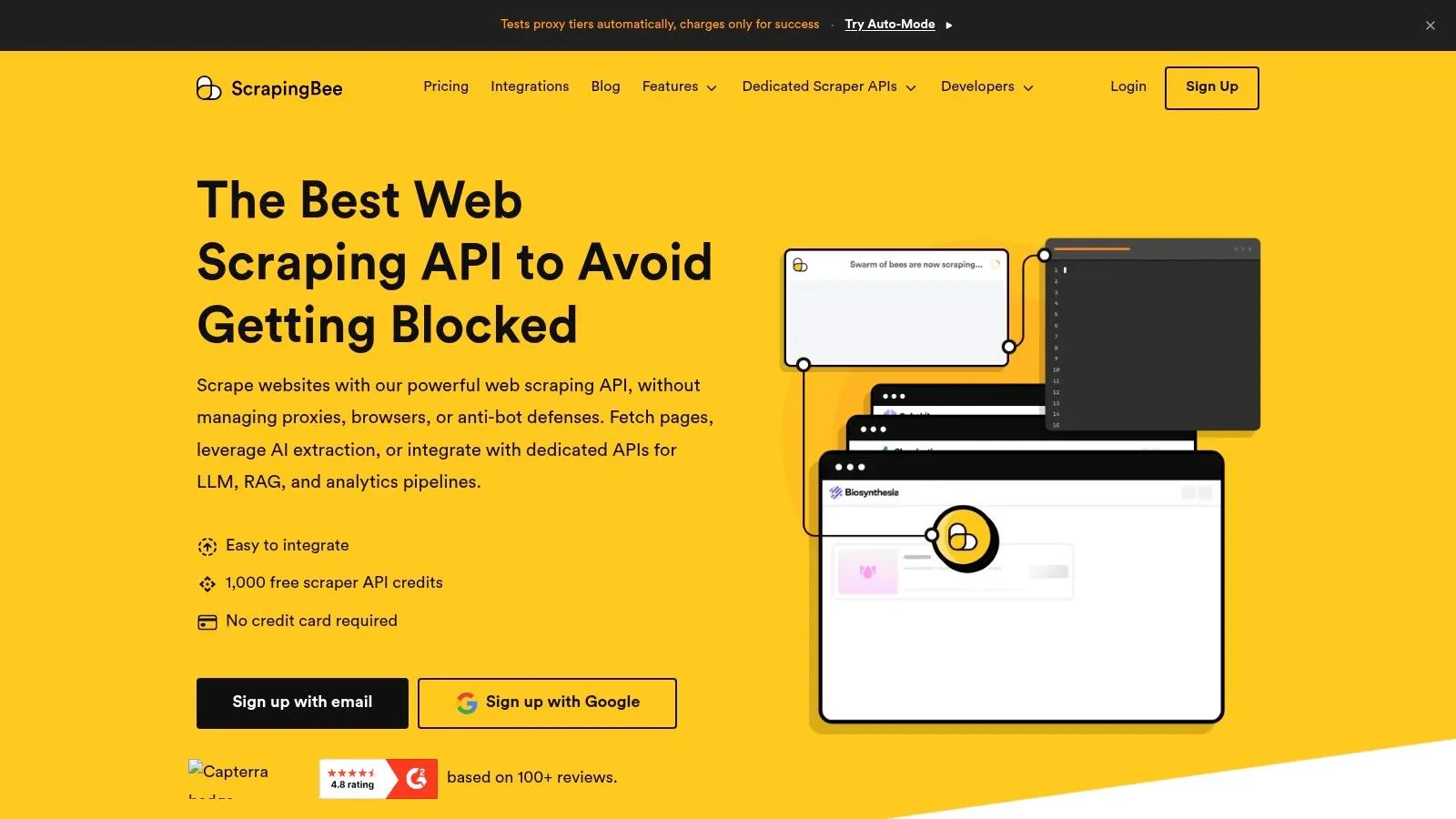
The developer experience is the selling point. It's quick to integrate, the documentation is easy to work with, and it suits e-commerce or product-page scraping well because you can move from one URL to a repeatable request pattern without much ceremony. The CLI also makes it easier to automate small jobs without building a separate control plane.
Where it starts to bend
ScrapingBee is not a full orchestration platform. If your crawl spans retries, queues, scheduled workflows, and cross-job state, you'll need external infrastructure. Credit consumption is also something to watch when targets get difficult, because the convenience of rendering and premium proxy handling can turn into a larger bill than expected.
Still, for many builders, this is the sweet spot between raw browser control and a heavyweight managed service. You get enough control to handle modern pages, without the overhead of treating every crawl like a bespoke engineering project.
7. Crawlbase formerly ProxyCrawl
Crawlbase is attractive because it drops into existing systems with minimal refactoring. You can use it as a Crawling API, as a proxy, or as an asynchronous crawler, which means teams can choose the integration style that fits their current stack instead of rewriting everything at once. That makes it practical for incremental migrations.
The broad value is flexibility. You get JavaScript rendering when needed, CAPTCHA handling, geo-routing, screenshots, and markdown or text output options. For AI workflows, that means Crawlbase can sit in front of your existing pipeline and clean up a lot of fetch complexity before content reaches downstream code.
Useful when you already have a scraper
Crawlbase is especially reasonable when the question isn't “build a crawler from scratch,” but “how do we make our current crawler stop breaking?” The proxy mode is the most underrated part of the product because it reduces code changes and can be easier to slot into legacy systems.
The trade-off is that it's less opinionated about AI output than some newer options. It gives you the plumbing, but you still need to think about how the extracted content becomes model-friendly context. For engineering teams that already own the transformation layer, that's fine. For teams looking for a direct path into RAG, it may leave too much work on your side.
8. Browserless
Browserless is for teams that already know they need a real browser, not just a fetch layer. It hosts Playwright and Puppeteer infrastructure as a service, which gives you session persistence, proxy options, and browser control without maintaining your own headless fleet. That's a strong fit for authenticated flows, multi-step interactions, and workflows where browser state matters.
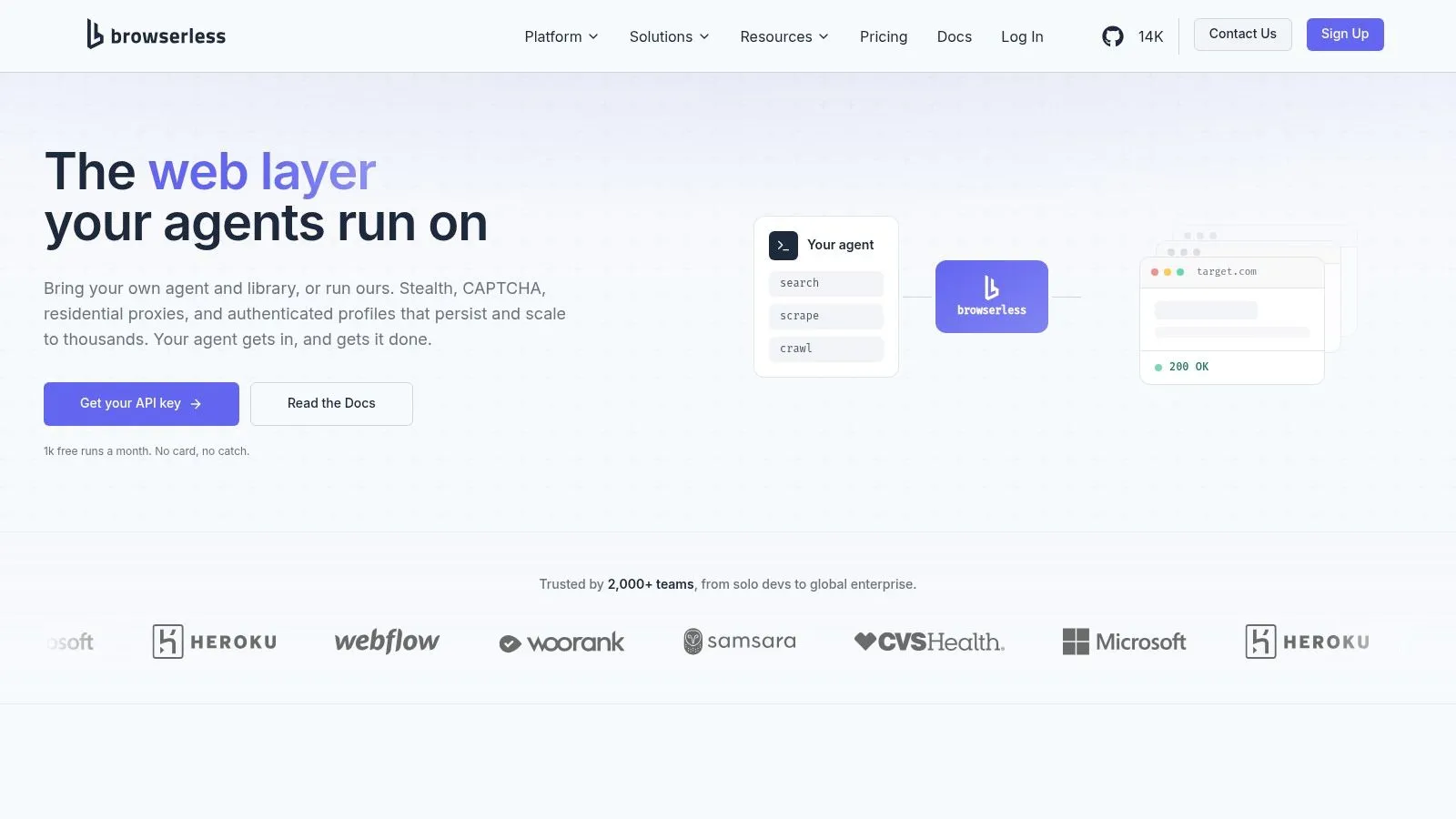
The product is not trying to be a one-step extractor. It expects you to bring navigation logic, which is exactly why experienced developers like it. You keep control over the browser code you already trust, and Browserless handles the infrastructure that usually turns into a maintenance burden.
Practical rule: choose Browserless when the browser session is the product, not when the page content is the product.
That distinction matters for AI projects too. If an agent has to log in, click, or persist state across actions, Browserless is a clean way to operationalize that behavior. If you want a page converted into clean text for retrieval, a crawl API will usually be faster and easier.
JavaScript rendering fallback patterns
9. Firecrawl Mendable
Firecrawl is a clear example of the shift toward LLM-ready crawling. It focuses on turning pages and entire sites into clean Markdown and structured outputs, which makes it a practical fit for docs ingestion, research pipelines, and retrieval systems that should not waste cycles cleaning HTML before a model sees it.
The product also fits the newer crawler split that shows up in open-source discussions, where tools are judged less on raw crawl coverage alone and more on whether they produce output that works well in model workflows. Firecrawl sits in the second group, and that is why it keeps coming up in AI infrastructure conversations.
Why AI teams keep reaching for it
The main benefit is speed to context. Crawl, scrape, map, search, and monitor endpoints reduce the amount of glue code needed, and browser interaction support helps when pages require clicks or login flows. For AI teams, that means fewer extraction layers between the website and the retrieval index, and less formatting work before chunking or embedding.
The trade-off is control. Firecrawl is built more around getting clean content out quickly than around low-level browser tuning. That is a good fit if your bottleneck is content ingestion and token-efficient output. It is a weaker fit if you need to micromanage complex navigation or step through unusual anti-bot behavior at the browser level.
10. Diffbot
Diffbot sits in a different layer of the stack. It combines automatic extraction, large-scale crawling, a commercial Knowledge Graph, and NLP APIs, so the value is not just in collecting pages. It is in turning those pages into typed entities and enriched data that downstream systems can query. That matters for AI and search applications that need more than documents.
The main advantage is that Diffbot does more than crawl. It normalizes what it finds, which helps teams that need page type detection, entity extraction, and graph-oriented access in one system. For builders of retrieval pipelines, that can remove a meaningful amount of manual parsing and schema cleanup. If the output needs to feed search indexes, entity stores, or agent tooling, that structure can save time.
When Diffbot makes sense
Diffbot fits better when the job is synthesis rather than simple ingestion. If you need a queryable layer on top of crawled pages, the Knowledge Graph changes the workflow in a practical way. It also stands out among sitecrawler alternatives because enrichment is part of the product, not an add-on you have to assemble later.
That makes it useful for AI teams that care about output quality, not just crawl completion. Structured entities can reduce token waste because the model sees cleaner fields instead of raw page noise. It can also help RAG systems keep retrieval focused on facts that are easier to rank and reuse. For teams building assistants, discovery tools, or knowledge systems, that can improve the shape of the context they pass into the model.
There is a clear trade-off. If you do not need the graph layer or the NLP layer, you may pay for functionality you will not use. For narrow scraping jobs, that is hard to defend. For teams that need typed knowledge, searchable enrichment, and a more opinionated data layer, Diffbot makes more sense. For teams comparing extraction approaches, this guide on extract structured data from any webpage is a useful companion read.
Top 10 Sitecrawler Alternatives, Feature Comparison
| Product | Core features & unique points ✨ | Reliability & quality ★ | Target audience 👥 | Value & pricing 💰 |
|---|---|---|---|---|
| Webclaw | ✨ LLM‑optimized outputs, API endpoints (scrape/crawl/extract/search/brand/diff), JS rendering & best-effort protected-page handling, BYO proxies, SDKs & CLI | Evaluate extraction quality on your target pages | 👥 AI/LLM engineers, dev teams, data/research teams, CTOs & solo builders | 💰 Starter $19/mo (10k credits); credit‑based; self‑host AGPL core |
| Apify | ✨ Actors (serverless jobs), SDKs, built‑in proxies/storage, large scraper marketplace | ★★★★☆ Mature ecosystem; production‑ready when vetted | 👥 Teams needing marketplace scrapers & automation | 💰 Prepaid usage + overage; transparent tiers |
| Zyte (Scrapinghub) | ✨ HTTP/browser modes, automatic request tiering, auto‑extraction, screenshots & network capture | ★★★★☆ Strong proxy and anti‑bot handling; pay‑for‑successful responses | 👥 Teams wanting predictable success without micromanaging infra | 💰 Pay‑only‑for‑success; spending caps & volume discounts |
| Bright Data | ✨ Web Unblocking API, Scraping Browser, CAPTCHA solving, automated fingerprinting & rotation | ★★★★★ Very effective for high‑friction, JS‑heavy targets | 👥 Enterprises & ops targeting highly protected sites | 💰 Premium pricing; pay‑for‑success; trials available |
| Oxylabs | ✨ Scraper APIs + large proxy pools (residential/ISP/mobile), geo‑targeting, Web Unblocker | ★★★★☆ Enterprise SLAs, scale & support | 👥 Large enterprises needing scale, compliance & support | 💰 "Starts from" pricing; trials; higher tiers for best economics |
| ScrapingBee | ✨ Single‑request API with JS render, Auto‑Mode, rotating premium proxies, CLI | ★★★★☆ Simple, consistent for e‑commerce/product pages | 👥 Devs wanting fast integration and predictable results | 💰 Simple credit pricing; cost‑effective for many targets |
| Crawlbase (ProxyCrawl) | ✨ Crawling API + plug‑as‑proxy mode, async enterprise crawler, webhooks, markdown/text output | ★★★☆☆ Flexible integration; reliable for varied workflows | 👥 Teams dropping a proxy layer in front of existing scrapers | 💰 Usage‑based & package pricing; larger tiers vary |
| Browserless | ✨ Browser‑as‑service (Playwright/Puppeteer), session persistence, proxies, CAPTCHA add‑ons | ★★★★☆ Fine‑grained browser/session control; you handle navigation logic | 👥 Teams needing authenticated flows, multi‑step automation | 💰 Unit‑based metering; add‑ons may add cost |
| Firecrawl (Mendable) | ✨ LLM‑ready Markdown/JSON, crawl/map/monitor/search, Browser Interact for flows | ★★★☆☆ Fast token‑efficient outputs; credit‑based model | 👥 Docs ingestion, RAG pipelines, research teams | 💰 Monthly credits model with free tier; per‑action credits |
| Diffbot | ✨ Auto extraction by page type, large‑scale crawls, commercial Knowledge Graph & NLP APIs | ★★★★☆ Rich entity enrichment & KG; pricier for heavy refreshes | 👥 Teams needing KG/enriched, queryable graph data | 💰 Higher cost for KG/NLP; clear credit calculator |
Final Verdict From Raw Data to AI-Ready Context
Most sitecrawler alternatives are still solving the old problem, getting pages from the web without breaking. That's useful, but it's no longer enough for teams building RAG systems, AI agents, and data pipelines that need the web converted into something a model can use. The distinction now is between tools that fetch content and tools that produce clean, structured, token-efficient context.
If your priority is AI-ready output, Webclaw is the clearest fit in this list. It's built around a workflow where the page arrives already simplified, rendering and anti-bot handling happen in the background, and the output can be shaped for downstream models instead of being cleaned later. That combination is especially strong when you care about reliability on difficult sites and want to avoid wasting tokens on navigation, banners, and duplicate markup.
If your priority is browser control, Browserless is the more natural choice because it lets you run Playwright or Puppeteer without managing the browser fleet yourself. That's valuable when the work is interactive, authenticated, or session-heavy. For broad managed platforms, Apify and Diffbot are more suitable when you want ecosystem breadth or enrichment layers, while Zyte, Bright Data, Oxylabs, ScrapingBee, and Crawlbase make more sense when the main problem is resilient fetching at scale.
The market trend underneath all of this is clear. Web crawling is no longer just about page discovery, it's part of the extraction stack feeding modern AI systems. That's why the best choice depends less on “can it crawl?” and more on “can it give me the right output, reliably, on the kinds of sites I use?”
If you're building RAG pipelines, agents, or research workflows, try Webclaw and see how much cleaner your context gets when crawling is designed for models instead of raw HTML. It's a practical way to replace brittle scraping steps with output that's easier to trust, easier to index, and easier to ship.