
Top Selenium Alternatives for 2026: A Full Guide
Your Selenium suite is slow, flaky, and expensive to babysit. Every broken locator, every wait you had to tune, and every browser setup issue reminds you that the web moved on while your test stack stayed stuck in 2004. Selenium still has a massive installed base, with 55,785+ companies in one 2026 summary and 63,549 in another, plus market share estimates around 25.39% and 26.12% in those same snapshots, which is exactly why selenium alternatives compete so hard on migration cost and maintenance reduction, not just feature checklists (market snapshot).
The bigger shift is that modern tools are winning on adoption and developer satisfaction. One 2026 analysis said Playwright passed Selenium in npm weekly downloads in Q3 2025, another put Playwright at 30 million weekly downloads versus Selenium's 6.5 million, and practitioner adoption was reported at 45.1% for Playwright versus 22.1% for Selenium (market summary). In JavaScript test automation, another 2026 trend report showed Playwright around 33 million weekly downloads versus roughly 2 million for selenium-webdriver, while Cypress stayed around 5 to 6.5 million weekly downloads (adoption trends).
That doesn't mean Selenium is dead. It means the default choice is no longer obvious. If you're choosing a tool for UI testing, scraping, or AI-driven automation in 2026, the right answer depends on whether you care most about browser breadth, debugging speed, maintenance burden, or how clean the output is for models and agents.
1. Webclaw
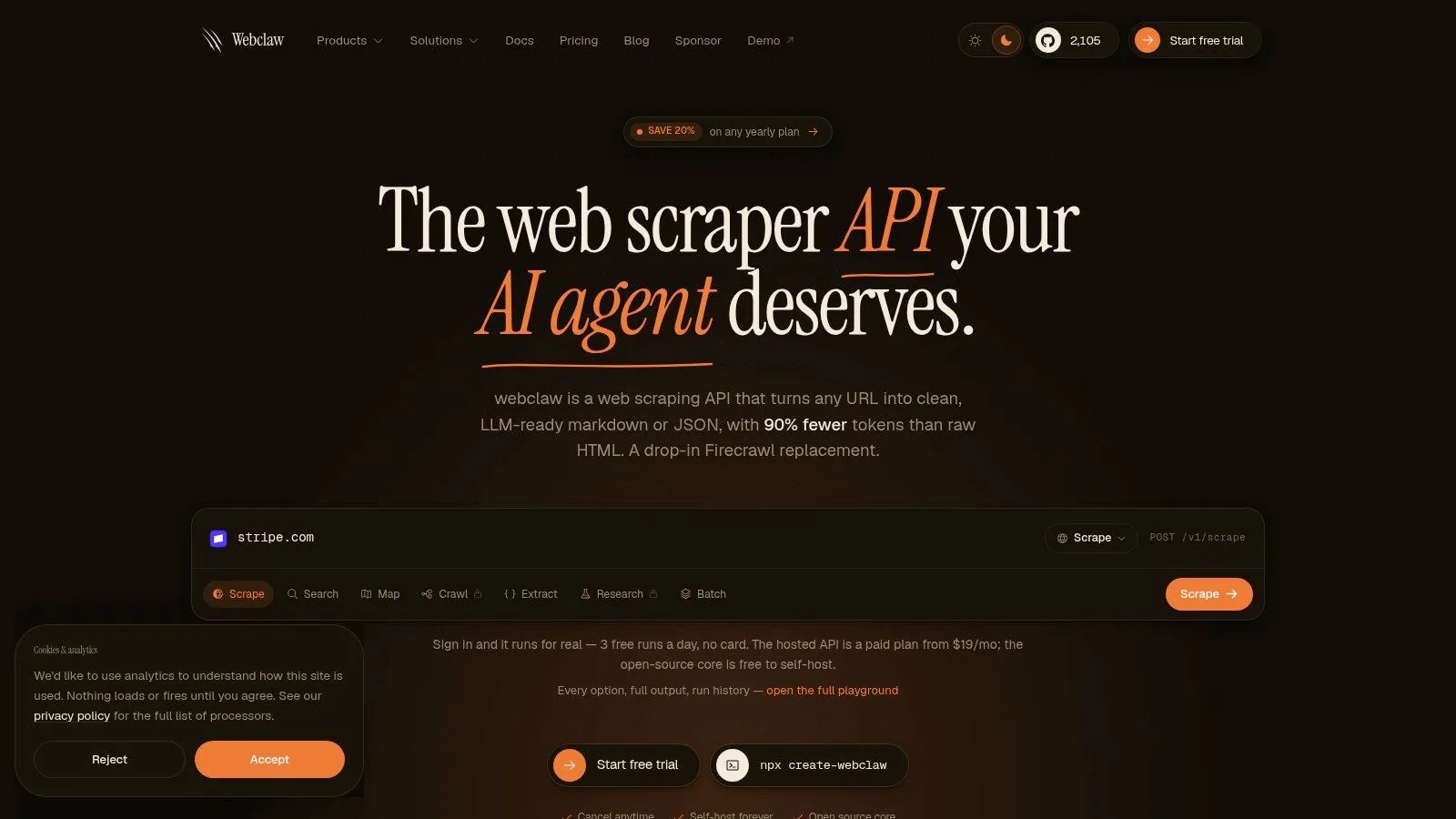
Webclaw is the cleanest answer when the problem isn't browser automation, it's getting usable web data into an AI workflow without dragging raw HTML through your stack. It turns URLs into Markdown, JSON, plain text, or LLM-optimized output, and it's built to strip noise like navigation, ads, cookie banners, and duplicate links so the model sees the content that matters. That makes it a strong fit for scraping, research, enrichment, and agent workflows, not just generic extraction.
Built for model consumption, not just page fetching
The practical value here is output quality. If your downstream system is a RAG pipeline, an agent, or a summarization flow, feeding it raw HTML creates avoidable token waste and more room for errors. Webclaw's LLM-optimized format is designed to remove boilerplate and preserve meaning, which is why it's positioned as a web extraction toolkit for AI rather than a conventional scraper.
It also handles work that standard HTTP fetchers often fail at, including JavaScript rendering and tougher anti-bot environments. The platform supports BYO proxies for geo-targeting and scale, returns YouTube transcripts and structured video metadata, and exposes a broader extraction lifecycle through multiple endpoints for scraping, crawling, mapping, searching, batch jobs, schema-driven extraction, summarization, brand capture, diffs, and research.
Practical rule: if your team spends time cleaning page clutter before the model can use it, you're paying for browser automation twice.
The integration story is also unusually broad. Webclaw ships as a hosted cloud API with JavaScript/TypeScript, Python, and Go SDKs, plus a CLI and an MCP server that fits into Claude, Cursor, and other agent setups. If you need full control, the open-source Rust core is self-hostable under AGPL-3.0, which matters for privacy-sensitive deployments and teams that want to own the runtime.
A few trade-offs are real. Credit-based usage can get expensive as workloads grow, especially on harder targets or deep research runs. Some LLM routes also depend on cloud processing, so strict governance teams should pay attention to where content flows and whether self-hosting is the better fit.
Website: Webclaw
2. Playwright by Microsoft
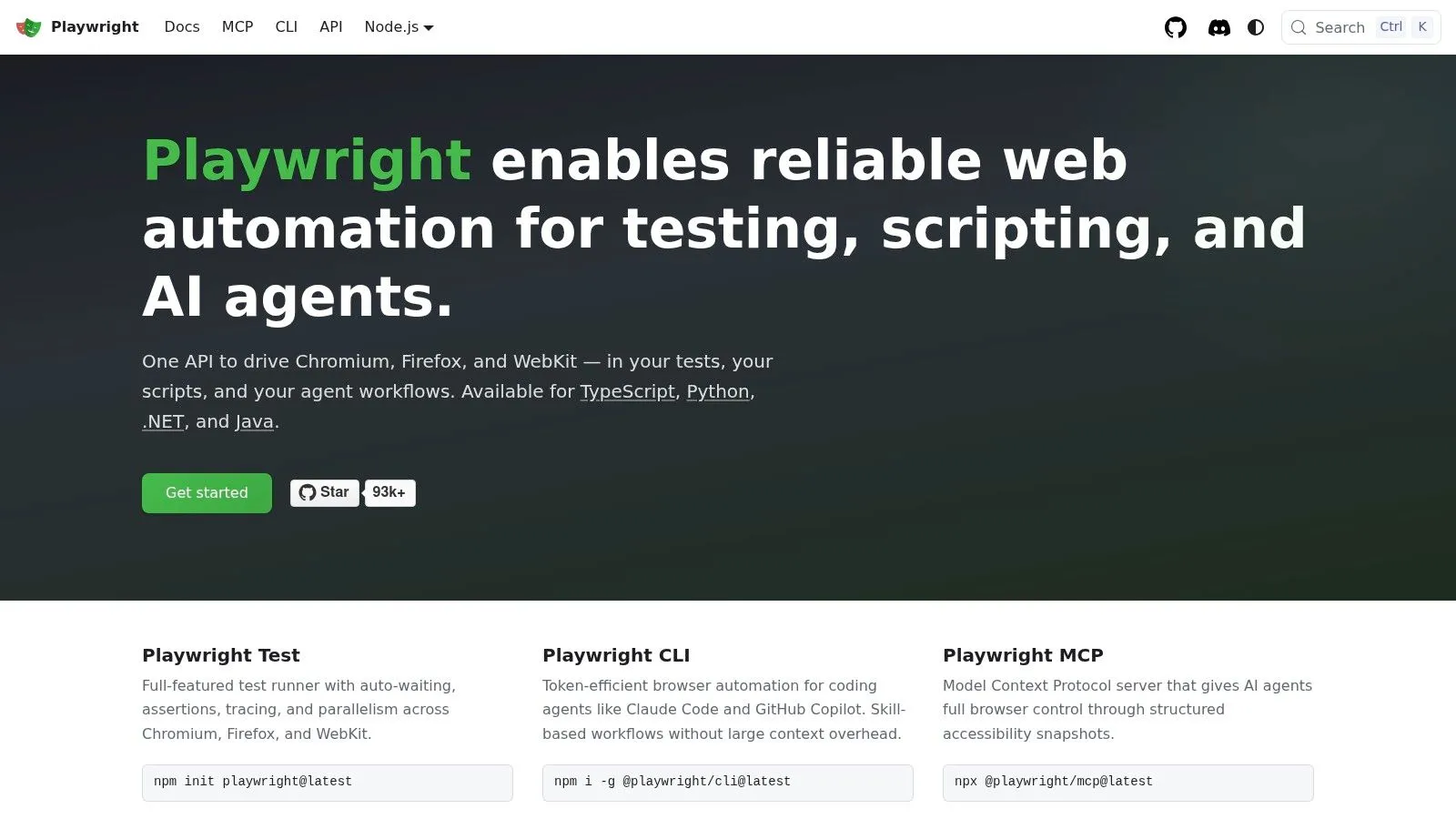
Playwright is the default recommendation for teams replacing Selenium with a code-first framework. It gives you Chromium, Firefox, and WebKit through one API, plus auto-waiting, strong locator semantics, and tracing that makes failures easier to diagnose than a stack of brittle WebDriver waits. That combination is why so many teams use it for UI testing, scraping, and even as the control layer for agents.
The biggest advantage over Selenium is that Playwright is opinionated about reliability. It waits for elements in a way that matches how modern apps behave, and it gives you trace viewer, screenshots, video, and code generation when things still go wrong. For developers, that shortens the gap between “test failed” and “I know why.”
The migration story is also straightforward for most Selenium users, especially if your tests are already written in JavaScript, Python, Java, or .NET. The concepts map cleanly. The syntax is different, but the result is less boilerplate and less manual wait logic. If you want a deeper comparison of browser automation patterns, this internal guide on Playwright versus Puppeteer is worth reading.
Playwright is usually the right answer when your pain is flakiness, not language support.
The trade-off is infrastructure. Playwright is easy to start with, but if you're running large suites at scale, you still need to manage execution, parallelism, and environment setup. Hosted Playwright testing exists, but that's a separate decision from the framework itself.
For modern product teams, though, it's the most balanced Selenium alternative. It's fast, it's developer-friendly, and it handles the stuff that breaks old WebDriver suites every day.
Website: Playwright
3. Puppeteer
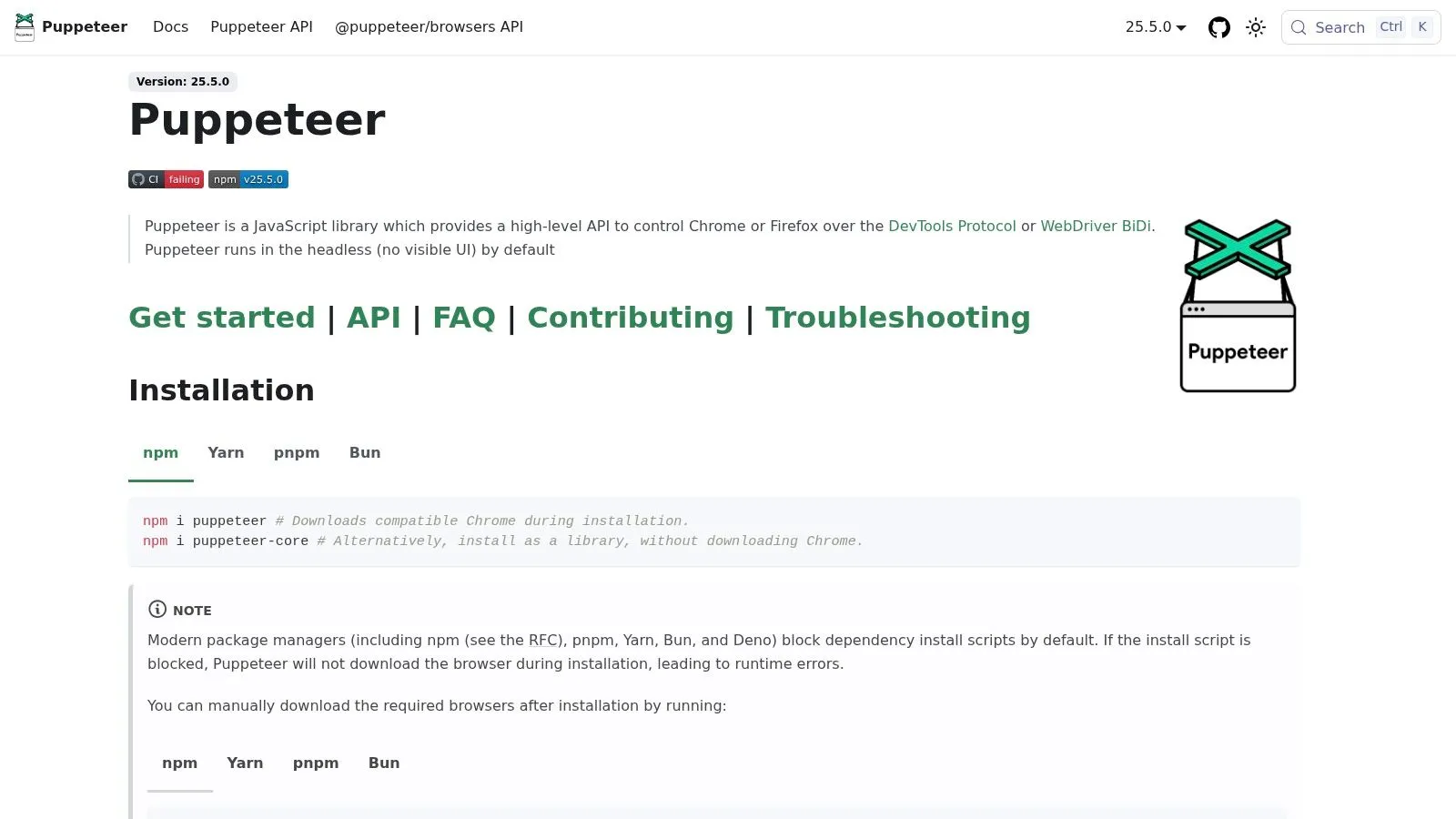
Puppeteer is the sharpest choice when your world is mostly Chrome or Chromium and you want direct control without a lot of framework noise. It was born from the Chrome side of the stack, and that shows in the way it handles PDFs, PNGs, network interception, and DevTools Protocol access. For scraping and browser scripting, it's still a very practical tool.
The reason teams reach for Puppeteer is simplicity. If you're generating reports, taking screenshots, filling forms, or automating a Chromium-only workflow, the API feels lightweight and close to the browser itself. That makes it a good fit for services that need a narrow, reliable automation layer rather than a full cross-browser testing platform.
Where Puppeteer is the right compromise
Puppeteer is strong when the browser target is known and stable. It gives you fine-grained access to Chrome features, which is useful for content pipelines and internal automation that doesn't need Safari or Firefox parity. The ecosystem is large enough that most common patterns already have examples in the wild.
Its limits are just as clear. Cross-browser support is much narrower than Playwright's, and the tool is heavily centered on the JavaScript and TypeScript world. If your QA team expects language flexibility or broad browser coverage, Puppeteer starts to look like the wrong long-term bet.
For scraping teams, the big question is often anti-bot resilience. If that's your priority, you may want to compare browser automation with a more extraction-focused approach, and this internal guide on Puppeteer stealth and Cloudflare challenges gives useful context on where browser control helps and where it still falls short.
Use Puppeteer when you need Chrome control, not when you need a general-purpose testing standard.
That's the cleanest way to think about it. Puppeteer is excellent at what it was built for, but it's not trying to be the broadest Selenium replacement.
Website: Puppeteer
4. Cypress
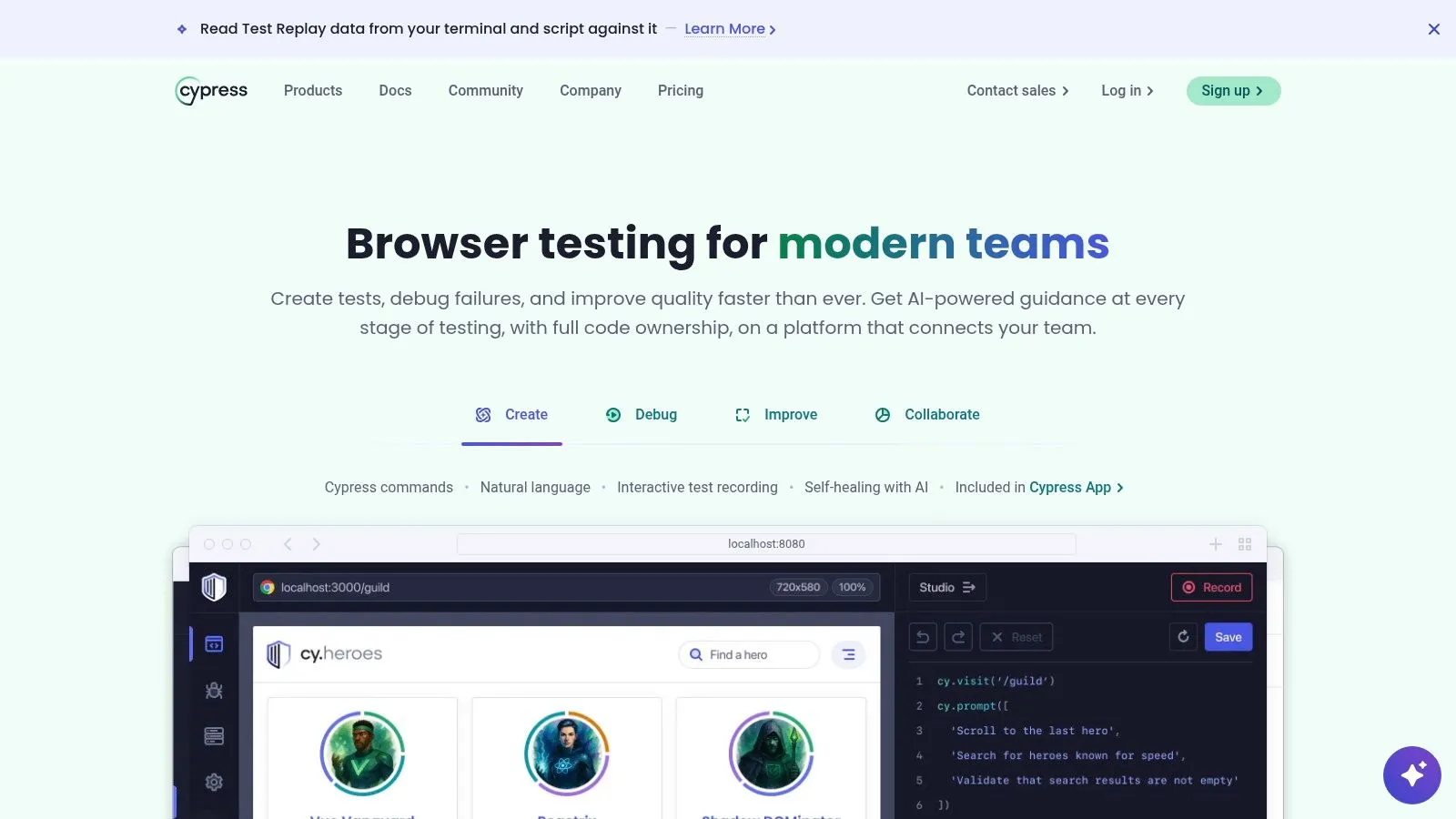
Cypress works best for front-end teams that care about the developer loop more than language variety. It gives you a polished runner, time-travel debugging, screenshots, video, and a very approachable local experience. If your team lives in JavaScript or TypeScript and wants fast feedback while building web apps, Cypress still earns its place among selenium alternatives.
Its strongest trait is visibility. When a test fails, Cypress makes it much easier to see what happened step by step. That matters a lot in teams where QA and frontend developers collaborate closely and don't want to spend half a day replaying failures with scattered logs. It also handles component testing and end-to-end testing in the same ecosystem, which keeps some teams from juggling separate tools.
The trade-off is scope. Cypress is less of a universal browser automation layer than Playwright, and its browser story has historically been narrower. It's a great fit for stable web apps and UI-focused teams, but it's not the first choice when you need maximum cross-browser breadth or a broader language stack.
When Cypress wins and when it doesn't
Cypress wins when your testing culture is already centered on JavaScript, your app is web-only, and your team values interactive debugging over protocol-level control. It loses when you need broad browser coverage, mobile ambitions, or a framework that can be used outside a front-end-heavy org.
The adoption data reinforces that balance. A 2025 State of JS survey released in January 2026 reported 91% satisfaction for Playwright versus 72% for Cypress, which lines up with the broader market momentum toward Playwright in newer projects (survey summary). That doesn't make Cypress a bad choice. It just means its sweet spot is narrower and more opinionated.
For many teams, that's enough. If your biggest problem is flaky browser tests in a JavaScript app, Cypress is still a solid, understandable answer.
Website: Cypress
5. WebdriverIO
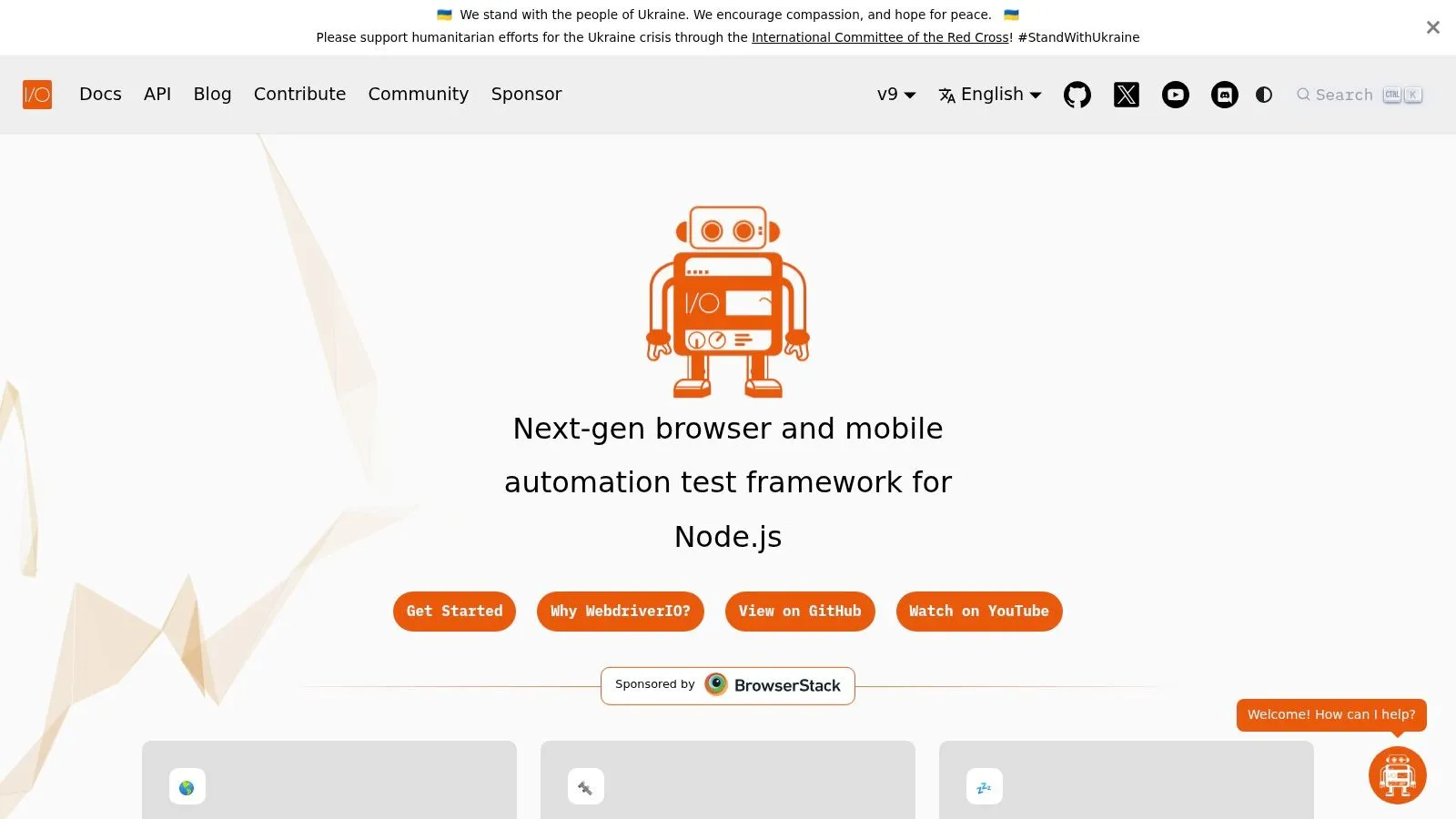
WebdriverIO is the most natural step for teams that want to stay close to Selenium concepts while cleaning up the developer experience. It supports both W3C WebDriver and the Chrome DevTools Protocol, which means you can keep working with familiar infrastructure while moving toward a more modern JavaScript workflow. That duality makes it especially useful in large orgs with mixed maturity.
The appeal is flexibility. You can plug into existing Selenium grids, use cloud providers, and still take advantage of a cleaner Node.js-first API. You also get a broad plugin ecosystem, useful reporters, and enough structure to cover web, mobile through Appium, and more specialized flows without replacing everything at once.
If your migration risk is high, WebdriverIO is often the safest bridge rather than the flashiest upgrade.
That bridge matters. Teams with entrenched Selenium infrastructure often don't want to rip out drivers, grids, and cloud integrations in one shot. WebdriverIO lets them modernize the test layer without throwing away everything underneath it. That's why it still shows up as a pragmatic recommendation in migration-heavy environments.
The downside is complexity. The configuration surface can get large, and the full power of the framework usually appears only after you assemble the right services and plugins. If your team wants a minimalist, batteries-included experience, Playwright will feel cleaner.
For teams that care about an incremental path, though, WebdriverIO is one of the most sensible selenium alternatives available.
Website: WebdriverIO
6. TestCafe
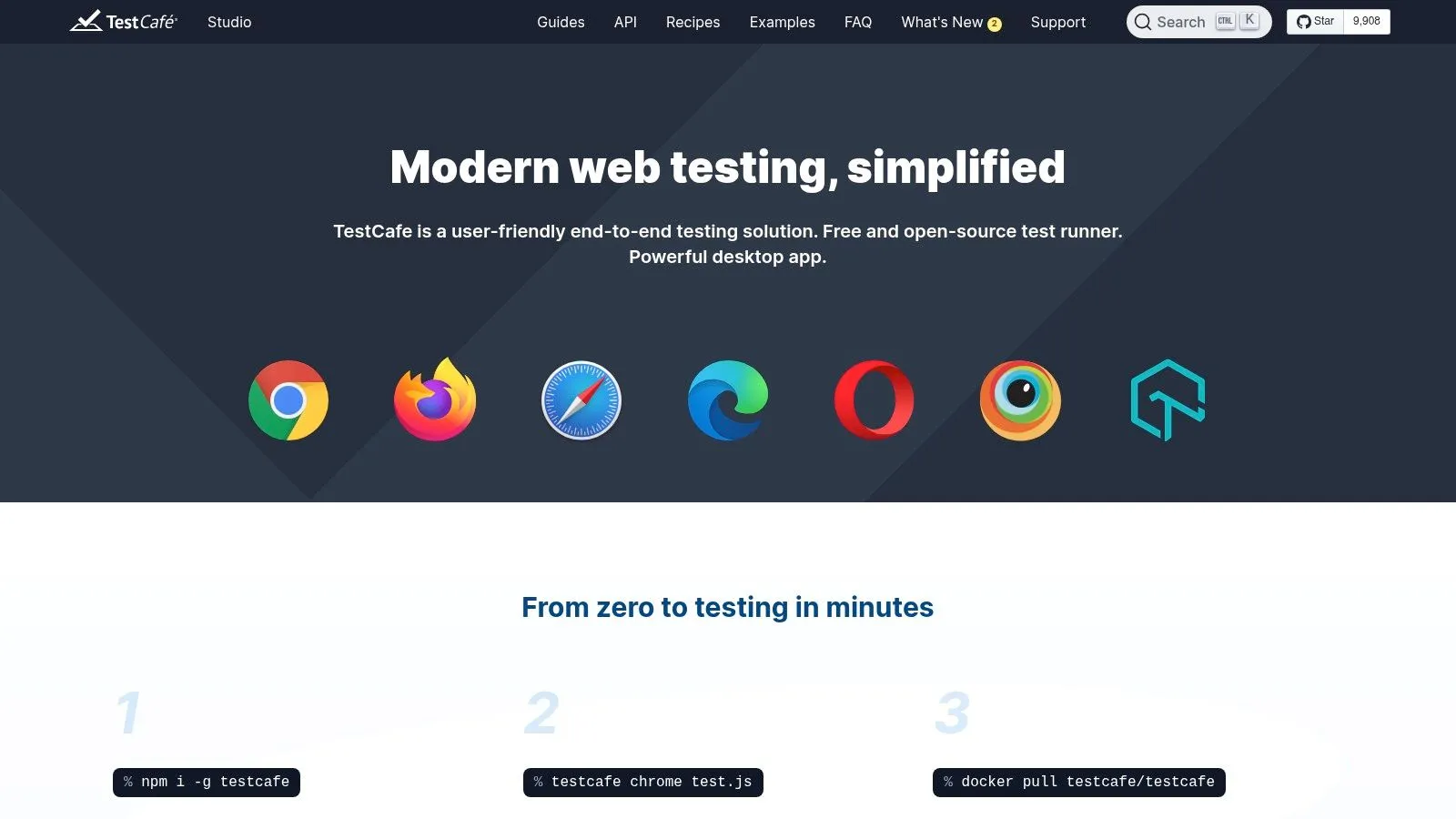
TestCafe is the choice for teams that want to move away from Selenium without bringing a lot of infrastructure baggage with them. It runs without browser plugins or WebDriver dependency, which removes some of the setup friction that makes older automation stacks annoying to maintain. For migration-minded teams, that alone can be attractive.
Its strongest feature is ease of setup. TestCafe's auto-waiting, request mocking, and browser-agnostic execution model make it approachable for smaller QA teams and developers who just want tests to run. It's also a decent fit when isolation matters, since storage and cookies are cleared per run.
Where TestCafe is useful
TestCafe makes sense when you want a simple JavaScript-based tool and don't want to manage the same Selenium plumbing you're trying to escape. It's also one of the better fits for teams that appreciate request mocking without building extra test harnesses around it.
The downside is momentum. The ecosystem is smaller than Playwright's or Cypress's, so niche integrations and community examples aren't as abundant. That can matter if your app has unusual requirements or your team leans heavily on third-party tooling.
The practical question is whether you want a leaner framework or a broader ecosystem. If you value reduced setup friction and straightforward browser-based automation, TestCafe is still a reasonable pick. If you need the deepest community support and the widest modern test patterns, it's easier to justify Playwright instead.
For teams coming from classic Selenium with JavaScript in the picture, TestCafe can be a clean middle ground.
Website: TestCafe
7. Katalon Platform
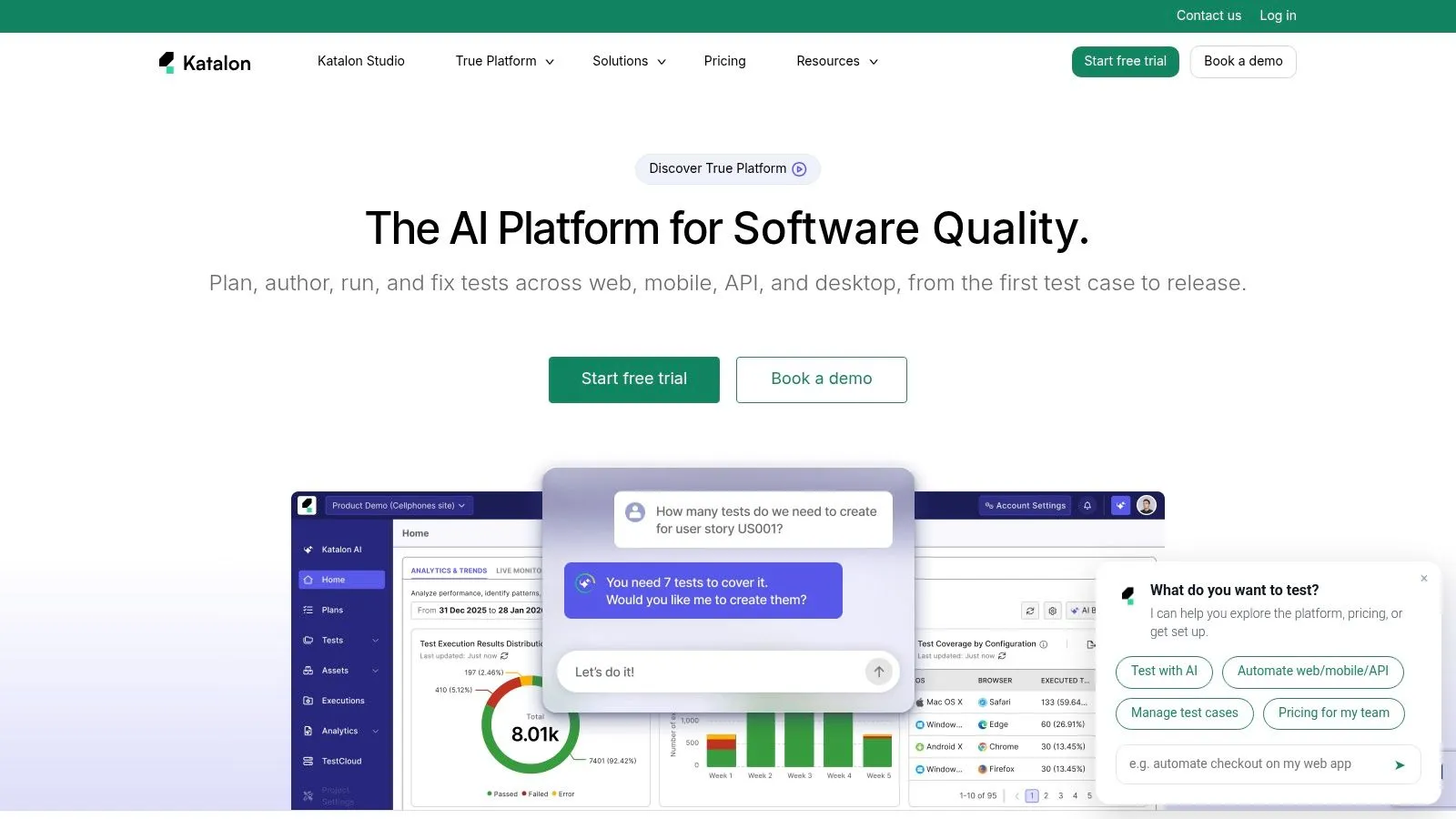
Katalon is for teams that want a managed platform more than a raw framework. It wraps web, API, mobile, and desktop automation into one commercial product, with low-code authoring, self-healing locators, reporting, and governance features built in. If your organization struggles more with tool sprawl than with writing tests, that packaging can be appealing.
The attraction is obvious for enterprise QA groups. Non-developers can contribute, managers get a centralized view, and the team doesn't have to stitch together as many pieces around Selenium. That makes Katalon less about elegant code and more about operational simplification.
The trade-off is vendor dependence. Katalon is heavier than a lean open-source framework, and it gives you less code-first flexibility than Playwright or WebdriverIO. It also comes with commercial licensing, so the cost model matters more than it does with free tooling.
Good fit, poor fit
Katalon is a good fit when leadership wants a single platform, the QA team includes non-developers, and governance matters as much as test execution. It's a poor fit when your engineering culture wants tight control, minimal abstraction, and a framework the team can extend freely in code.
For some organizations, that's exactly the point. They don't want to assemble a testing platform from separate open-source parts. They want one product with support, dashboards, and a clear ownership model. Katalon serves that need well, even if it's not the most elegant technical answer.
If you're choosing strictly on developer ergonomics, it won't be the top pick. If you're choosing on platform consolidation, it will be hard to ignore.
Website: Katalon Platform
8. Robot Framework + Browser Playwright Library
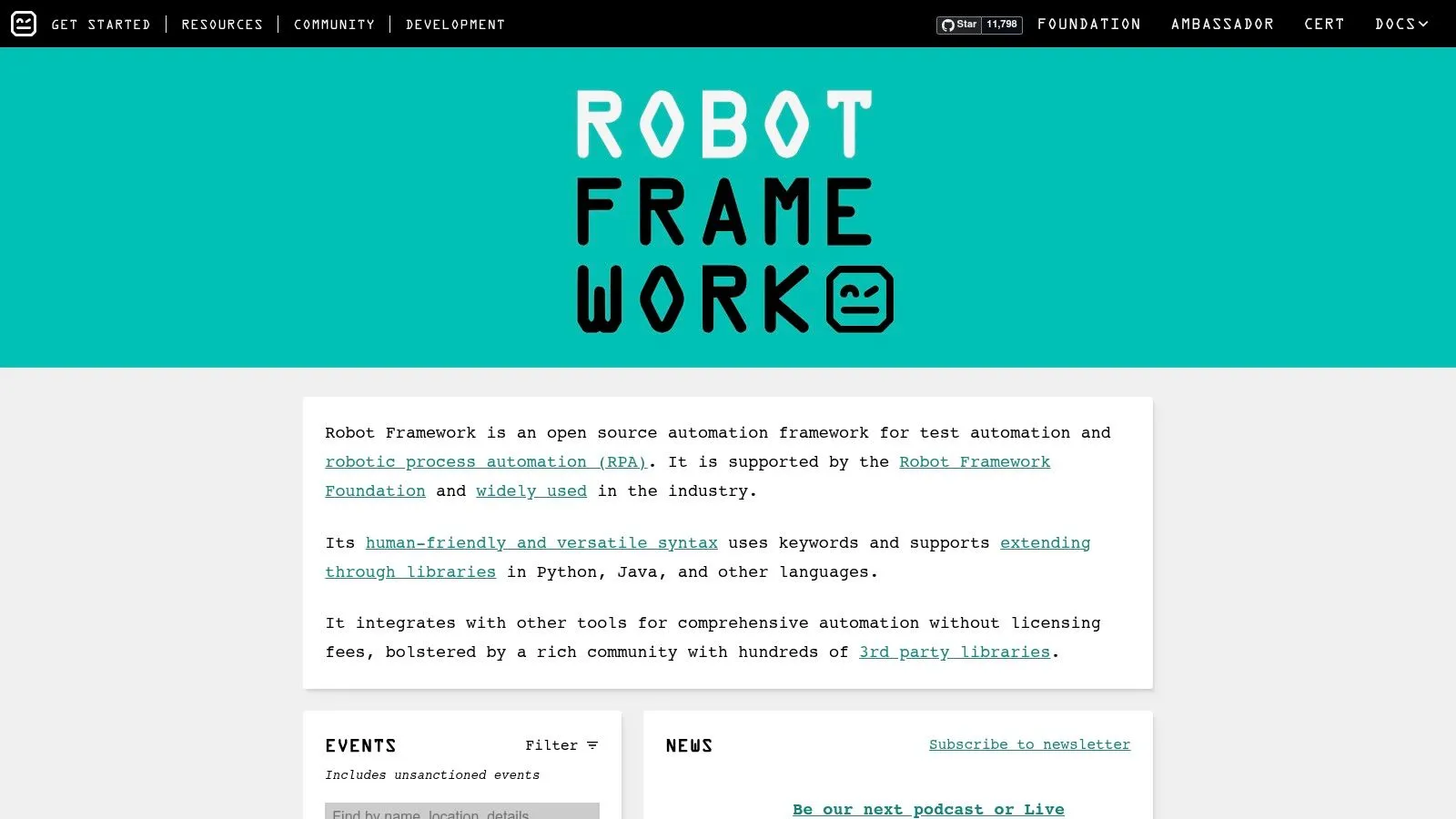
Robot Framework is the answer when readability matters as much as technical power. Paired with the Browser library, which is powered by Playwright, it gives teams keyword-driven automation with modern browser behavior under the hood. That makes it attractive for mixed-ability teams, RPA-style workflows, and groups that want more than code without falling back to brittle record-and-playback habits.
The big benefit is shared language. Analysts, QA engineers, and non-developers can often read Robot tests more easily than Python or JavaScript code. That matters in organizations where test cases are reviewed by multiple roles and where readability reduces friction more than raw elegance.
It also helps that the Browser library brings Playwright's reliability into the stack. You get the modern browser support and waiting behavior without forcing everyone on the team to live in low-level automation code all day.
This open-source web scraper guide is a useful companion read if your automation work blends testing with data collection.
The main compromise is abstraction. Keyword-driven tests are easier to read, but debugging at the code level can take more effort when a flow misbehaves. Teams also need discipline around keyword design, or the suite can become inconsistent and hard to maintain.
Robot Framework is a solid fit when you want maintainability through conventions, not through a pure code-first style.
Website: Robot Framework
9. Nightwatchjs
Nightwatch.js is a pragmatic JavaScript option for teams that still want a familiar testing shape without the roughest edges of Selenium. It supports W3C WebDriver, third-party grids, and DevTools integrations, so it can fit into existing browser-testing environments without forcing a total reset. For long-time JS QA teams, that matters.
Its best trait is familiarity. The built-in test runner, assertions, page object support, and CLI scaffolding make it comfortable for teams already used to classic automation structures. It's not the most fashionable framework in the category, but it is stable and understandable.
Where Nightwatch fits
Nightwatch is a good fit when your team wants a migration path from Selenium that still feels like Selenium in spirit, but with a more modern Node.js workflow. It also works well when cloud grids are already part of the stack, because the integration story is straightforward.
The limitation is ecosystem momentum. Nightwatch doesn't have the same current energy as Playwright or Cypress, and some advanced use cases depend on external services or plugins. That's acceptable if you care about continuity. It's less attractive if you want the fastest-growing option.
If you value a conservative transition more than chasing the newest standard, Nightwatch still belongs on the shortlist.
Website: Nightwatch.js
10. Taiko by ThoughtWorks
Taiko is built for people who want browser automation to feel almost conversational. It uses the Chrome DevTools Protocol, keeps the API readable, and leans hard into smart selectors and auto-waiting. For quick scripts, internal tooling, and lightweight CI tasks, it can be easier to pick up than heavier frameworks.
The appeal is low boilerplate. You can automate common browser flows without building a large framework around them, which makes Taiko attractive for scripts that need to be written fast and maintained by a small team. It also ships with a compatible Chromium build, and it supports Firefox through a CDP bridge.
The obvious limitation is breadth. Taiko's ecosystem is smaller, and its browser support isn't as complete as Playwright's. That makes it a niche tool rather than a universal recommendation.
If you want a lean scripting layer for Chrome-centric automation, it's useful. If you're replacing a broad Selenium estate with a long-term standard, it's harder to justify.
For teams evaluating anti-bot behavior and browser visibility, this internal note on undetectable browser workflows adds helpful context on where browser control matters and where managed extraction can be the better route.
Taiko is best when speed of scripting matters more than framework depth.
That's the cleanest way to frame it. It's a good tool, just not a universal one.
Website: Taiko
Top 10 Selenium Alternatives, Feature Comparison
| Product | Key features ✨ | Quality ★ | Target audience 👥 | Pricing & value 💰 |
|---|---|---|---|---|
| Webclaw | ✨ LLM-optimized output, JS rendering, anti-bot evasion, schema JSON, YouTube transcripts, self-hostable Rust core | 👥 LLM/AI engineers, research teams, RAG/agent builders, devs | 💰 Starts $19/mo (Starter), credit-based; free OSS core, token-efficient | |
| Playwright | ✨ True cross-browser (Chromium/Firefox/WebKit), auto-wait, multi-lang, tracing | ★★★★★ | 👥 E2E testers, scraping devs, AI agents | 💰 Free OSS (hosted testing paid) |
| Puppeteer | ✨ CDP-based Chrome/Chromium control, PDF/image rendering, network interception | ★★★★☆ | 👥 Node devs, scrapers, content pipelines | 💰 Free OSS |
| Cypress | ✨ Interactive runner, time-travel debugging, screenshots/video, Cloud dashboard | ★★★★☆ | 👥 Front-end QA, CI teams | 💰 Free OSS core, cloud dashboard paid |
| WebdriverIO | ✨ Dual WebDriver+CDP runners, plugins, Appium/mobile integrations | ★★★★☆ | 👥 Large JS orgs, teams with Selenium infra | 💰 Free OSS |
| TestCafe | ✨ Runs without Selenium, auto-wait, simple CLI & API | ★★★☆☆ | 👥 Teams migrating from Selenium, CI-focused teams | 💰 Free OSS (Studio commercial) |
| Katalon Platform | ✨ Low-code authoring, self-healing locators, enterprise governance & reporting | ★★★★☆ | 👥 Enterprises, non-developer QA teams | 💰 Commercial licensing (paid) |
| Robot Framework + Browser | ✨ Keyword-driven, Playwright-backed Browser library, RPA-friendly | ★★★☆☆ | 👥 Analysts, RPA users, mixed-ability teams | 💰 Free OSS |
| Nightwatch.js | ✨ W3C WebDriver + DevTools support, built-in runner & reporters | ★★★☆☆ | 👥 JS QA teams, Selenium migration paths | 💰 Free OSS |
| Taiko | ✨ Human-readable API, smart selectors, CDP-based automation | ★★★☆☆ | 👥 Scripting-centric devs, CI scripts | 💰 Free OSS |
Choosing Your Selenium Alternative A Decision Framework
The best Selenium alternative depends on what you're trying to fix. If your pain is flaky UI tests and slow feedback, Playwright is the strongest general-purpose upgrade because it combines multi-browser support, auto-waiting, and a much better debugging story than Selenium (market summary). If your problem is extracting clean data for RAG pipelines, monitoring, or agents, Webclaw is the better fit because it doesn't just fetch pages, it returns content in formats that models can use directly.
Use Puppeteer when Chrome-only control is enough and your workflow is heavy on scripting, PDFs, screenshots, or Chromium-specific automation. Choose Cypress when your team is JavaScript-first and the best developer experience matters more than broader language support. If you need a migration path that preserves WebDriver thinking, WebdriverIO and Nightwatch.js are easier bridges than a full conceptual reset.
TestCafe is useful when you want simple browser automation without WebDriver setup, and Katalon makes sense if your organization wants a commercial platform with governance and low-code access. Robot Framework + Browser is a strong choice when readability and mixed-ability collaboration matter more than pure code elegance. Taiko is a niche fit for lightweight Chrome-centric scripting.
The main decision rule is simple. Pick a browser-testing framework when the browser is the product problem. Pick an extraction platform when the data itself is the product problem. That distinction matters because the market has already moved in that direction, with Selenium alternatives gaining ground on maintenance and developer experience, not just on raw feature count (browser market summary).
If you're still unsure, test two paths on the same real workflow. One should be the closest modern replacement for your Selenium suite, and the other should be the tool that best matches your actual use case, whether that's UI testing, scraping, or AI integration. The winner is usually the one your team can keep alive six months from now without dreading every flaky run.
Selenium still has a place when you need its language breadth, ecosystem maturity, or long-tail compatibility. But if you're optimizing for speed, reliability, or model-ready output, the default choice has changed. For many teams, the better question isn't “Which Selenium alternative has the most features?” It's “Which tool removes the most friction from the work we do every day?”
If your team is choosing between brittle Selenium scripts and cleaner, more resilient automation, Webclaw gives you a third path for web data work. It turns pages into clean, token-efficient context for AI workflows, and it handles the hard sites that break naive scrapers. Visit Webclaw if you want extraction that fits modern agents, not just old-school browser automation.