Top 10 Open Source Web Scraper Tools for 2026
Choosing your scraper starts the same way for a lot of teams. You need web data for an AI feature, the first site blocks a simple request, the next one is a JavaScript app with an empty response, and suddenly you're comparing browser automation, crawlers, parsers, and anti-bot workarounds instead of shipping product. The open source web scraper ecosystem has grown up around that exact pain, from early web robots and crawlers to the modern tools that handle dynamic sites, site-wide extraction, and LLM-ready output.
The practical question in 2026 isn't whether a tool can fetch HTML. It's whether it can give you clean, usable context for RAG, agents, enrichment pipelines, or large-scale extraction without turning your infra into a maintenance project. Some tools are still excellent for static crawling. Others are better when the page is a browser app, when fingerprinting is a significant blocker, or when the output needs to be stripped down for model consumption.
If you're building on top of web data right now, you're probably balancing reliability, speed, cost, and how much of the page you want to send into a model. That's why this list focuses on what works in production, not just on feature checkboxes. For proxy strategy and operational hygiene, this guide pairs well with scraping proxies best practices.
1. Docs Introduction, Webclaw
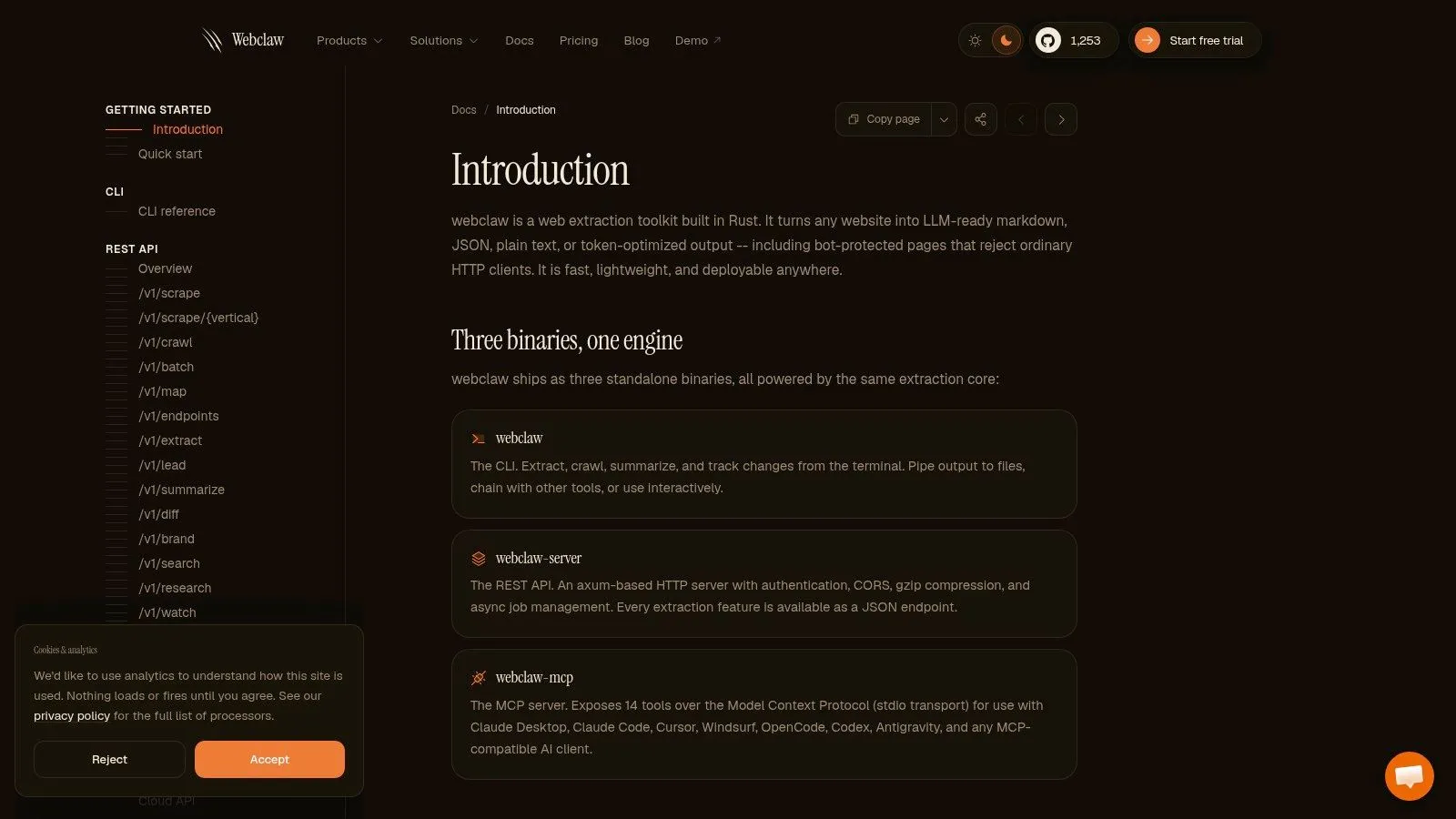
Webclaw is the tool I'd put first when the target is LLM-ready output, not raw HTML. It's an open-source extraction toolkit in Rust that treats the page as content to clean, structure, and hand to downstream systems in a form that's already useful for retrieval, agents, and research workflows. The core idea is simple, if you're feeding a model navigation chrome, ads, and cookie banners, you're paying to process junk.
The output shape is a key strength. Webclaw can return Markdown, JSON, plain text, or an LLM-optimized format, and the LLM-oriented mode is built to strip boilerplate so you get meaningful text instead of a bloated document. That matters in RAG pipelines where token budget, duplicate navigation, and irrelevant UI fragments directly affect retrieval quality and prompt cost. The product docs are the right place to start if you want the implementation model and the supported interfaces, and the getting-started path is documented here.
Why it fits AI pipelines
Webclaw is built for both ad hoc extraction and production use. You can use the CLI for one-off jobs, the REST API for backend services, the MCP server for agents, and SDKs for TypeScript, Python, and Go when you want to wire it into a larger system. That flexibility makes it easier to keep one extraction layer across scripts, pipelines, and agent tools instead of stitching together different libraries for each environment.
Practical rule: if the downstream consumer is an embedding model or an LLM, clean the page before you store or chunk it. The cheapest token is the one you never send.
The other useful piece is breadth. Webclaw supports single-page extraction, full-site crawls, sitemap and link-graph discovery, batch jobs, structured extraction with schemas or prompts, snapshots, brand asset pulls, and YouTube transcript plus metadata extraction. For teams building knowledge bases or research agents, that mix reduces the need to chain half a dozen separate tools just to get one coherent record per source.
There's a trade-off, of course. Browser rendering and anti-bot handling usually mean more infrastructure, more proxy management, and more operational care than plain HTTP scraping. The upside is that those are often the exact failure points that break naive scrapers, so a tool designed around them saves time later. For teams that want reliability on hard pages and output that's already shaped for models, Webclaw is one of the most practical open source web scraper options on the list.
2. Scrapy
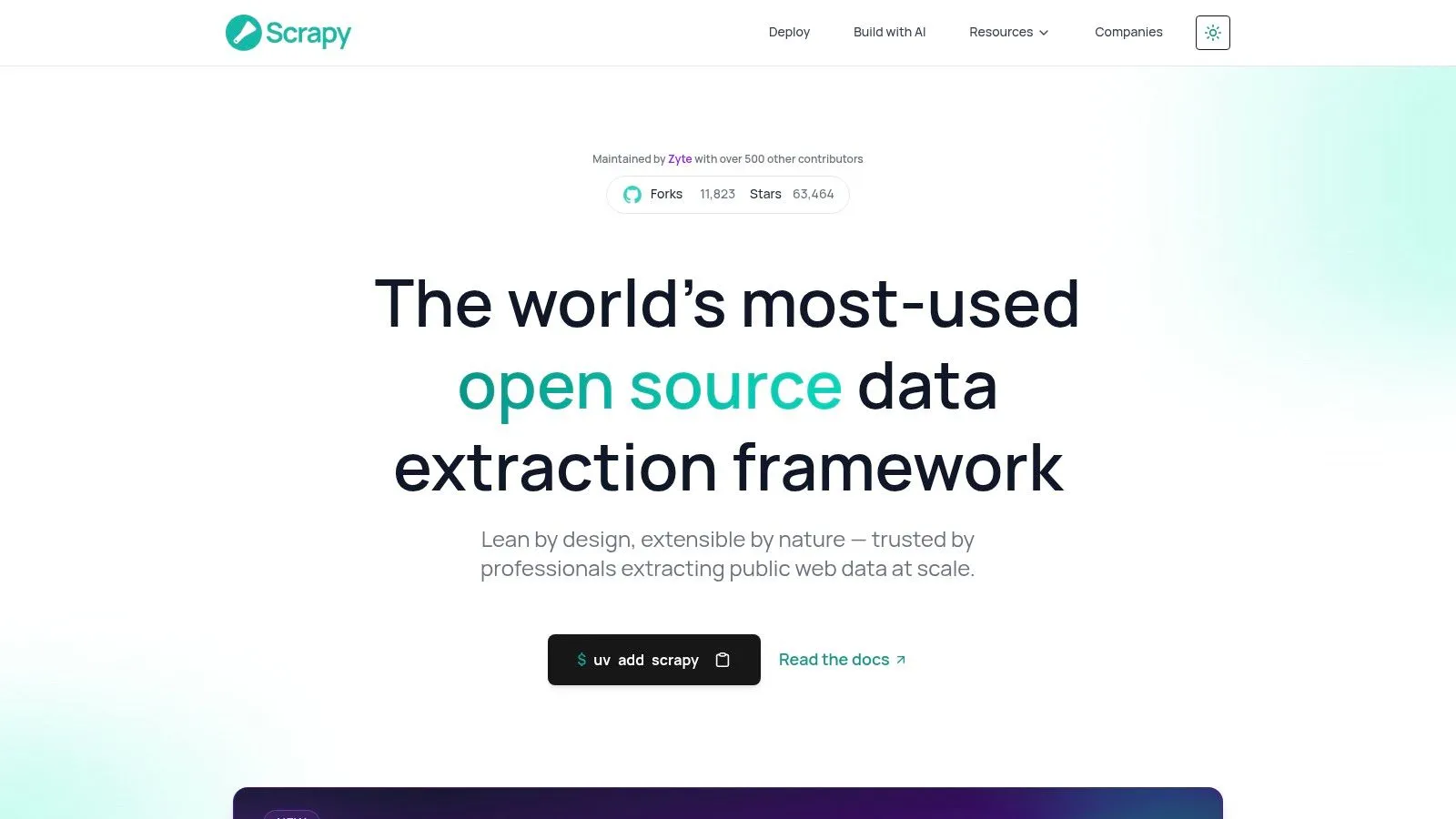
Scrapy is still the framework I'd reach for when the target is structured crawling at scale and the site is mostly HTML. It's opinionated in a good way. Spiders, item pipelines, middleware, and feed exports give you a clean separation between fetching, parsing, and storage, which makes Scrapy feel like application code instead of a pile of ad hoc scripts.
The reason it keeps showing up in production stacks is that it handles the crawl lifecycle well. You get concurrency control, throttling, selector-based parsing, and export paths for JSONL, CSV, and XML. That's enough for many ingestion jobs where the job is not “render the whole browser,” but “collect stable records repeatedly without breaking your ingestion logic.”
Where Scrapy wins and where it doesn't
Scrapy shines when you need a repeatable crawl graph, not a flashy browser session. It's good at disciplined fetch-and-parse workflows, and the framework conventions make it easier to manage retries, queues, and storage without inventing your own abstractions. The downside is obvious if you work with modern front ends, because it doesn't natively render JavaScript.
That gap matters in AI pipelines because a lot of the useful content now lives behind client-side rendering. Scrapy can still sit at the core of a pipeline, but on dynamic targets it usually needs help from a browser layer or an external renderer. That means more moving parts, and more places where a site update can break assumptions.
Clean architecture beats clever hacks when the crawl needs to run every day.
Scrapy is a strong fit when you care about large-scale extraction from predictable sites, or when you're building a crawler that feeds a search index, a warehouse, or a document store. If you want to see a broader Python crawling pattern around it, the practical framing in this Python crawling guide is useful because it reinforces the core trade-off, Scrapy is excellent at the crawl, but rendering has to be solved separately.
For teams that can live with that split, Scrapy remains one of the safest open source web scraper choices. It's mature, well understood, and still a workhorse for anything that looks like a classic crawl.
3. Playwright
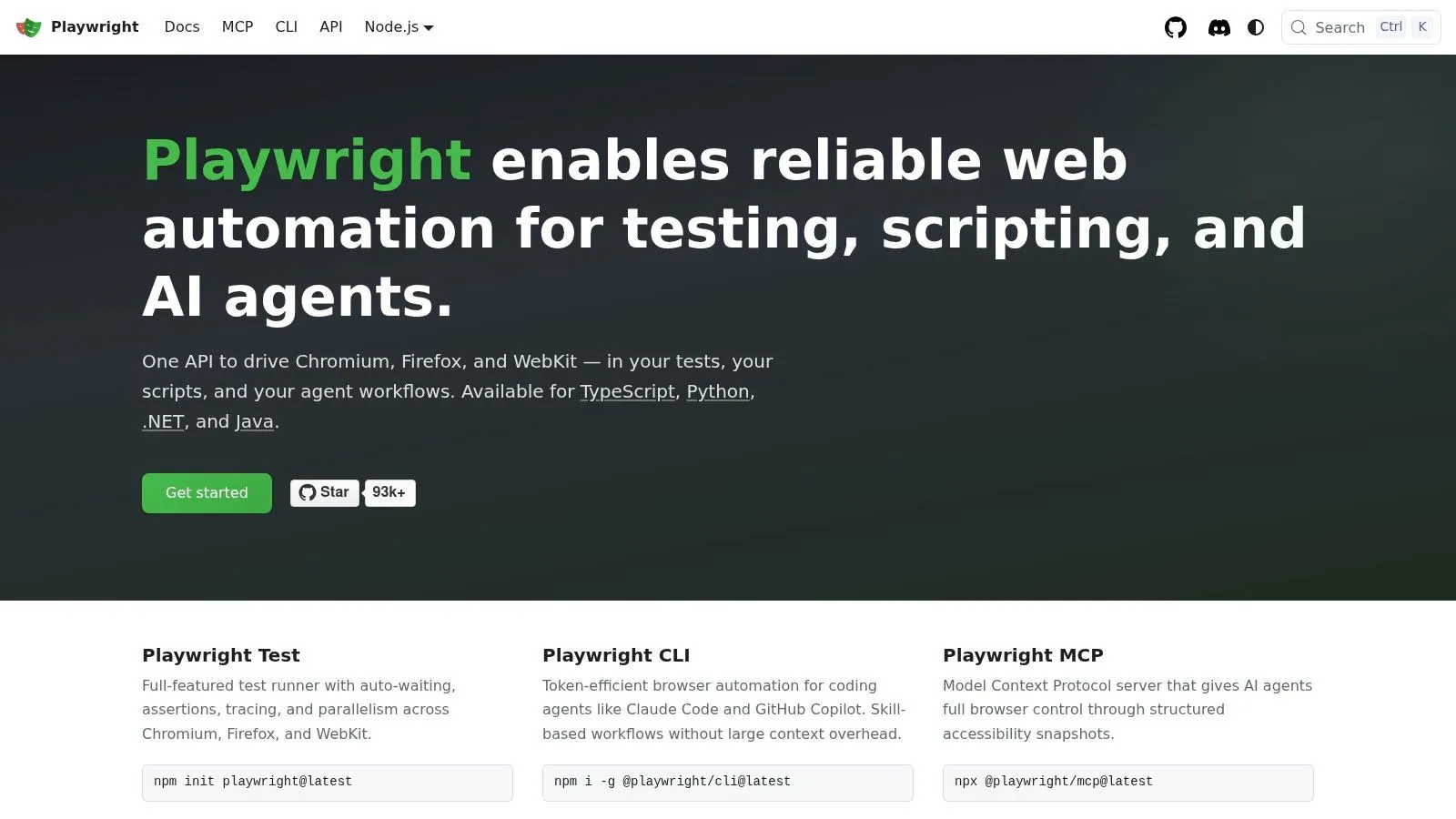
Playwright is what you use when the page behaves like an application, not a document. It gives you control over Chromium, Firefox, and WebKit, with browser contexts, auto-waiting, tracing, and network interception. That combination is useful because modern scraping failures often come from timing, client-side state, and request behavior, not just from DOM parsing.
For dynamic content, Playwright is often easier to trust than older browser automation stacks. The auto-waiting model reduces a lot of the brittle sleep-and-pray logic that pollutes scraping code, and the tracing tools make it much easier to debug why a page returned the wrong state. It also has multi-language support, which helps teams that need Python for data work but Node.js for browser logic.
The practical trade-off
Playwright is reliable on SPAs, but it's not cheap. Browser sessions use more compute than HTTP parsing, and once you scale out, you're managing more memory, more startup time, and more moving state per run. That's fine when the content is inaccessible otherwise, but it's the wrong default for simple pages.
The other mistake is assuming browser rendering solves blocking by itself. It doesn't. If the site uses serious anti-bot checks, you still need proxy strategy, session handling, and often fingerprint-aware tooling. Playwright gets you to the page state, but it doesn't magically erase the operational side of scraping.
Rule of thumb: use Playwright when the page needs a real browser to reveal the data, not when you just want to avoid writing selectors.
If you're building AI feeds from product pages, dashboards, or client-rendered content, Playwright is one of the best browser layers you can pick. It fits agentic browsing flows too, because you can script interactions, inspect requests, and capture the rendered result in a controlled way. The comparison with Puppeteer is still relevant, and the practical differences are laid out well in this Playwright versus Puppeteer guide.
For many teams, Playwright is the bridge between raw site access and usable extraction. It's not the entire pipeline, but it's often the part that makes the pipeline possible.
4. Puppeteer
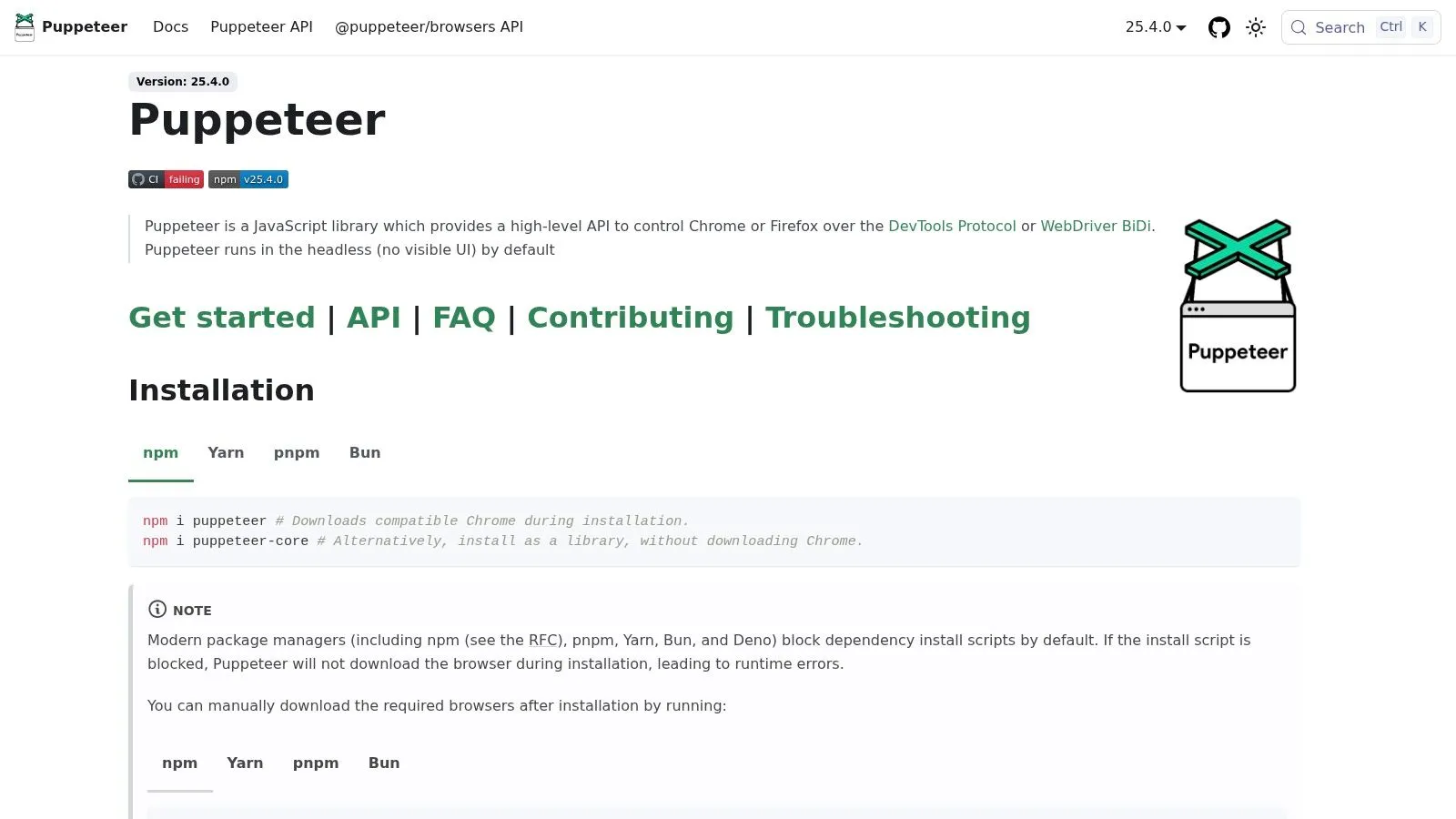
Puppeteer is still the browser automation choice many Node.js teams reach for first. It gives you deep control over Chrome and Chromium, and that makes it useful when you care about precise browser behavior, PDF generation, screenshots, or clean DOM interaction after rendering. It's especially familiar to teams already building in JavaScript, because the API feels close to the browser model.
What makes Puppeteer dependable is the CDP access. You can intercept requests, evaluate in page context, and drive the browser at a low level when the site demands it. That's valuable on pages that need custom interaction, because you can inspect state after each step instead of guessing whether the app finished loading.
Why teams still pick it
Puppeteer has a huge ecosystem and a lot of real-world examples, so the shortest path from problem to working script is often easier than with newer tools. If your team is already Node-heavy, that matters. The downside is the same one you get with all browser automation, it's heavier than parser-first scraping, and scaling it takes care.
The scaling problem is not just infrastructure. The bigger issue is maintenance. Browser scripts often grow brittle when UI flows change, and anti-bot layers can force you into stealth tactics or proxy rotation sooner than you'd like. That's manageable for targeted scraping, but it gets tedious when you're trying to run a broad ingestion system.
The best Puppeteer jobs are the ones where the browser itself is the source of truth.
Puppeteer fits nicely when you need browser fidelity and fine-grained control over Chrome features. It's also common in AI workflows where the output is a rendered page capture, a document snapshot, or a structured transform after interaction. If you're evaluating browser choices for scraping harder sites, the Puppeteer stealth and Cloudflare discussion is worth reading because it reflects the actual operational pain points.
If you want a Node-first open source web scraper that can do real browser work without making the API awkward, Puppeteer is still a solid pick. Just don't use it for jobs that would be faster, cheaper, and simpler with plain HTTP plus a parser.
6. Selenium WebDriver
Selenium is still the safest choice when a scraping job has to work across browsers, languages, and existing automation stacks. A lot of teams meet it through testing first, then keep using it because the same W3C WebDriver layer can drive scraping, QA, and internal automation without forcing a rewrite. That matters in real production environments, where the scraper often has to fit into a broader system instead of living as a one-off script.
The trade-off is plain. Selenium gives you broad reach and mature bindings in Java, Python, C#, JavaScript, Ruby, and other runtimes, but that reach comes with more overhead than lighter browser tools. If your team already has WebDriver conventions, shared helpers, or test infrastructure, the path is smooth. If you are building a new extraction pipeline from scratch, especially one that needs to move fast and stay cheap, the extra weight becomes hard to ignore.
Where Selenium still earns its keep
Selenium makes sense when the browser matrix matters more than raw throughput. It handles multi-step interaction flows, login states, and browser-specific behavior well enough for many production workflows, and Selenium 4's CDP integration gives it more room to work with modern pages than older releases did. That makes it a practical option for teams that already know how to operate WebDriver and want to reuse that knowledge instead of adopting a separate stack.
It also fits cases where scraping and testing share the same environment. If your organization already runs browser automation for product QA, adding scraping to the same operational model can reduce duplicated tooling and training. The cost is that Selenium jobs are still heavier than parser-first approaches, so using it for pages that can be fetched and parsed directly is usually wasted effort.
For AI and LLM data pipelines, that distinction matters. Selenium is a good fit when the content only exists after interaction, but it is a poor fit for bulk ingestion if the source can be read cleanly over HTTP. If you are working in Python and want a simpler extraction path for static sources, the R programming web scraping guide is a useful contrast because it shows how much browser automation you can avoid on easier targets.
One more practical issue is detectability. Selenium can still be easier for anti-bot systems to spot in some environments, so teams often end up adding proxy handling, retry logic, or stricter session management. If you need visibility into how those runs behave in practice, you can also browse Surva.ai crawler logs to see the kind of operational detail that helps when browser jobs start failing for non-obvious reasons.
Selenium is the right call when compatibility and browser fidelity matter more than speed. It is less attractive when you are chasing large-scale extraction efficiency, because its strengths sit in control and coverage, not in keeping infrastructure lean.
6. Selenium WebDriver
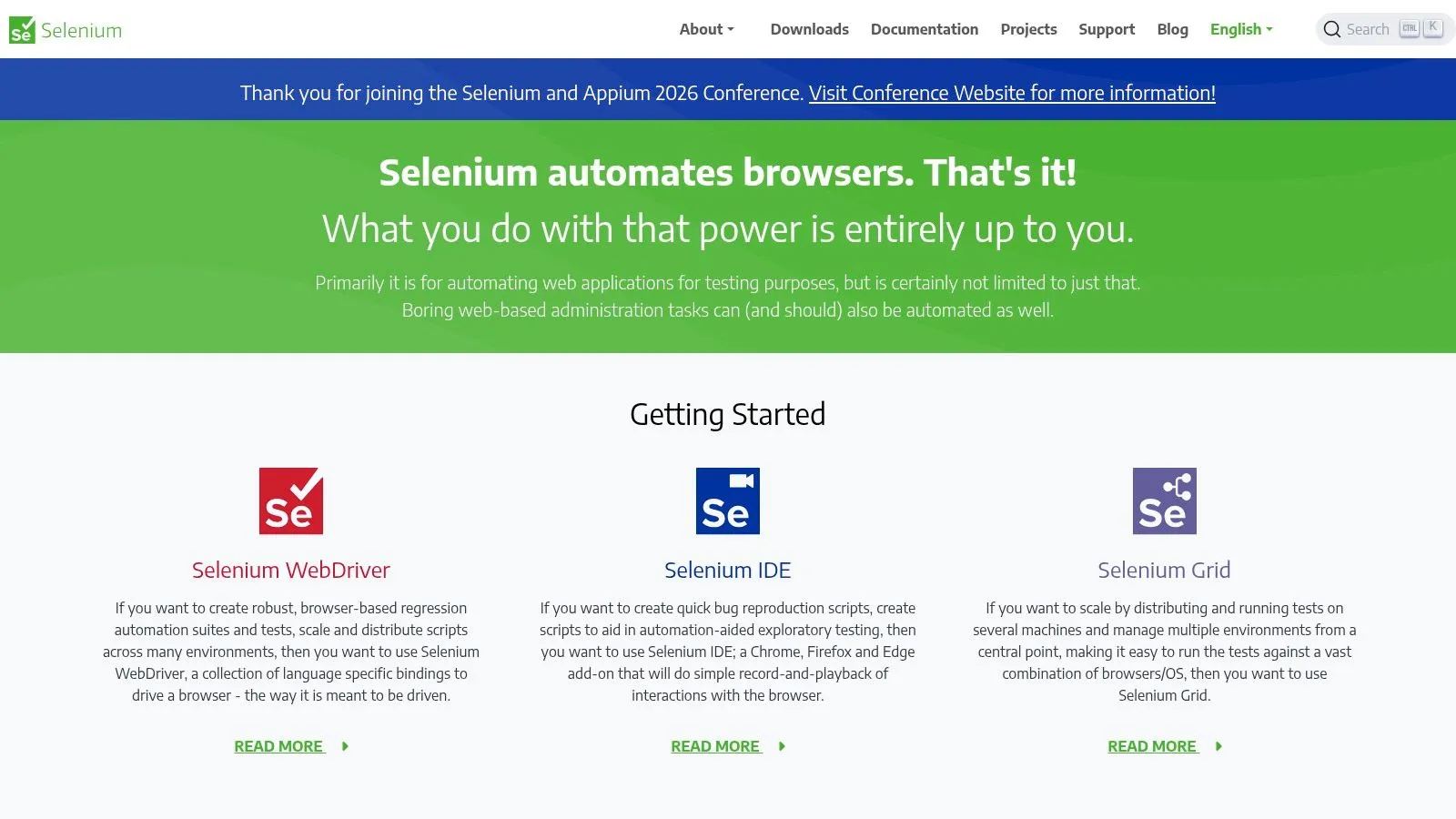
Selenium is the old standard that never really went away, because it solves a real problem, broad browser automation with mature bindings across many languages. A lot of teams first met Selenium through testing, but it still shows up in scraping when a workflow needs full browser fidelity, cross-language support, or compatibility with existing automation tooling.
The advantage is reach. Selenium works in Java, Python, C#, JavaScript, Ruby, and more, and it's based on the W3C WebDriver standard. That standardization matters in enterprise environments where teams don't want every automation path tied to one runtime or one browser vendor.
Where Selenium still earns its keep
Selenium is useful when the workflow is already entangled with test automation or when the team needs a very broad browser matrix. It can handle complex interaction chains, and Selenium 4's CDP integration gives it more flexibility than older versions had. If your environment already has WebDriver know-how, it's a low-friction path.
The downside is weight. Selenium is heavier than parser-first stacks, and at scale it can be more operationally expensive than modern browser libraries. It also tends to be more detectable in some scraping contexts, which means you can still end up dealing with proxy, fingerprint, and session concerns.
Practical rule: keep Selenium for browser fidelity and legacy compatibility. Don't make it your default parser.
The use case that still makes sense is controlled browser simulation, especially when interactions are weird, multi-step, or embedded in a larger automation ecosystem. Teams that already manage Selenium infrastructure often prefer to extend what they have rather than introduce a new browser layer just for scraping. That's a valid decision if the cost of change is higher than the cost of the heavier runtime.
If you want a broader R context for browser scraping and automation, this R scraping guide is a helpful reminder that Selenium's real strength is ecosystem breadth, not elegance. For many modern AI pipelines, that makes it a support tool rather than the core extraction engine.
7. Colly
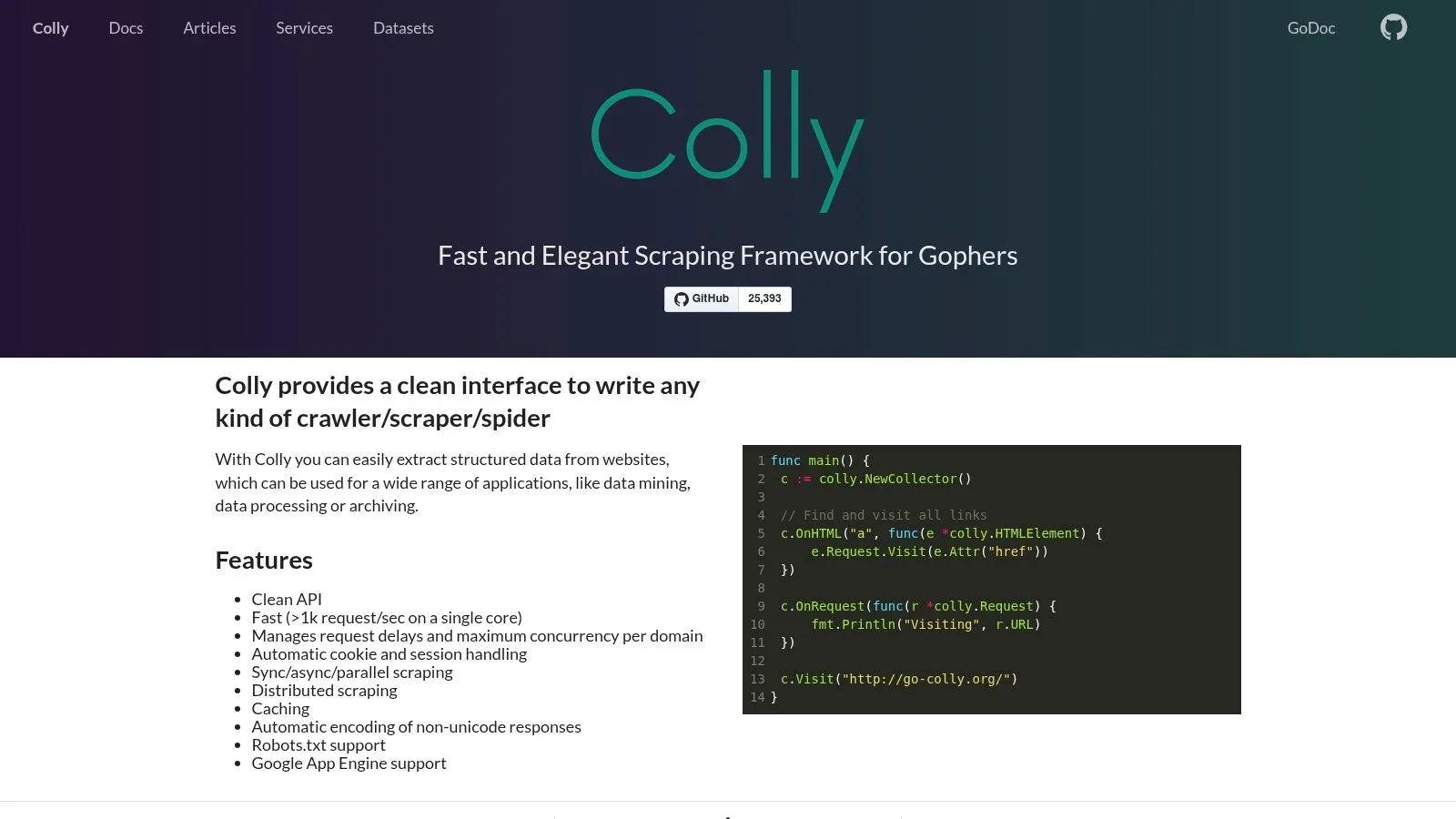
Colly is the kind of tool Go developers keep around because it gets the fundamentals right. It's fast, lean, and straightforward for HTML-centric crawling with concurrency, rate limits, proxies, and storage backends. If you're building data services in Go, that simplicity is a real advantage.
Where Colly stands out is throughput without drama. It feels close to the shape of a microservice, which makes it a good fit for teams that want scrapers to live alongside other backend jobs. The API is compact enough that you can build a crawler without spending half your time fighting the framework.
Best use cases
Colly works well for static pages, directory sites, product catalogs, and other targets where the content is already in the response. It's also a good fit for high-throughput extraction pipelines where you care about speed and resource efficiency more than browser realism. If the data is present in the HTML, Colly is often more than enough.
The limitation is just as clear. There's no native JavaScript rendering, so dynamic sites need a companion tool like a browser automation library. That's not a flaw, it's a design choice, but it means Colly belongs in the “fast fetch and parse” category rather than the “reach anything” category.
Colly is excellent when your bottleneck is request volume, not page complexity.
For teams with Go-native infrastructure, the appeal is obvious. Colly slots into existing services cleanly, keeps resource use low, and avoids a lot of the extra ceremony that browser stacks bring. It's not trying to be an everything tool.
As an open source web scraper, Colly earns its place by being practical. If your targets are simple and your team already writes Go, it's one of the best ways to build a reliable pipeline without introducing browser overhead you don't need.
8. Apache Nutch
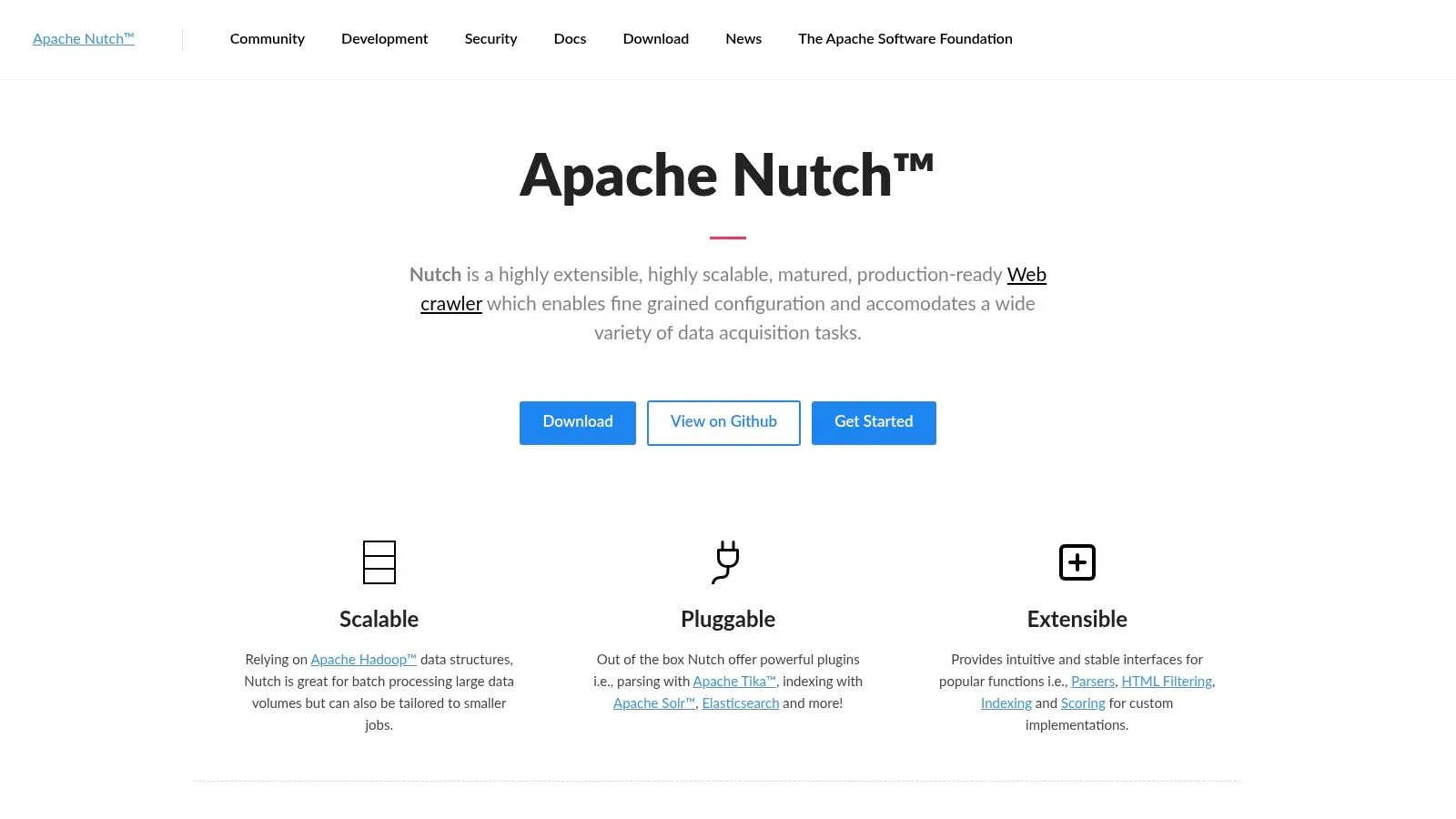
Apache Nutch is for people building crawl infrastructure, not just scripts. It's a highly extensible crawler built for large-scale batch crawling, link analysis, and integration with search stacks. If your end goal is a private index, a search corpus, or a broad site mirror, Nutch still makes sense.
The biggest reason to choose it is architectural depth. The plugin model is powerful, and the integration path to tools like Solr or Elasticsearch fits enterprise search workflows well. It's the sort of system teams pick when they need crawl logic that plugs into a wider indexing and storage stack.
The cost of scale
Nutch is not lightweight. It carries a real operational burden, and the learning curve is steeper than what most smaller teams want to absorb. That's the trade-off for Internet-scale capability and a mature plugin ecosystem. If your team doesn't already run Hadoop-adjacent systems, the overhead can feel heavy fast.
It also doesn't solve browser rendering natively, which keeps it in the batch crawl lane instead of the dynamic app lane. That's fine for wide discovery and indexing, but less helpful when the source is a JavaScript-heavy application that only reveals content in the browser.
Use Nutch when the crawl itself is part of your infrastructure, not a helper task.
That distinction matters for AI pipelines. If your system needs continuous acquisition of a broad web corpus, Nutch's scale and plugin model can be worth the complexity. If you're just trying to feed an LLM with cleaned content from a handful of sources, it's probably too much tool for the job.
Nutch is still one of the more serious open source web scraper choices when the requirement is wide crawling at enterprise scale. It's not convenient. It is capable.
9. StormCrawler
StormCrawler sits in a different category from most scraping tools because it's built for distributed, real-time crawling on Apache Storm. That makes it useful when the business need is ongoing content acquisition rather than periodic batch jobs. If your pipeline is supposed to stay live and react quickly, the architecture matters as much as the parser.
The design is stream-oriented, which means the crawler is built around topologies, URL partitioning, parsing bolts, and crawl state management. That's powerful, but it also means you're not just using a library, you're operating a system. For teams that already understand Storm, that's acceptable. For everyone else, it's a serious commitment.
Where it fits
StormCrawler makes sense when content freshness is critical and the crawl needs to run continuously. It's the kind of tool used in pipelines where the downstream system depends on a steady stream of newly discovered pages or updates. Its value is not convenience, it's the streaming model.
The downside is obvious. You need Apache Storm expertise, and you need to be comfortable operating multiple moving parts. That operational load is easy to underestimate, especially if your team mostly builds batch jobs or API services. StormCrawler doesn't hide that complexity.
Practical rule: choose streaming crawl infrastructure only when freshness is worth the operational tax.
That's why it's not a default recommendation for most AI data pipelines. If you just need to refresh a knowledge base or build a daily extraction job, simpler tools are easier to maintain. If you need near-real-time acquisition at scale, StormCrawler deserves attention.
It's a specialized tool, but a legitimate one. For the right team, it can anchor a serious crawling pipeline without forcing every job into a batch scheduler.
10. Norconex Web Crawler
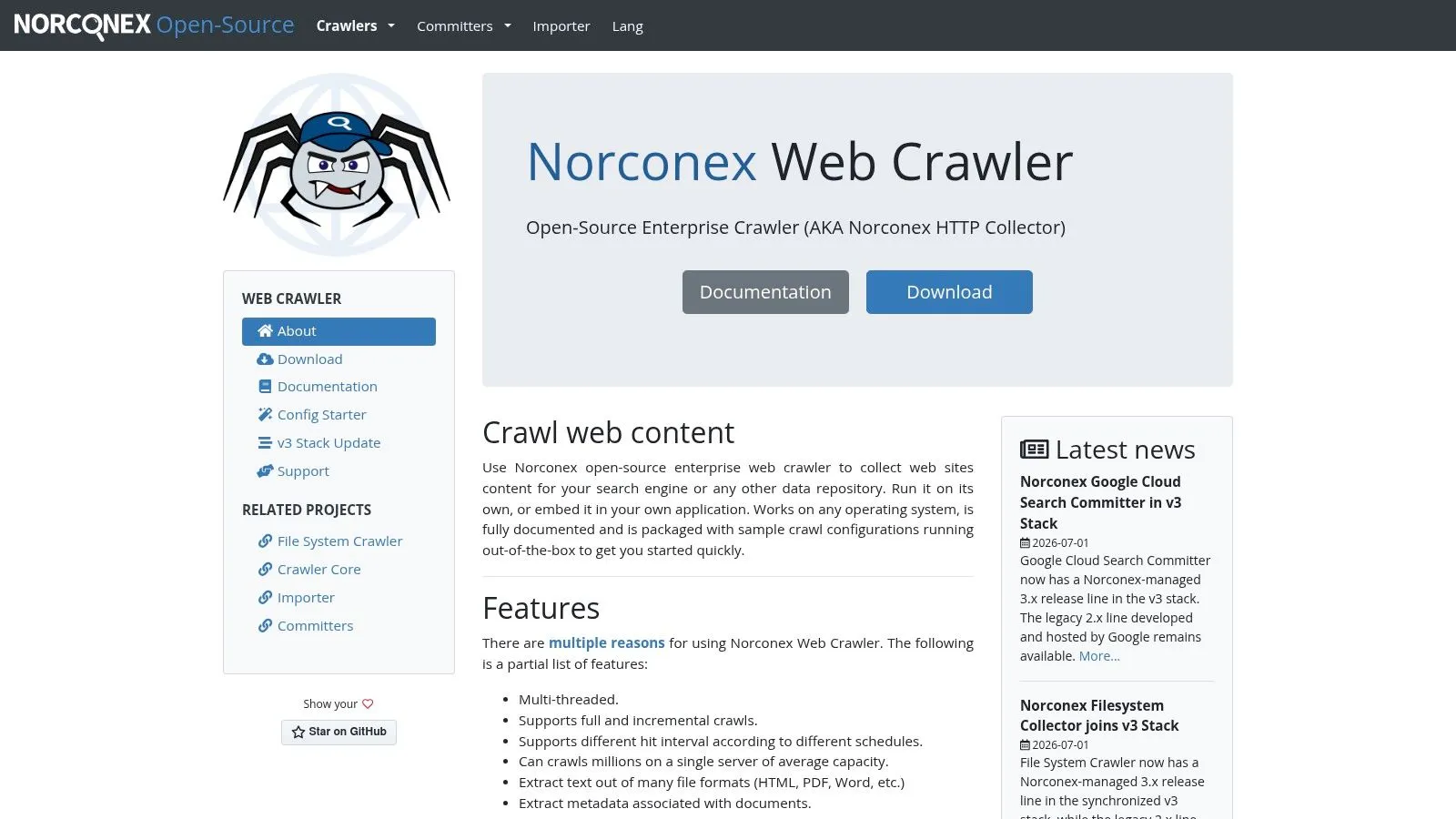
Norconex Web Crawler is built for teams that want configuration-heavy crawling without writing a lot of custom code. It supports scope rules, subdomain handling, incremental crawling, and output connectors for search engines and databases. That makes it attractive for enterprise ingestion jobs where the crawl logic is stable and the target systems are known.
The big appeal is operational clarity. XML and JSON configuration can be easier to govern than sprawling scripts, especially when multiple people need to understand or audit the crawler behavior. If the work is mainly “bring these pages into our index repeatedly and keep the metadata intact,” Norconex is a strong fit.
Strengths and limits
Norconex is good at filtering, metadata handling, and production-oriented crawling. It's especially useful when the crawl is just one piece of a larger search or content pipeline. You can point it at a site, define the rules, and push output into the systems that matter.
The limitation is that it's not a browser renderer. It's designed for crawl and ingestion, not for page-by-page interaction in modern client-side apps. That means it lives in the classic crawler lane, where HTML is already available and the logic is mostly about scope, filtering, and storage.
If the team wants fewer lines of custom code and more governed crawl behavior, Norconex is a sensible choice.
It's also one of the better choices for organizations that value predictable configuration over bespoke code paths. That can be a feature, not a weakness, when the team needs repeatability and long-term maintainability more than absolute flexibility.
As an open source web scraper, Norconex doesn't try to win the browser battle. It wins on control, clarity, and enterprise crawl workflows.
Top 10 Open-Source Web Scrapers: Feature Comparison
| Product | ✨ Core / Features | JS & Anti-bot | ★ LLM-ready / Output | 👥 Target | 💰 Value / Strength |
|---|---|---|---|---|---|
| Webclaw (Docs: Introduction) | ✨ LLM-optimized MD/JSON/text, crawl/map, snapshots, brand assets, YouTube transcripts | Renders JS; retries some blocked pages; BYO proxies & concurrency | Token-efficient ; typed JSON extractors | 👥 Retrieval pipelines, AI agents, research teams | 💰 Cuts model cost via small payloads; self-hostable control; Recommended |
| Scrapy | ✨ Spiders, pipelines, middlewares, feed exports | No native JS (use Splash/headless) | ★★★☆☆ Structured exports (JSON/CSV); raw-HTML oriented | 👥 Python devs & data engineers | 💰 Proven at scale; large ecosystem |
| Playwright | ✨ Cross-browser automation, auto-waits, tracing, network interception | Renders JS; reliable on SPAs but needs proxies/stealth | ★★★☆☆ Full DOM output; needs cleaning for LLMs | 👥 Engineers scraping dynamic sites, QA | 💰 High reliability; heavier resource use |
| Puppeteer | ✨ Chrome/Chromium control, CDP, PDF/screenshots | Renders JS; effective but needs stealth/proxies | ★★★☆☆ Full DOM; manual LLM prep required | 👥 Node.js devs, UI scrapers | 💰 Fine-grained Chrome control; resource-heavy |
| Crawlee | ✨ Request queues, autoscaling, proxy rotation, pluggable engines | Pluggable engines (Playwright/Puppeteer/Cheerio) → JS via engine | ★★★☆☆ Flexible output; pipeline needed for LLM-ready text | 👥 Teams building resilient production crawlers | 💰 Batteries-included primitives; moderate overhead |
| Selenium WebDriver | ✨ W3C WebDriver, multi-language bindings, CDP support | Full browser fidelity; detectable without stealth/proxies | ★★☆☆☆ Full pages; requires heavy post-processing | 👥 QA teams, multi-language devs | 💰 Broad support; operationally heavy |
| Colly | ✨ Go concurrency, rate-limits, proxy switching, Redis support | No native JS (pair with chromedp/Playwright) | ★★★☆☆ Fast HTML scraping; needs LLM cleaning | 👥 Go devs, high-throughput pipelines | 💰 Very fast & efficient; minimal runtime overhead |
| Apache Nutch | ✨ Hadoop-scale crawling, pluggable parsers, search integration | No native JS rendering | ★★☆☆☆ Designed for indexing; not LLM-optimized | 👥 Enterprises building private web indexes | 💰 Internet-scale crawling; steep ops cost |
| StormCrawler | ✨ Real-time distributed fetching on Apache Storm, ES integration | No native browser render (workarounds) | ★★☆☆☆ Streaming crawl output; extra LLM processing needed | 👥 Teams needing near-real-time acquisition | 💰 Low-latency scale; requires Storm expertise |
| Norconex Web Crawler | ✨ Config-driven crawling, incremental recrawl, Solr/ES committers | No browser rendering | ★★☆☆☆ Config-centric outputs; needs cleaning for LLMs | 👥 Enterprises ingesting sites to search stacks | 💰 Low-code production crawling; Java/runtime dependency |
The Right Tool Is the One That Delivers Clean Data
The open-source ecosystem gives you a tool for almost every web extraction problem, from plain HTML crawling with Colly or Scrapy to browser-driven extraction with Playwright, Puppeteer, and Selenium. It also gives you enterprise options like Apache Nutch, StormCrawler, and Norconex when crawl scale or governance matters more than convenience. The hard part isn't finding a tool, it's matching the tool to the actual failure mode.
That failure mode has changed. In 2026, a lot of teams aren't just trying to fetch pages. They're trying to turn web pages into LLM-ready context, which means removing boilerplate, reducing noise, and keeping the output semantically clean enough for retrieval and generation. The market signals make that shift hard to ignore, with industry coverage putting web scraping software around USD 1.1 billion in 2024 and projecting more than 18% CAGR through 2030 on one side, and another report placing the market at $1.01 billion in 2024 with a rise to $2.49 billion by 2032 at about 16.0% CAGR on the other (industry coverage on market growth, Mordor Intelligence market report). The exact forecasts differ, but the direction is the same, web scraping is now infrastructure for AI.
For practitioner teams, that means the selection criteria should change too. Don't ask only whether a scraper can render JavaScript. Ask whether it can produce usable downstream content, whether it survives anti-bot friction, and whether the maintenance cost fits your team size. If a simple parser gives you clean data, use it. If the site is client-rendered or protected, move up the stack only as far as necessary.
That's why I think Webclaw belongs at the top of the modern shortlist for AI and RAG work. It's built around the output shape the model needs, and it still gives you the interfaces you'd expect from a serious extraction tool, including CLI, API, SDKs, and agent access. If your team is tired of wrangling raw HTML and wants a cleaner path from URL to usable context, the next step is to explore Webclaw and see whether it fits your extraction pipeline.
If you're building a retrieval pipeline, agent workflow, or research system, Webclaw gives you a practical way to turn messy web pages into clean context without bolting on half a stack of cleanup code. Visit Webclaw to see how its API, CLI, and agent-ready tools can simplify the way you scrape, crawl, and prepare web data for models.