
The 10 Best Octoparse Alternative Tools for 2026
If you're stuck between a scraper that's easy to use and one that survives modern websites, you're in the right place. Octoparse still works for a lot of straightforward jobs, but once you hit JavaScript-heavy pages, stricter anti-bot defenses, or an AI workflow that needs clean output instead of raw HTML, the trade-offs get painful fast. The market has also moved, the comparison set is now defined less by “can it click around a site” and more by whether it can produce structured, model-ready data reliably at scale, with API-first tools now central in how buyers evaluate alternatives (Firecrawl's Octoparse alternatives roundup).
That shift matters because Octoparse has real limits in scale and pricing structure, and those limits push serious teams toward tools with stronger proxy infrastructure, browser automation, and cloud-native execution. One independent comparison notes Octoparse's free plan includes 10 tasks, up to 10K rows per export, 50K data exports per month, and paid plans listed around $75-$99/month for Standard and $249-$299/month for Professional, which is a different conversation from production crawling (History Tools' Octoparse alternatives analysis). For teams building applications, monitoring large catalogues, or feeding LLM pipelines, the better question isn't whether the scraper has a visual builder. It's whether the tool fits the job.
1. Webclaw
Webclaw is an option to evaluate when your downstream consumer is a language model or retrieval pipeline. It returns Markdown, JSON, plain text, and LLM-oriented output. Compare extraction quality and token count on your own pages.
Why it fits AI workflows better than a classic scraper
Webclaw is built as an API first, with model-ready output taking priority over desktop workflow convenience. It supports scrape, crawl, map, search, batch, extract, summarize, research, brand, diff, and more, which makes it much closer to a web data layer than a single-purpose scraper. It also handles PDFs, DOCX, and YouTube, with automatic transcripts and metadata on video URLs, so you do not need a separate ingestion path for mixed source types.
Practical rule: if your next step is embedding, RAG, agentic browsing, or structured extraction, choose the tool that minimizes post-processing, not the one that just opens a site.
What stands out in production
The reliability story matters. Webclaw renders JavaScript, uses TLS fingerprinting controls, and gives you a path that is more suitable for modern sites than a simple request-only fetcher. That matters in production because the failure mode is not just a missing field, it is a broken pipeline that sends incomplete context downstream and forces your team to add cleanup logic.
It also gives you a clearer separation between acquisition and transformation. For developers, that usually means less time writing parsers and more time shaping the data for the next system in the chain.
Best fit and trade-offs
Webclaw fits teams that care about structured output, AI ingestion, and repeatable extraction more than point-and-click scraping. It is a better fit for software builders than for non-technical users who want to click through a site and export a table.
The trade-off is straightforward. If your workflow depends on a visual desktop interface, or if you only need occasional manual exports, Webclaw may be more tooling than you need. If your stack is already API-driven, it is easier to justify because it reduces conversion work and keeps the data in a format your application can use right away.
1. Webclaw
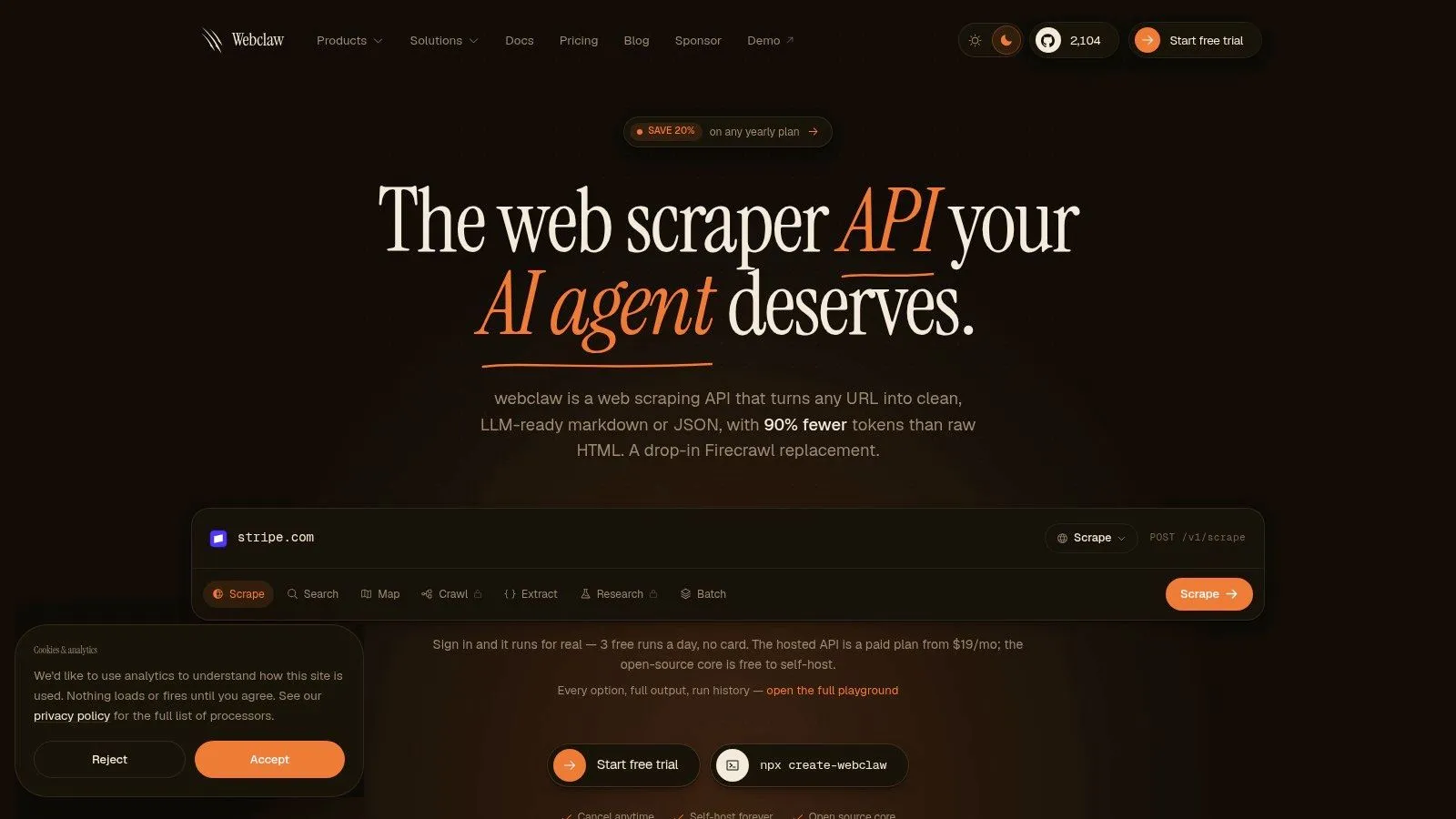
Webclaw is an option to evaluate when your downstream consumer is a language model or retrieval pipeline. It returns Markdown, JSON, plain text, and LLM-oriented output. Compare extraction quality and token count on your own pages.
Why it fits AI workflows better than a classic scraper
Webclaw is built as an API first, not a desktop workflow. It supports scrape, crawl, map, search, batch, extract, summarize, research, brand, diff, and more, which makes it much closer to a web data layer than a single-purpose scraper. It also handles PDFs, DOCX, and YouTube, with automatic transcripts and metadata on video URLs, so you don't need a separate ingestion path for mixed source types.
Practical rule: if your next step is embedding, RAG, agentic browsing, or structured extraction, choose the tool that minimizes post-processing, not the one that just opens a site.
What stands out in production
The reliability story matters. Webclaw renders JavaScript, uses TLS fingerprint impersonation instead of browser overhead, supports bring-your-own proxies for geo-targeting and scale, and is positioned for sites that try to block ordinary scrapers. The managed cloud includes an easy on-ramp with 3 free runs per day and hosted plans starting at $19/month, while the stack also includes TypeScript, Python, and Go SDKs, a CLI, and an MCP server for agents and tools like Claude and Cursor.
Under the current Webclaw pricing model, a successful standard scrape or structured extraction costs one page credit. Rendering and protected-page handling do not add a multiplier. Multi-page operations and search can consume multiple credits, and Research has a separate allowance. The AGPL-3.0 core can run locally, but the managed service and self-hosted core have different capabilities.
Website: Webclaw
2. ParseHub
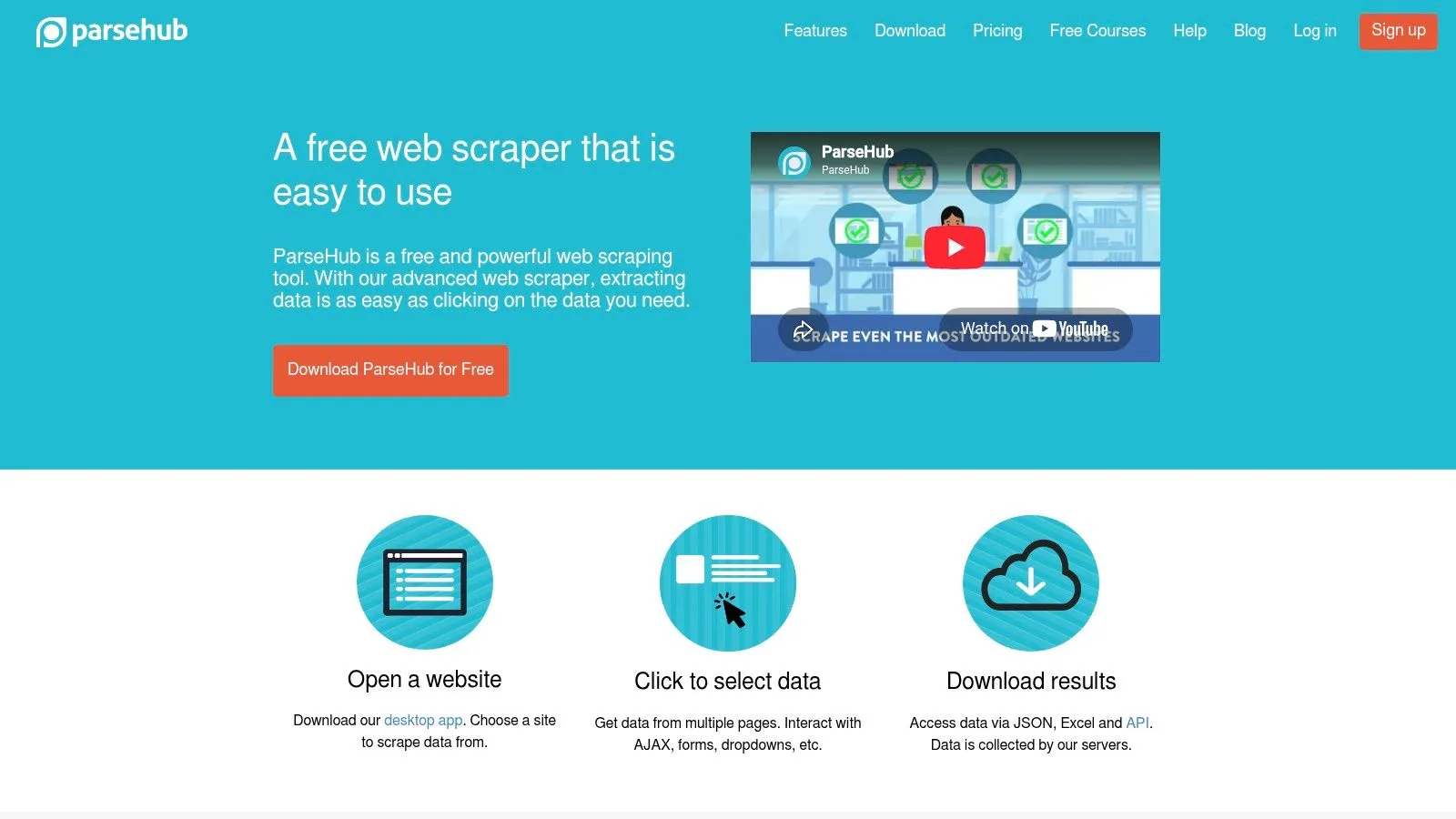
ParseHub is a practical choice when a team wants to stay in the visual scraping world but needs more room than Octoparse usually gives. It uses a desktop builder with a hosted scheduler, so you still build workflows by clicking through pages, but you get enough flexibility for pagination, login flows, and many JavaScript-rendered sites. For marketers, analysts, and ops teams that do not want to write code but still need more than a static-site extractor, that mix is often the right trade-off.
Where it works well
The workflow model is ParseHub's strongest point. Visual selectors are easier for non-developers to reason about than XPath-heavy or code-heavy alternatives, and the cloud scheduling plus delivery options to S3, Dropbox, and Google Sheets fit recurring business jobs. It also includes IP rotation and baseline anti-bot handling, which helps with common extraction tasks where browser automation is enough.
It also keeps the learning curve familiar for teams coming from other visual scrapers. If you already build scrapes by clicking through a page, ParseHub preserves that mental model while handling more dynamic behavior than the most basic no-code tools. For teams comparing visual tools, it sits in the same practical category as a lightweight browser-first option, so it is worth a quick look at how a simpler scraper extension compares before committing to a heavier workflow.
Where the friction shows up
The setup cost is the first real trade-off. Desktop project building can feel slower than a cloud-native API workflow, especially once a one-off scrape turns into a maintained pipeline. Pricing can also be harder to defend as run counts grow, because visual tools often get more expensive once scheduling, scale, and ongoing maintenance enter the picture.
Teams that need developer time savings can still get value from ParseHub. Teams that care more about site reliability on hostile targets or clean outputs for downstream systems will usually feel the limits sooner, and at that point it starts to look more like a transition tool than a final platform. For a broader comparison against API-first scrapers, see this Apify alternative guide.
Website: ParseHub
3. Web Scraper WebScraperio
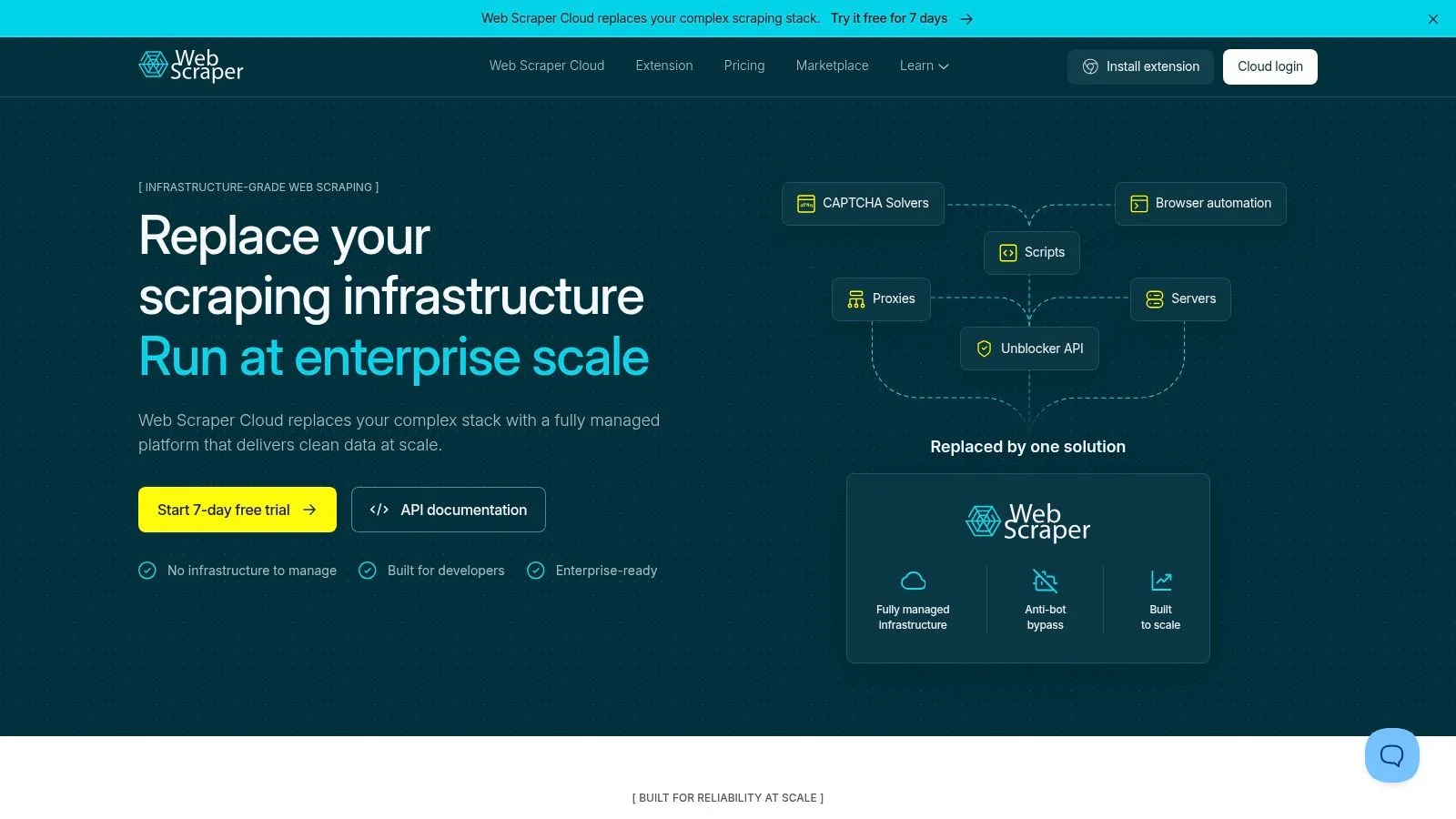
Web Scraper is the lightweight choice for people who want a Chrome extension first and a managed cloud second. It feels closer to a practical field tool than a heavy platform, which is useful when the job is straightforward and the team wants something they can stand up quickly without a lot of process. That combination makes it popular with marketers, analysts, and small teams that want a visual sitemap builder rather than a full developer platform.
The core workflow
The extension-based sitemap model is the main attraction. You define site structure visually, run local tests, then move to cloud runs when you need scheduling, webhooks, or automation API access. The platform also advertises built-in proxy pool options and an optional residential proxy add-on, which gives you a path to scale without leaving the product.
Its appeal is especially clear when the work is routine. If you're scraping product lists, directories, or content pages with predictable structure, Web Scraper gets out of the way and lets you focus on field mapping instead of infrastructure.
The practical limits
The trade-offs show up fast on complicated sites. Effectiveness can vary on heavily protected or unusual targets, and the product itself notes gaps with some social platforms, including LinkedIn. That's the important distinction with an Octoparse alternative like this, it's not trying to be the most powerful solution, it's trying to be the most accessible one that still scales a bit.
For teams that care about a transparent URL-credit model, simple automation, and a lower-complexity setup, that's enough. For teams that need strong JavaScript rendering and effective anti-bot behavior across messy, changing sites, it's more of a good first stop than a final answer.
Website: WebScraper.io
Practical insight: extension-based tools are fast to adopt, but they usually need a higher-maintenance fallback once the target site starts changing layouts or blocking requests.
5. Zyte API formerly Scrapinghub
Zyte API fits cases where you need reliable fetches without running your own proxy and browser stack. It is built around managed scraping infrastructure, with automatic anti-ban handling, smart geolocation, browser and HTTP modes, and extraction add-ons that reduce how much plumbing your team has to own. For teams that care more about getting successful responses than about maintaining browser automation, that trade-off is often the right one. For a closer side-by-side view, see a detailed Zyte comparison.
How it behaves in real work
The billing model is part of the appeal. Zyte uses a success-based approach with per-target tiering, so you are not paying for a pile of failed attempts in the same way you might with a badly tuned DIY stack. It also gives you spending limits and alerts, which matters when scraping jobs are tied to operational budgets rather than experimentation.
That structure suits protected pages and messy targets. Browser mode, residential or device IPs, and automatic data extraction help when a site's front end gets in the way and you do not want the engineering team babysitting requests all day. For teams that care about best practices for API clients, the managed approach also reduces the amount of retry logic, error handling, and proxy rotation you need to maintain yourself.
Where the complexity lives
The downside is planning cost. Per-target pricing plus add-ons means you need a clear estimator mindset before you commit, because the price can vary depending on what the site demands. That is less convenient than a simple monthly subscription, but it often maps better to real scraping economics for serious workloads.
Website: Zyte
5. Zyte API formerly Scrapinghub
Zyte API is the right alternative when your priority is reliable fetches without running your own proxy and browser stack. It leans hard into managed scraping infrastructure, with automatic anti-ban handling, smart geolocation, browser and HTTP modes, and extraction add-ons that reduce how much plumbing your team has to own. For teams that care more about successful responses than about wrestling with browser automation, that's a serious advantage.
How it behaves in real work
The billing model is part of the appeal. Zyte uses a success-based approach with per-target tiering, so you're not paying for a pile of failed attempts in the same way you might with a badly tuned DIY stack. It also gives you spending limits and alerts, which matters when scraping jobs are tied to operational budgets rather than experimentation.
That structure suits protected pages and messy targets. Browser mode, residential or device IPs, and automatic data extraction are useful when a site's front end gets in the way and you don't want the engineering team babysitting requests all day.
Where the complexity lives
The downside is planning cost. Per-target pricing plus add-ons means you need a clear estimator mindset before you commit, because the price can vary depending on what the site demands. That's less convenient than a simple monthly subscription, but it often maps better to real scraping economics for serious workloads.
Website: Zyte
6. Bright Data Web Scraper API / IDE
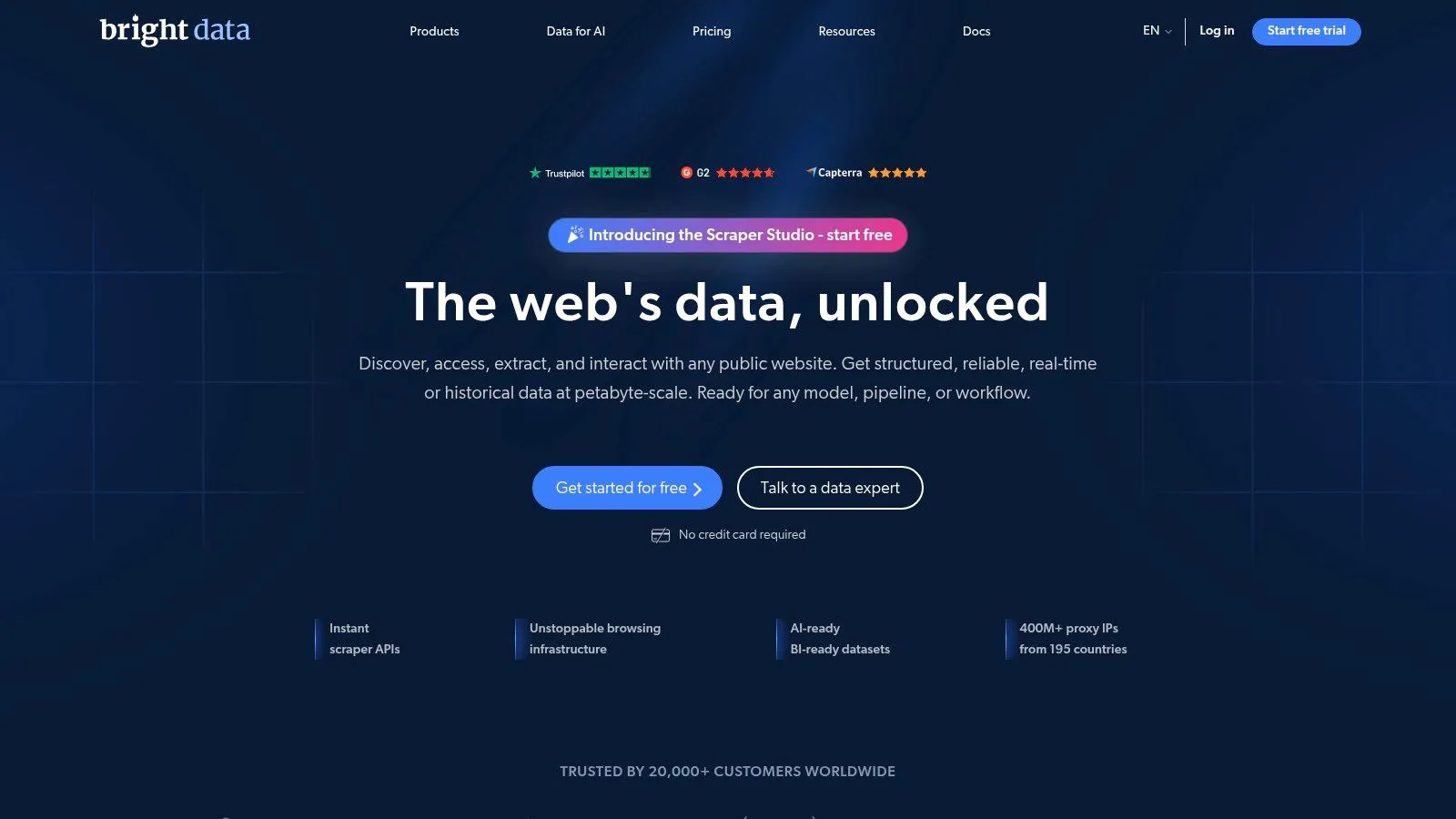
Bright Data sits at the enterprise end of the Octoparse alternative spectrum. It is built for large-scale collection, governance, and SLA-driven operations, so the experience is less about quick hobby scrapes and more about dependable data programs that need serious infrastructure. That matters in a market where enterprise API scraping keeps showing up in comparison sets, as noted in the broader analysis cited earlier (Mordor Intelligence market sizing as cited in the Octoparse alternatives analysis).
Why enterprises choose it
The product suite is broad, but the appeal is straightforward. You get a no-code IDE and templates, JavaScript rendering, bulk jobs, validation, datasets, and a large proxy portfolio across residential, mobile, and datacenter networks. Teams can move from proof of concept to governed production workflows without replacing vendors halfway through the project.
Enterprise buyers also care about procurement and reliability. Bright Data supports SLAs and channels like AWS Marketplace, which matters when purchasing has to go through formal review rather than a self-serve credit card flow.
The main cost of that breadth
The platform can feel overwhelming at first, because it is not a single-purpose scraper. You are buying into a catalog of capabilities, and that works well when an organization has multiple extraction needs, but it can slow down smaller teams that just want one clean API.
For organizations doing mission-critical price monitoring, e-commerce intelligence, or regulated data collection, the breadth is the point. For smaller teams, the pricing and complexity may be more than they need.
If you want a closer look at how it compares in practice, a detailed Bright Data comparison is the fastest way to see where the operational overhead starts to matter.
Website: Bright Data
7. ScrapingBee
ScrapingBee is the option for developers who want a clean scraping API without a lot of ceremony. It handles JavaScript pages, CAPTCHAs, rotating proxies, and geotargeting, but the selling point is really the developer experience. If your team prefers a simple integration path and doesn't want to manage browser infrastructure directly, it's an easy tool to like.
Why it's practical
The API is straightforward, and the documentation is part of the product value. ScrapingBee also includes higher-level helpers like a Markdown scraper and AI extraction, which reduces the amount of cleanup code you need to maintain on your side. That's especially useful when your output is heading into a content pipeline, search index, or lightweight data workflow.
It also offers dedicated endpoints for sites like Google, Amazon, and YouTube, which can shorten implementation time when your use case lines up with common targets.
The trade-offs
The fixed-credit model is the main thing to watch. Heavy browser usage can burn through credits faster than expected, so teams need to be disciplined about when they invoke rendering and when a simple fetch will do. Also, specialized target support can lag for niche sites, which is the usual compromise with convenience-oriented APIs.
Use ScrapingBee when the engineering goal is “ship quickly and keep the code small.” Use something heavier when the target requires aggressive anti-bot handling or a more specialized pipeline.
Website: ScrapingBee
8. ScraperAPI
ScraperAPI is one of the most direct developer tools in this category, and that simplicity is exactly why it belongs in any Octoparse alternative shortlist. The product centers on a single endpoint that handles proxies, rendering, and CAPTCHA solving, so you're not stitching together your own stack before you can even test a page. For technical teams, that's a strong fit.
Where it wins
The integration path is fast. Once the endpoint is wired into your app or script, you can move through common targets without managing the anti-bot plumbing yourself. It also publishes per-domain credit multipliers, which is useful because it tells you why a request costs what it costs instead of hiding everything behind opaque usage.
Higher-tier features like DataPipeline and full crawler access make it more useful once a team moves beyond simple fetches and wants a more complete workflow. That helps when scraping stops being a one-off task and becomes part of a product or internal data service.
What to watch
The domain multipliers are also the reason spend can vary so much. If your target mix changes often, cost modeling gets messy fast, and lower plans may hit concurrency ceilings before the rest of your stack is ready. That's not unique to ScraperAPI, but it matters here because the tool is intentionally simple, and simplicity can hide resource spikes if you don't monitor it.
If you want a quick developer reference point, the ScraperAPI comparison note is useful for understanding where a single-endpoint model works best and where you'll still want a fuller extraction layer.
Website: ScraperAPI
9. Oxylabs Web Scraper API
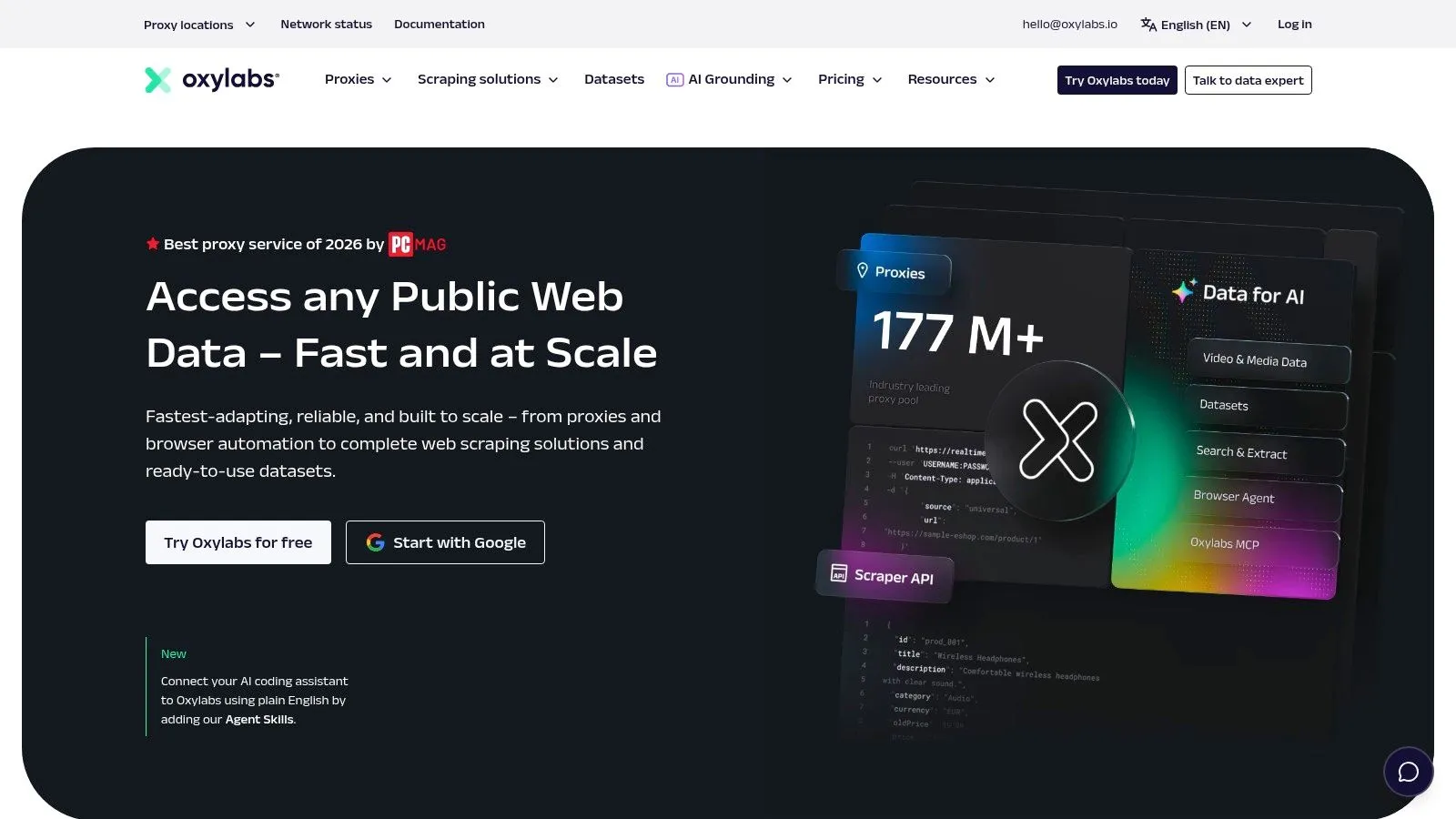
Oxylabs is built for teams that need enterprise-grade scraping with account support and a clear pricing model tied to outcomes. It sits in the same broad category as Bright Data and Zyte, but the feel is different, more focused on per-1,000-results pricing, structured tooling, and enterprise support than on visual workflows. That makes it a serious contender for organizations that have already crossed into production data operations.
Why it earns a place here
The platform includes separate JS and no-JS rates, built-in CAPTCHA handling, adaptive parsing, a playground, scheduler, batch scraping, and assistant tools like OxyCopilot. That combination matters because teams rarely need only one extraction mode, they need a system that can adapt to different target types without rewriting everything.
Oxylabs also brings a wide proxy portfolio and SLA-driven support. For enterprise teams scraping protected e-commerce or SERP targets, that kind of infrastructure is often what determines whether the project stays stable enough to be operational.
The practical downside
The true cost depends heavily on target mix and rendering usage, so it's not the kind of platform you buy casually for small ad-hoc jobs. If your use case is light, you'll probably find the platform more capable than necessary. If your use case is serious, those extra capabilities are exactly why you're evaluating it.
Website: Oxylabs
10. Diffbot
Diffbot is the most automatic option in this list, and that makes it a very different kind of Octoparse alternative. Instead of asking you to define site-specific CSS or XPath rules, it uses AI-based extraction and a large knowledge graph to understand pages on its own. That matters when you want less maintenance and more generalized web understanding across changing sites.
Where it fits best
The main reason teams choose Diffbot is maintenance reduction. If your current workflow spends too much time repairing selectors every time a page layout changes, automatic extraction can be a relief. It also brings together crawling and a knowledge graph of entities like companies, people, and products, which gives you more than raw page data if your project benefits from enrichment.
That combination is useful for research, enrichment, and exploratory data programs where the schema evolves over time. It's less about hand-built scraper logic and more about getting usable structured output quickly.
The trade-off
Diffbot's higher starting cost makes it a more deliberate purchase than a simple proxy-based scraper. Knowledge graph queries also consume more credits than single-page extraction, so teams need to understand how often they'll lean on enriched data versus basic crawling.
Website: Diffbot
Top 10 Octoparse Alternatives, Quick Comparison
| Product | Core features | Quality (★) | Pricing (💰) | Target (👥) | Unique selling point (✨ / 🏆) |
|---|---|---|---|---|---|
| Webclaw | LLM-optimized outputs (Markdown/JSON/LLM), JS rendering, BYO proxies, crawl/map/batch, YouTube/PDF support | 💰 Starts $19/mo + credits · 3 free runs/day | 👥 Developers, LLM engineers, data teams, startups | ✨ LLM-first output · vertical extractors · self-hostable Rust core | |
| ParseHub | Visual point‑and‑click builder, pagination, logins, cloud scheduler | ★★★☆☆ | 💰 Desktop + cloud plans · can rise at scale | 👥 Non-developers, analysts | ✨ Easy visual builder for moderate JS sites |
| Web Scraper (WebScraper.io) | Chrome sitemap builder, cloud runs/API, built-in proxies, webhooks | ★★★☆☆ | 💰 URL-credit tiers · clear plans · 7‑day trial | 👥 Marketers, analysts, small teams | ✨ No-code sitemap + cloud scaling |
| Apify | Actor runtime & SDKs, Actor Store, scheduling, proxies & storage | ★★★★☆ | 💰 CU-based pay-as-you-go · granular cost controls | 👥 Developers, automation & data engineers | ✨ Large marketplace of prebuilt Actors & templates |
| Zyte API | Success-only billing, HTTP/browser modes, auto-extraction, geolocation | ★★★★☆ | 💰 Success-based billing · per-target tiers | 👥 Teams needing reliable fetches w/out managing proxies | ✨ Predictable success-billing + anti-ban tech |
| Bright Data | No-code IDE, JS rendering, residential/mobile proxies, enterprise SLAs | ★★★★☆ | 💰 Premium at scale · enterprise procurement | 👥 Enterprises (price monitoring, e‑comm) | ✨ Massive proxy coverage & SLA-backed support |
| ScrapingBee | Headless browser, rotating proxies, geotargeting, higher-level extractors | ★★★★☆ | 💰 Clear plans · browser-heavy runs consume credits | 👥 Dev teams wanting simple, predictable API | ✨ Clean dev UX + convenience extractors (Markdown/AI) |
| ScraperAPI | Single-endpoint fetch (proxies/render/CAPTCHA), credit metering, add-ons | ★★★★☆ | 💰 Credit-based · per-domain multipliers affect cost | 👥 Teams needing quick integration & scaling | ✨ One-endpoint simplicity with domain-aware pricing |
| Oxylabs, Web Scraper API | Per-1K results pricing, CAPTCHA handling, proxy portfolio, scheduler | ★★★★☆ | 💰 Per-1K results · enterprise pricing | 👥 Enterprise teams needing scale & coverage | ✨ Wide proxy portfolio + adaptive parsing & assistant tools |
| Diffbot | Automatic site-agnostic extraction, Knowledge Graph, crawl API, NLP | ★★★★☆ | 💰 Higher starting price · KG queries cost more | 👥 Teams needing structured KG & automatic extraction | ✨ AI-driven page understanding + Knowledge Graph access |
Making Your Final Decision
The best Octoparse alternative is the one that matches your use case, not the one with the longest feature list. If you want the lowest-friction visual experience, ParseHub and Web Scraper are the nearest fits, especially for teams that don't want to code. If you need an API-first platform with developer depth, Apify, Zyte API, ScraperAPI, and Oxylabs are the stronger choices because they're built around cloud execution, proxy management, and production workflows.
If your work is enterprise-heavy, Bright Data belongs on the shortlist because it's built for governance, scale, and procurement. If you want the most automatic extraction with less selector maintenance, Diffbot stands out. And if your actual goal is to feed clean data into LLMs, agents, or retrieval systems, Webclaw is the clearest fit because it's designed around token-efficient, model-ready output instead of raw scraping leftovers.
The right way to choose is simple. Pick your top two or three tools, run the same target page through each one, and compare the output quality, setup time, and how much cleanup your team has to do afterward. That exercise usually reveals the winner faster than any feature page ever will.
If you're choosing between scraping tools for AI, automation, or production data pipelines, start with the tool that gives you the cleanest output with the least post-processing. Webclaw is built for that exact problem, turning difficult pages into structured, token-efficient data that's ready for models and agents. Visit it if you want an Octoparse alternative that's aimed at modern workflows instead of old-school HTML scraping.