10 Best AI Web Scraper APIs for 2026
You're staring at a pile of target URLs, and your LLM keeps getting fed the wrong thing, nav links, cookie banners, ads, and half-rendered pages that waste context and miss the real content. That's the exact point where a best AI web scraper stops being a convenience and starts acting like infrastructure. In 2026, the tools that matter render JavaScript, survive bot defenses, and return LLM-ready output that fits retrieval pipelines instead of fighting them, which is why the market has shifted toward clean markdown, structured JSON, and agent-friendly APIs. For a practical companion to this roundup, see these effective web scraping strategies.
This list keeps the focus on what matters in production, output quality, anti-bot resilience, structured extraction, pricing, and integrations. You'll see where Webclaw fits for token-efficient context, where Firecrawl wins for AI agents, and where heavier enterprise stacks make sense when blocked pages are the primary bottleneck. The goal is to get you to a workable shortlist fast, then let the tool detail do the sorting.
1. Webclaw
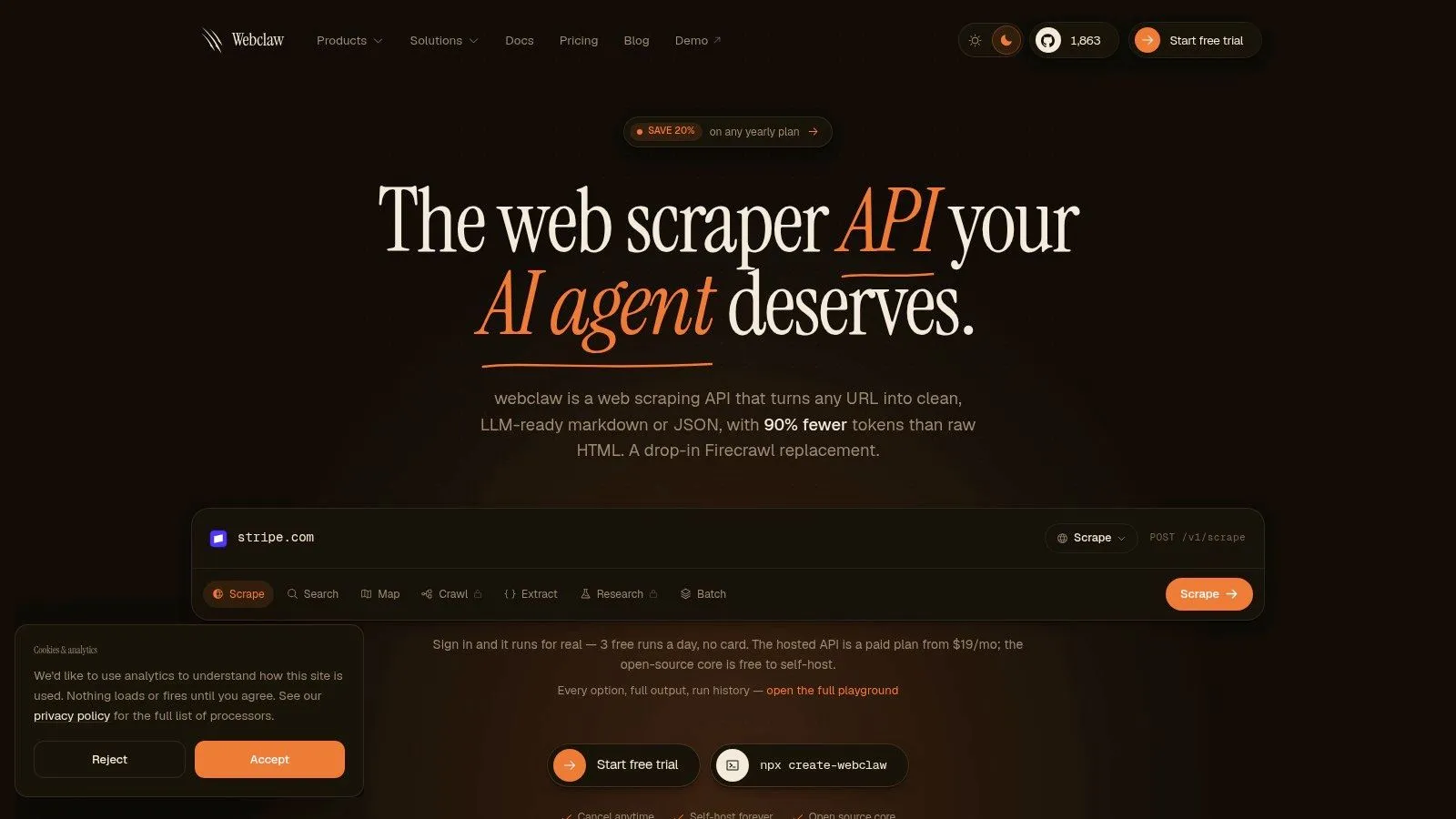
Webclaw fits teams that need scraping output for an LLM, not just for storage. It returns Markdown, JSON, plain text, or an LLM-optimized format, and its hosted API, CLI, SDKs, and MCP server make it straightforward to plug into agents, RAG pipelines, and research workflows. The point is practical, strip out boilerplate, keep the meaning, and give the model cleaner context than raw HTML usually provides. For a direct product view, the Webclaw AI scraper guide and the Webclaw website are the most useful starting points, and Webclaw's LLM scraping guide shows how the API is positioned for model-friendly extraction.
Why it stands out in practice
Webclaw supports JavaScript rendering, site-wide crawling, mapping, batching, structured extraction, summaries, diffs, and brand-asset extraction. Access and completeness depend on the target site; test representative pages before relying on the results.
Practical rule: if your downstream step is an LLM call, optimize the scrape output before you touch the prompt.
The main reason to choose Webclaw is token efficiency and cleaner downstream context. Its LLM-first format is designed to remove boilerplate before the model ever sees it, which is useful when every token affects latency and cost. That focus on structured extraction matters more than raw HTML fetch in real LLM pipelines, where messy pages waste context and make retrieval less reliable.
A few practical strengths show up quickly in real projects.
- LLM-first output: clean markdown and JSON reduce noise before retrieval or summarization.
- Developer ergonomics: REST API, official SDKs, CLI, and MCP support mean less glue code.
- Flexible deployment: hosted service for speed, open-source Rust core for self-hosting.
- Production reach: works across modern, JavaScript-heavy pages that break naïve fetchers.
The trade-off is policy and deployment complexity. The AGPL core fits self-hosting, but it may not suit every closed-source commercial stack, and any tool that can bypass bot protections needs careful compliance review. For dev teams, LLM engineers, and founders who want clean web context without wrestling with HTML, Webclaw is a strong best AI web scraper pick here.
2. Firecrawl
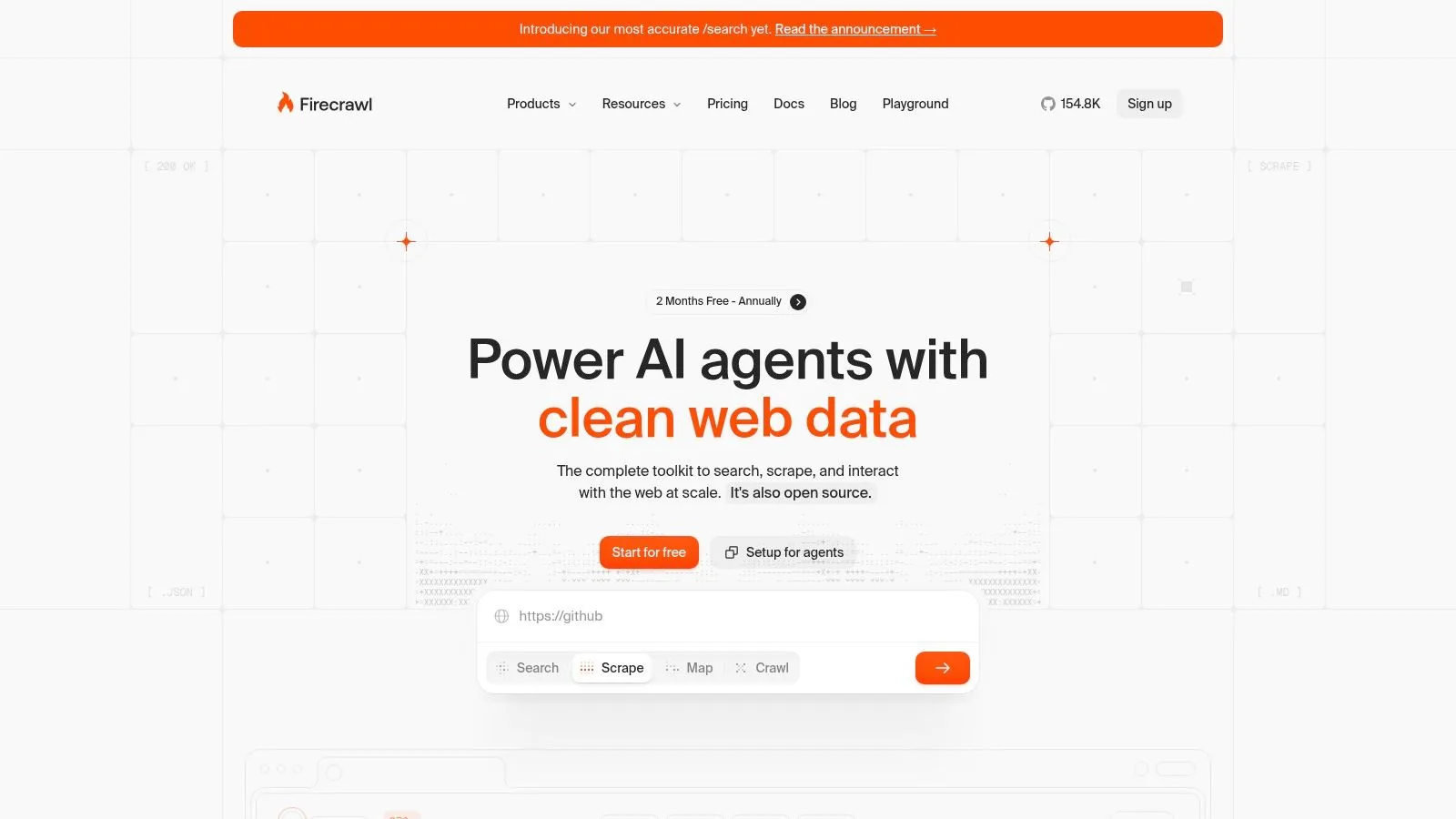
Firecrawl is a strong choice for teams that want an AI-first context API that goes beyond simple page fetches. It can search, scrape, crawl, and interact with pages through clicks, typing, waits, and scrolling, which helps on sites that hide content behind dynamic interfaces or light gating. The product is built around retrieval workflows, and its markdown or structured JSON output fits LLM pipelines well.
Where Firecrawl fits best
Firecrawl's main value is breadth. It does not stop at single-page scraping, it can move across a site and return context in a format ready for downstream ingestion. Page interaction matters on targets that do not fully expose their content in the first render, especially when a simple request only returns a shell.
That makes it a practical option for teams that need one API for crawling, search, and extraction. It also fits the broader shift toward AI scrapers that are judged less by raw HTML fetch and more by whether they produce clean markdown or structured JSON that models can use directly. If you want a closer look at where this kind of workflow sits in an AI-first stack, the Webclaw AI web scraper guide gives useful context.
The real question is not whether a scraper can fetch HTML. The real question is whether the output is clean enough that your model stops wasting tokens on junk.
The trade-off is straightforward. Heavy interaction flows can cost more than simple fetchers, and public pricing details are not always fully itemized, so budgeting takes more care than it does with a basic usage table. If your stack depends on agent-native workflows, Firecrawl is still a natural fit. You can compare its role against Webclaw in the Webclaw Firecrawl comparison.
Official website
Firecrawl's official site is firecrawl.dev, and that is the place to check current API behavior, SDK support, and plan details before you commit.
3. Jina AI Reader API
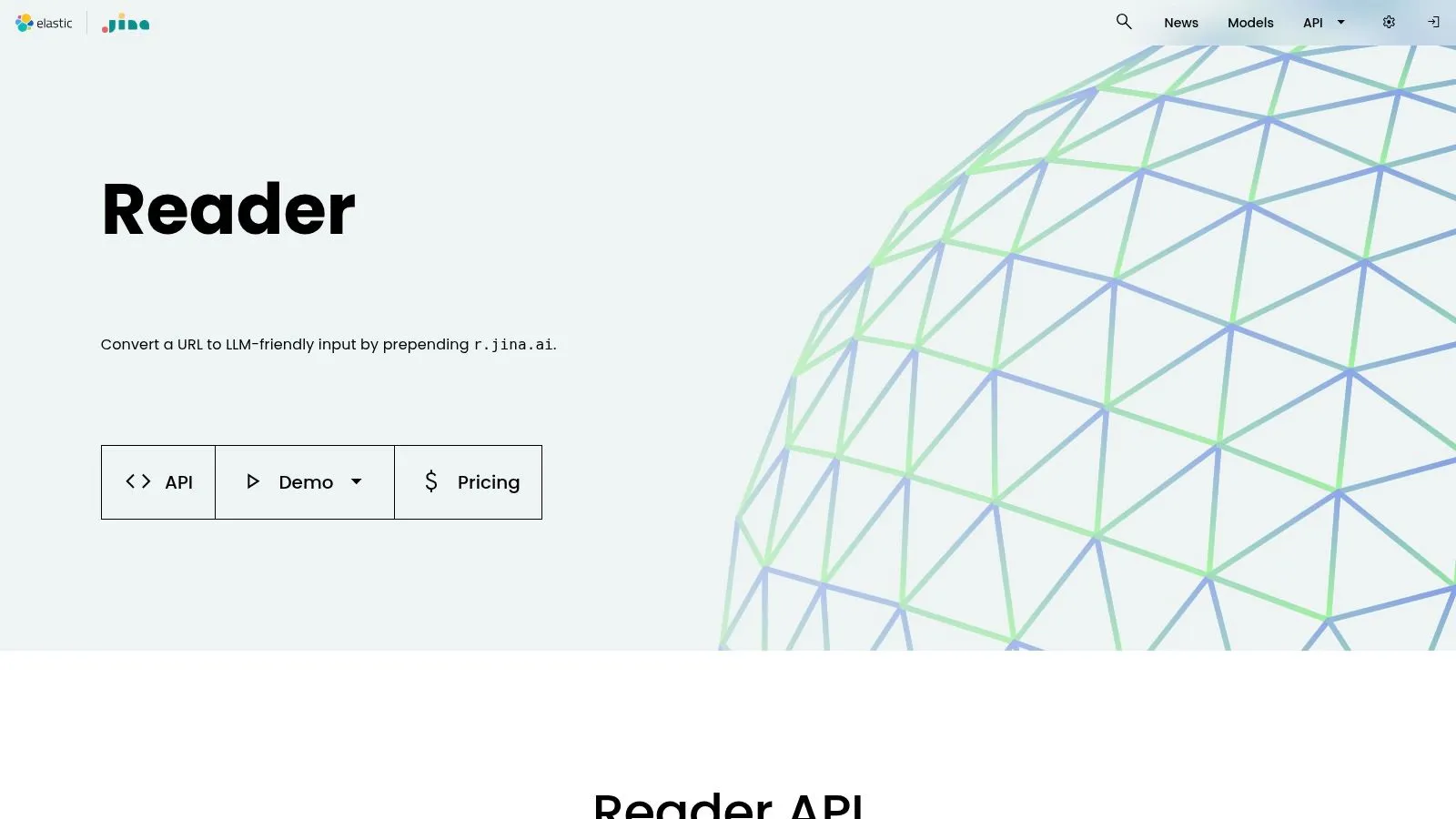
Jina AI's Reader API is the closest thing to a frictionless “turn this URL into model-readable text” layer. It's useful when you don't need deep schema work, just a clean page body that can go straight into a prompt, embedding step, or agent context window. The r.jina.ai pattern makes it especially easy to slot into lightweight workflows.
Why teams reach for it
Reader API works well because it keeps the user's decision surface small. You give it a URL, it returns readable main content, and the result is good enough for a lot of retrieval and summarization jobs. That makes it appealing for rapid prototyping, internal research, and low-maintenance RAG feeds.
The trade-off is obvious. Output optimized for readable text is not the same thing as structured extraction, so if you need nested fields, typed JSON, or domain-specific schema mapping, you'll outgrow it quickly. It's also the sort of tool that shines on accessible pages but won't magically solve harder blocked targets by itself.
A useful way to think about Reader API is as a clean context reader, not a full scraping stack. That distinction matters when teams confuse “best at making text readable” with “best at extracting data reliably.” If your goal is to reduce preprocessing before model input, it's a strong option. If your goal is to build an operational scraping pipeline, you'll likely want a heavier layer on top.
The Webclaw guide to web scraping for LLMs is a good companion reference if you're comparing reader-style tools against fuller extraction APIs.
4. Reader.dev Web Scraping API
Reader.dev takes a developer-centric path with stealthed Chromium, JavaScript rendering, and a default markdown output that removes navbars, ads, and banners. That makes it useful when you care about clean context first, but still need more control than a plain reader gives you. It also supports structured JSON extraction through JSON Schema or natural-language prompts.
What stands out
The main reason to consider Reader.dev is the default output shape. Clean markdown is the center of the product, not an afterthought, and that makes it attractive for LLM ingestion. It also includes batching, async job support, screenshots, and metadata, so it's more than just a text-normalizer.
The self-hosting angle matters too. An open-source engine under Apache-2.0 gives teams a path to parity when they want to avoid full vendor dependence. That's a serious operational advantage if you're building around long-lived pipelines and want more control over browser behavior, proxy setup, or environment drift.
Practical rule: choose a managed scraper when speed matters most, choose self-hosting when failure modes matter most.
The downside is that pricing specifics aren't fully visible on the landing page, so estimating real spend takes more work than with a transparent credit table. Hard targets can also add cost and latency, which is normal for any browser-based stack but still important if you're planning at volume.
For teams focused on LLM-ready context, Reader.dev sits in the same decision space as Webclaw, but with a stronger emphasis on browser-based capture and markdown defaults rather than broader extraction features. It's a solid fit if you want clean page text without committing to a larger platform.
5. Apify AI Web Scraper and Website Content Crawler
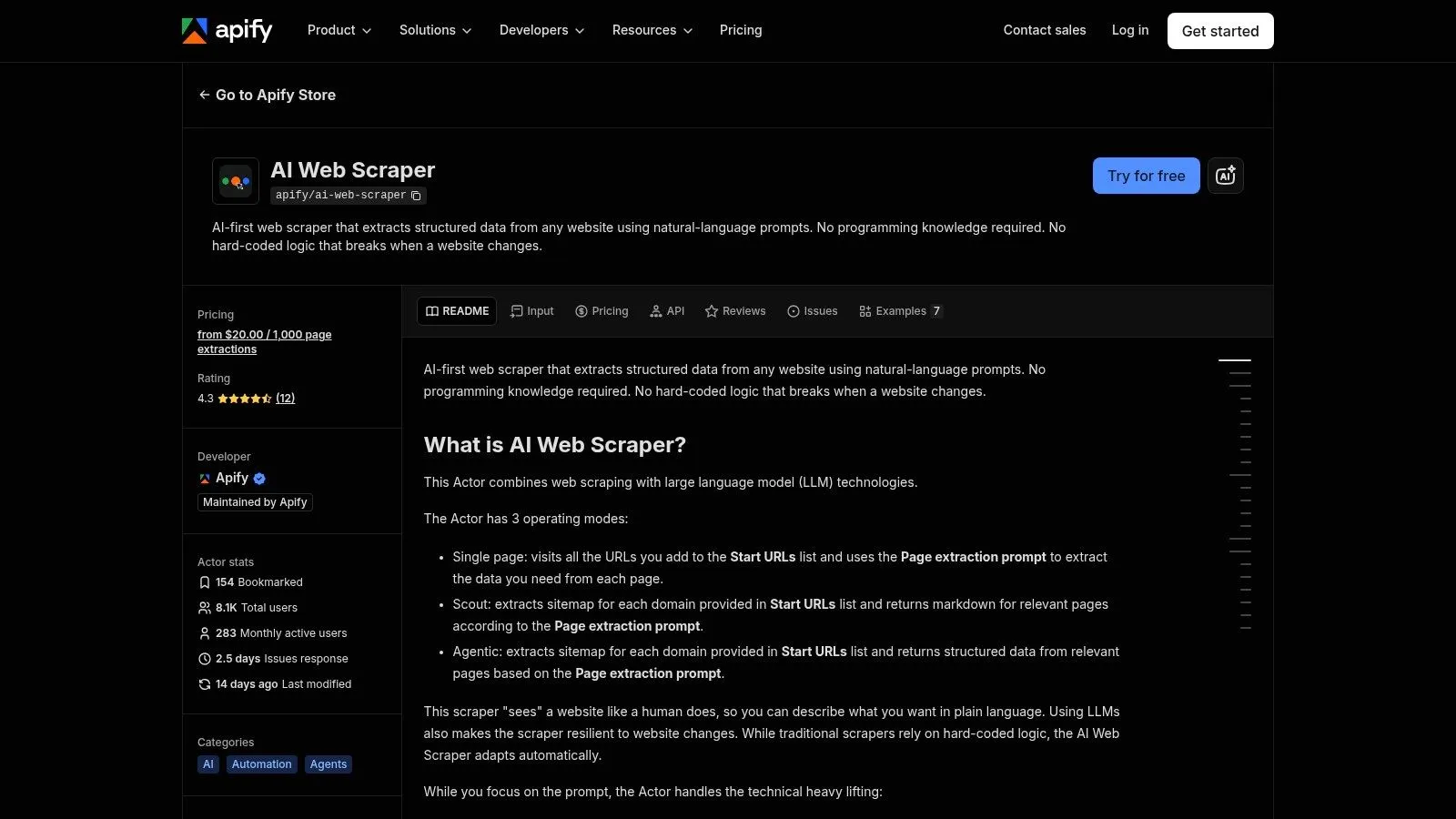
Apify is the safe choice for teams that want a mature platform with lots of moving parts already handled. Its marketplace of Actors gives you reusable scraping building blocks, and the AI Web Scraper and Website Content Crawler are aimed directly at LLM and RAG ingestion. The output is designed to remove boilerplate and leave you with content that's easier to work with downstream.
Why it keeps showing up in shortlists
Apify's real value is operational. You get scheduling, datasets, integrations, and a broad ecosystem around recurring jobs, which matters more than a clever extraction demo once a scraper has to run every day. If you've ever had to babysit one-off scripts, a maintained platform like this can save a lot of maintenance time.
It's also useful for teams that want non-code integrations. Zapier, Make, n8n, and spreadsheet workflows are the difference between “we tested the scraper” and “we shipped the pipeline.” That's not glamorous, but it's often what separates a proof of concept from something that survives contact with operations.
The trade-off is cost control. Actor usage can vary, and some teams eventually prefer a self-hosted stack when they want tighter predictability or more control over the execution environment. If you need recurring collection across many sources and want a lot of surrounding tooling, Apify is still one of the most practical choices.
The internal guide at Webclaw's AI web scraper page is useful if you want to compare platform-style orchestration with LLM-first extraction output.
6. Zyte API formerly Scrapinghub
Zyte is the enterprise answer when reliability, anti-bot handling, and schema extraction matter more than minimal setup. Its Automatic Extraction can use Zyte-operated LLMs to map unstructured pages into your schema, which makes it a fit for structured pipelines rather than casual scraping. It also ships with a Smart Proxy Manager and a cost calculator, which tells you a lot about the intended buyer.
Where Zyte earns its keep
Zyte is strongest when the pages are messy and the pipeline has to keep running. Headless and browser rendering, anti-bot expertise, and schema-based extraction reduce the amount of custom parsing work your team has to maintain. That's valuable when the alternative is building and fixing a lot of brittle code.
The downside is planning complexity. Enterprise pricing and multiple extraction modes make it harder to estimate spend quickly, especially when target difficulty varies across domains. That's not a flaw so much as the cost of buying a platform built for serious production work.
If you're evaluating a scraper for a high-friction environment, Zyte belongs near the top of the list. If your main problem is getting cleaner text for an LLM, it may be more platform than you need.
7. Bright Data Scraping Browser and Web Unlocker
Bright Data is the obvious pick when the site is hostile and the primary problem is access, not parsing. Its Scraping Browser integrates functions to rotate identities, manage browser infrastructure, and ensure requests proceed through protected targets. That makes it an infrastructure choice more than a simple scraping API.
Why teams buy it
The appeal is brute-force reliability on blocked pages. When a site's defenses are the blocker, an unblocker plus managed browser stack can be the difference between partial access and a working pipeline. Bright Data also brings proxy pools and enterprise security posture, which is useful in larger organizations.
The limit is that access tools don't solve content cleanliness. Even if the browser gets through, you still need a layer that turns the returned page into output your model can use. That's why teams often pair infrastructure-heavy access tools with a cleaner extraction step instead of trying to make one product do everything.
Access and extraction are different jobs. The best stack respects that split.
If your targets are especially protected, Bright Data is hard to ignore. If your workflow is mostly about generating compact LLM context, the extra access machinery may be more than you need.
The Webclaw article on bypassing web blocks is a useful comparison point if you're deciding whether to solve access, extraction, or both in one pipeline.
8. Oxylabs Web Scraper API with OxyCopilot
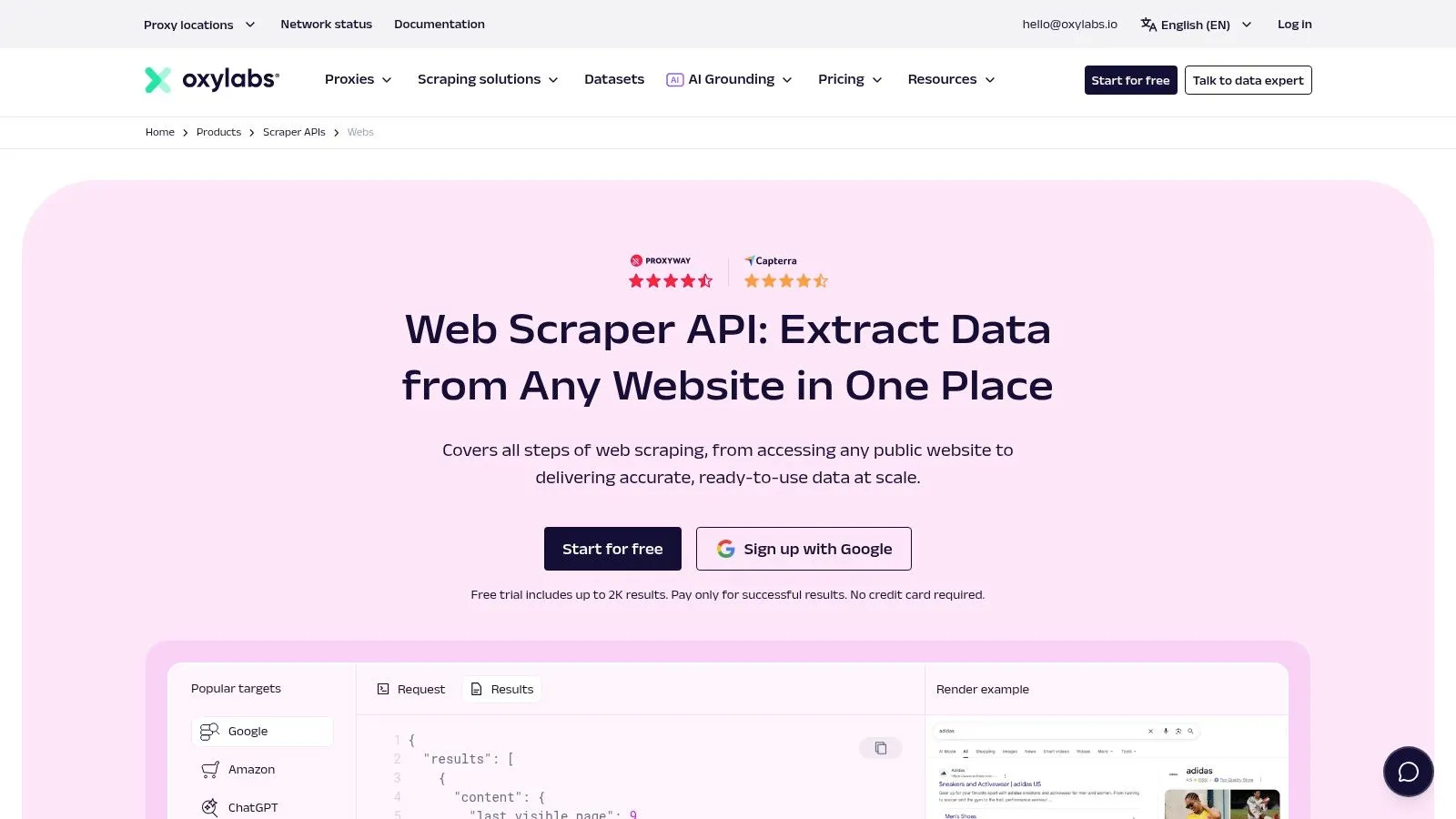
Oxylabs is built for teams that want enterprise support and a broad scraping footprint with AI-assisted setup. OxyCopilot helps generate prompts and schemas, which lowers the friction of getting from idea to extractor. The underlying Web Scraper API includes JavaScript rendering, global proxy coverage, and vertical or SERP endpoints.
What it does well
The practical advantage here is speed of implementation without giving up enterprise-grade infrastructure. If your team already knows it needs rendered pages and structured results, OxyCopilot can shave time off the setup process. That matters when multiple stakeholders want data, but nobody wants to own brittle manual configuration.
Oxylabs also tends to fit organizations that care about support and service levels. That's often the deciding factor once scraping stops being a side project and becomes part of a revenue or research workflow. The platform's public pricing and volume discount structure also make it easier to start planning.
The trade-off is cost sensitivity on hard targets. Advanced protections and high-friction sites can push per-request costs upward, which makes it less attractive if you're just scraping clean pages and don't need the enterprise machinery.
If your question is “what scales with support,” Oxylabs deserves a look. If your question is “what gives me the cleanest model-ready output fastest,” tools like Webclaw or Firecrawl usually feel lighter.
9. ScrapingBee Web Scraping API with ai_query
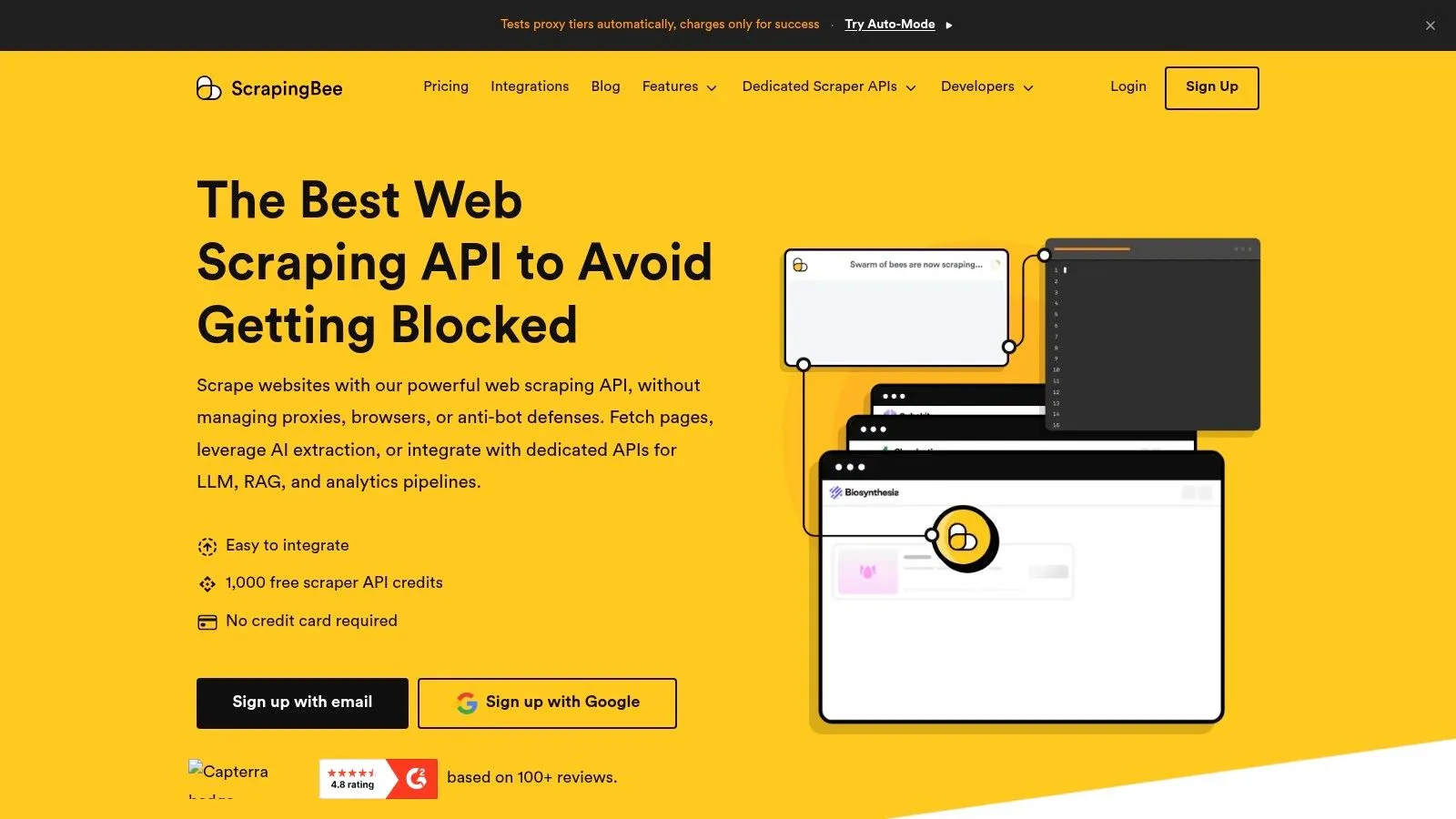
ScrapingBee is a straightforward developer API that handles headless browsers and proxies behind a simple interface. The ai_query parameter is the feature that gets attention, because it lets you ask for a specific field in-request instead of doing the parsing yourself. That makes it useful when you only need a few targeted values and don't want to build a larger extraction layer.
Where it fits
The biggest upside is simplicity. Clear credit pricing and starter credits make it easy to test, and the API model is easy to understand even if you're not building a complex scraping stack. For small pipelines, that can be a lot more appealing than a platform with many operational layers.
The limitation is that credits can add up when the page is JavaScript-heavy or when AI queries are used repeatedly. It's also less agent-native than tools that ship with MCP support or deeper workflow integrations, which matters more as teams build around LLM agents rather than classic scripts.
ScrapingBee is a strong fit for scripted pipelines that need a few fields from many pages. It's less compelling when the job is full-site crawling, complex extraction logic, or highly interactive browsing.
10. Diffbot Automatic Extraction APIs, Crawlbot and Knowledge Graph
Diffbot is the veteran option for typed extraction and graph-backed enrichment. Its Automatic APIs return structured entities such as articles, products, and discussions, while Crawlbot handles site-scale discovery and extraction. The Knowledge Graph adds another layer if you need fact retrieval and enrichment beyond page text.
Why it still matters
The main reason teams choose Diffbot is type discipline. Typed JSON reduces downstream parsing work, which is valuable when the data is supposed to land in analytics, enrichment, or search systems. That makes it a serious option for teams that value structure more than flexible agent interaction.
The Knowledge Graph angle also widens the use case. Scraping is one thing, but retrieval plus enrichment is often the primary business need, especially when content from the web has to be normalized into usable facts. Diffbot has spent years in that lane, and it shows in the shape of the product.
The trade-off is cost and fit. If you only need simple page text, it can be more platform than necessary, and credit-based pricing can be harder to justify versus lighter scrapers. For typed extraction at scale, though, it remains one of the more established names in the category.
Top 10 AI Web Scrapers, Feature Comparison
| Product | Core features | LLM / UX quality | Key USP | Price & Target |
|---|---|---|---|---|
| Webclaw | JS rendering, best-effort protected-page handling, site crawl, schema & YouTube transcript support | Evaluate extraction quality on your target pages | ✨ 9-step LLM pipeline; self-host AGPL core; MCP server; typed API responses | 💰 Starter $19/mo (10k credits); free self-host + 3 free runs/day, 👥 Devs, LLM engineers, RAG/agent teams |
| Firecrawl | Search + scrape + interact (click/type/scroll), JS rendering, MCP/SDKs | ★★★★, returns LLM-ready markdown/JSON | ✨ Interaction mode for gated/dynamic content; agent-native | 💰 Contact/sales for pricing, 👥 AI agents & complex RAG pipelines |
| Jina AI – Reader API | Browser-rendered main-content extraction; r.jina.ai shortcut; search endpoint | ★★★★, clean main-text extraction, published limits | ✨ Very low-friction drop-in reader (r.jina.ai) | 💰 Free tier (rate-limited) + paid, 👥 Quick RAG prototyping & lightweight pipelines |
| Reader.dev – Web Scraping API | Stealthed Chromium, anti-bot, default clean markdown, JSON schema, batching | ★★★★, "Supermarkdown" default; structured JSON support | ✨ Open-source engine + large batching (up to 1,000 URLs) | 💰 Managed pricing not public; self-host available, 👥 Devs needing self-host & bulk jobs |
| Apify (AI Web Scraper & Crawler) | Crawlee-based actors, DOM auto-clean, scheduling, integrations | ★★★★, prompt-guided extraction, markdown defaults | ✨ Marketplace of reusable Actors + operational tooling | 💰 Variable actor/platform pricing, 👥 Teams operationalizing recurring scraping pipelines |
| Zyte API | Automatic extraction (LLM-backed), headless rendering, Smart Proxy Manager | ★★★★★, schema-based extraction reduces post-processing | ✨ Enterprise anti-bot expertise + price calculator | 💰 Granular pricing; estimate with calculator, 👥 Enterprises & large-scale extractions |
| Bright Data – Scraping Browser & Unlocker | Scraping Browser + Web Unlocker, global proxy pools, managed infra | ★★★★, excels on protected sites; output needs cleaning layer | ✨ Very high success on anti-bot targets & global proxies | 💰 Can be expensive on hard targets, 👥 Enterprises targeting heavily protected sites |
| Oxylabs – Web Scraper API | JS rendering, global proxies, vertical/SERP endpoints, OxyCopilot | ★★★★, enterprise-grade rendering & parsing | ✨ OxyCopilot AI-assisted scraper config + SLAs | 💰 Public pricing & volume discounts, 👥 Enterprises & mission-critical pipelines |
| ScrapingBee – Web Scraping API | Headless browser + proxy, ai_query param, clear credit pricing, free trial | ★★★, good for targeted fields and simple LLM inputs | ✨ ai_query for in-request extraction; transparent credits | 💰 Clear credit model & starter credits, 👥 Devs needing simple, predictable scraping |
| Diffbot – Automatic Extraction & KG | Automatic typed entity extraction, Crawlbot, commercial Knowledge Graph | ★★★★, typed JSON entities; KG enrichment | ✨ Knowledge Graph + typed entity outputs to skip parsing | 💰 Credit-based; can be costly for plain text needs, 👥 Teams needing structured entities & enrichment |
Choosing the Right AI Web Scraper
A scraper choice usually breaks down at the point where your workflow fails first. If your team needs agent integrations and LLM-optimized output, Webclaw and Firecrawl are the strongest starting points. If the goal is to pull cleaner reading material for RAG context with less setup, Jina AI Reader API or Reader.dev can do that quickly. For situations involving hostile pages, bot checks, or blocked requests, Zyte, Bright Data, and Oxylabs are built for that layer of the stack.
Pricing should be part of the decision, but it should not be the first filter. The useful question is how much cleanup each scrape creates downstream. Market research from Future Market Insights shows that the ai-driven web scraping market is moving toward production infrastructure, not one-off tools. Independent analysis from Scrap.io analysis points in the same direction, with the broader web scraping software market growing alongside the AI-powered layer. That matters because a cheaper scraper can still cost more if it returns noisy HTML, brittle fields, or output that needs heavy post-processing before a model can use it.
The buyer question is simple. Does the tool return clean context, survive blocked pages, and fit the way your team operates day to day? Some teams need a hosted API with SDK support and MCP-style integration. Others need self-hosted control, typed JSON, or stronger unblocking for mission-critical jobs. The right move is to match the scraper to the job, then test it against your own URLs before it goes into production.
If you want the fastest path to model-ready web data, start with Webclaw and run a pilot on the pages that usually break your current stack.