7 Awesome MCP Servers to Connect Your AI in 2026
You've got a capable AI agent, but it's still stranded in a chat box. If you want it to manage code, organize docs, search the web, or kick off browser work, you need to connect it to tools. That's what MCP does. It's the protocol that lets agents talk to real services, and the ecosystem is already large enough that the harder problem isn't finding servers, it's choosing the right few. For a broader tool comparison, see this compare MCP tools 2026.
1. GitHub MCP Server
GitHub is usually the first server worth wiring up because it maps directly to the work most developers already do. The official GitHub MCP Server gives agents access to repositories, issues, pull requests, Actions, code search, and other toolsets, while still letting you scope what's enabled. That matters when you want an agent that can help with code without wandering through every repo setting.
The practical advantage is control. You can run it locally with stdio or in containers, use Docker images or binaries, and configure GitHub Enterprise when needed. You can also prune the menu of tools, which keeps context smaller and reduces the chance that an agent reaches for the wrong capability. For production workflows, that discipline matters more than flashy breadth.
Practical rule: start with read-only repo access, then add write actions only after you've seen how the agent behaves on your codebase.
A few trade-offs show up fast. You need the right personal access token scopes, and enterprise SSO or policy setup can slow the first install. The upside is that the permissions model is familiar, which makes this a cleaner fit for code assistants than generic filesystem access.
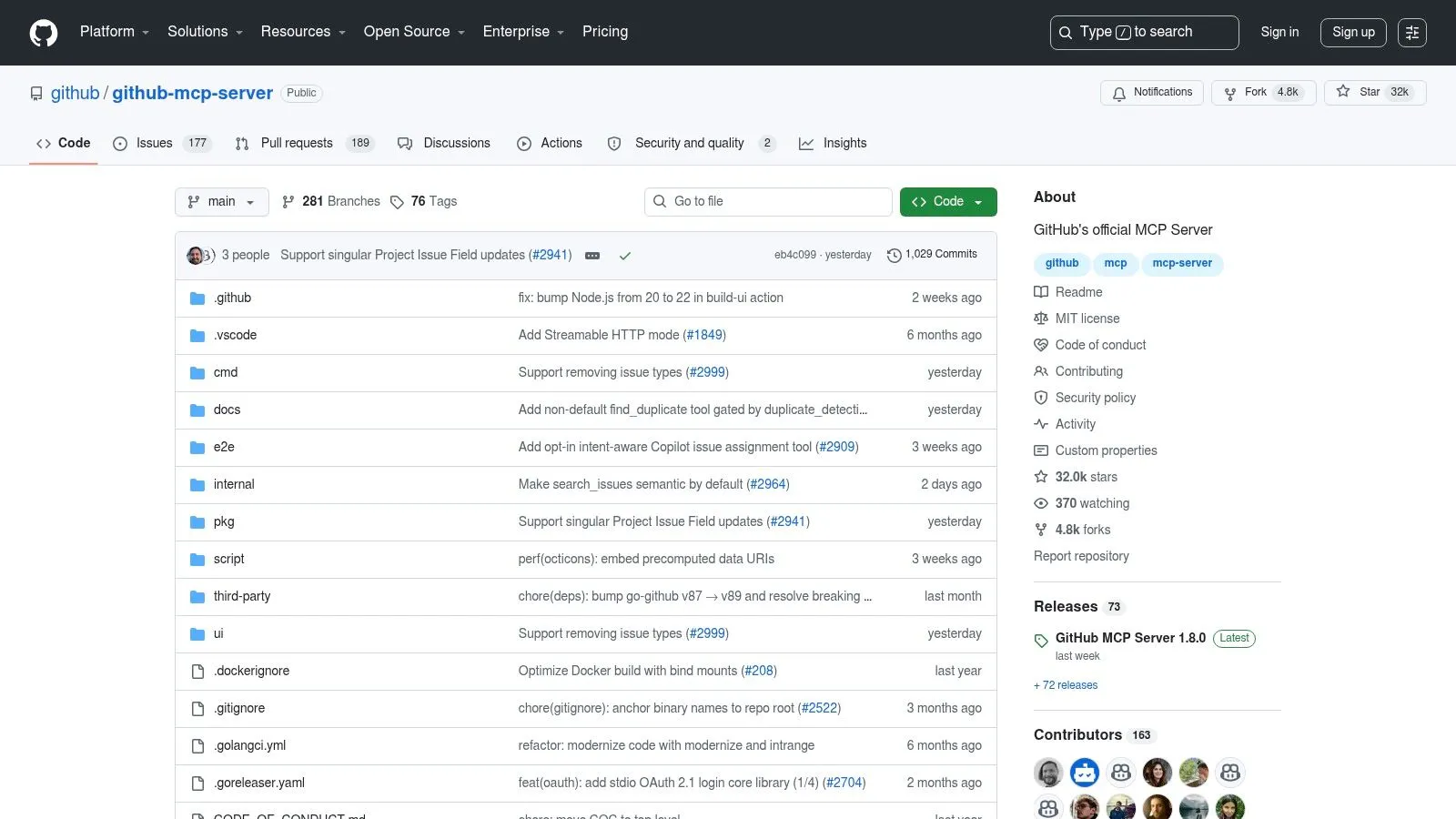
If you're self-hosting or standardizing this across a team, the setup fits naturally into a broader self-hosting workflow. For a quick directory view, the MCP GitHub tools listing is a useful cross-check before you wire anything into a client.
Good fit for code automation and CI
Use GitHub MCP when the agent needs to inspect PRs, create branches, update issues, or read CI state without turning into a shell-scraping experiment. It's especially strong for code review, release automation, and repo-specific Q&A. If your agent lives near GitHub all day, this is one of the most useful awesome mcp servers to install first.
2. Notion MCP
Notion is the opposite of code, but it solves a similarly common problem. Your team's specs, project notes, and process docs live in pages and databases, and the agent can't help if it can't read or update them. The hosted Notion MCP gives you OAuth-based access to search, read, and edit workspace content without standing up your own service.
The biggest win is speed. You add the URL, complete OAuth, and the tools show up in clients that already support MCP. That lowers the activation energy for teams that want page search, database CRUD, and comment handling without spending half a day building a connector. Workspace-level admin controls also make revocation more manageable when a test agent or contractor no longer needs access.
The main trade-off is operational style. OAuth is clean for humans, but it adds friction for headless or CI use cases, especially when a client can't support custom headers. If you already have older open-source Notion MCP packages in circulation, the hosted endpoint is the safer default because deprecated community packages tend to drift.
A good Notion integration should feel boring. If the connection itself becomes part of your workflow, the setup is too fragile.
Good fit for workspace knowledge and page updates
Pick Notion MCP when the agent needs to turn workspace content into action, such as finding a spec, drafting a page update, or updating a database entry from a conversation. It's a strong fit for product, operations, and internal tooling teams that use Notion as a source of truth. If the job is “read the doc and make the change,” Notion is usually the right tool.
3. Google Drive MCP
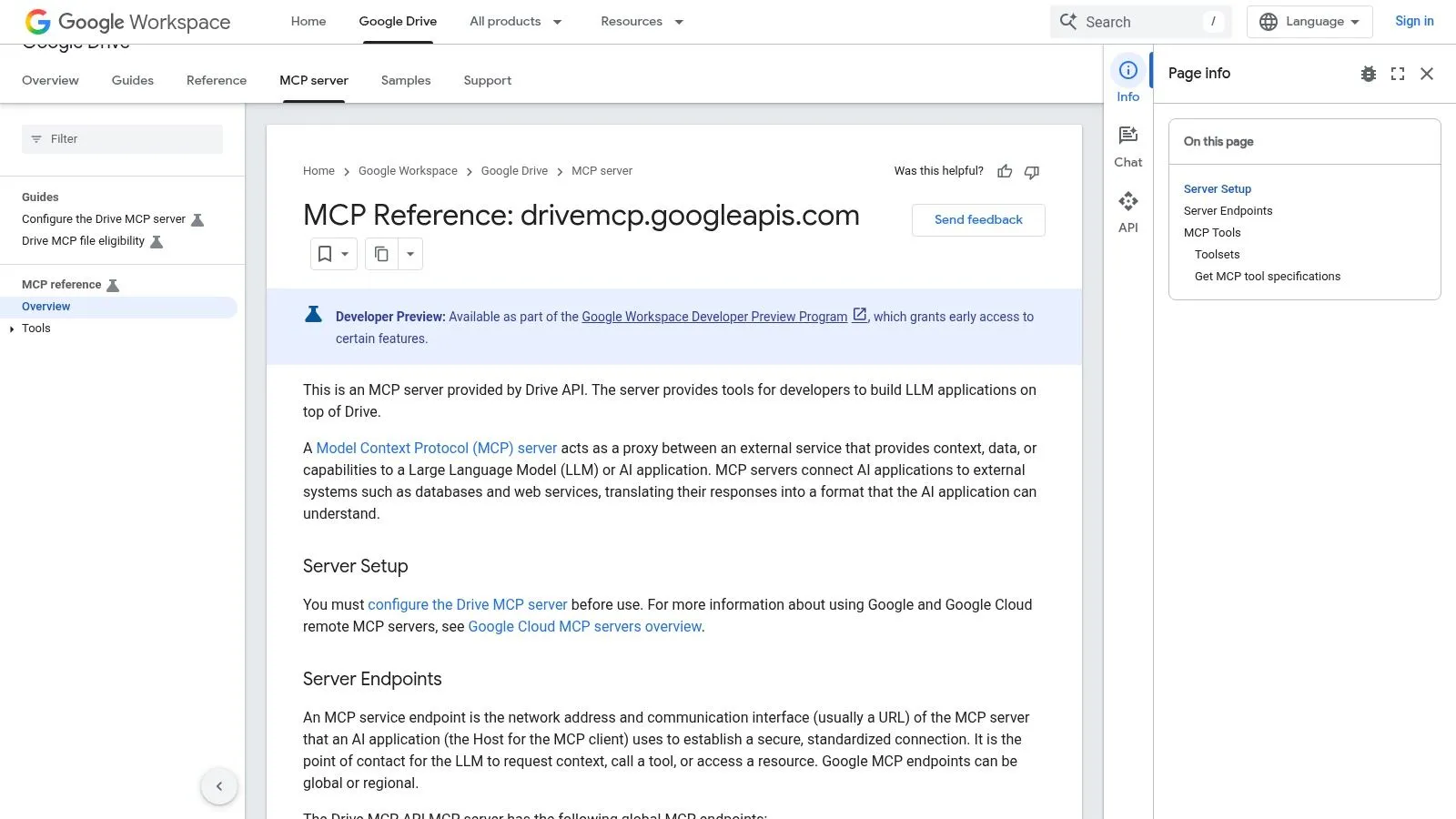
Google Drive is where a lot of teams hide the work, in Docs, Sheets, Slides, and loose files that never made it into a repo. The hosted Google Drive MCP is a developer preview service that lets agents search files, read content, fetch metadata and permissions, and create or download files while respecting Workspace controls. That combination is useful when the agent needs file access without bypassing your org's access model.
The setup is more involved than a simple desktop connector. You need a Google Cloud project, the Drive API, the Drive MCP API, and OAuth, so this is not a one-click install. In return, you get a first-party service that inherits Workspace governance and auditing, which is exactly what you want when the agent is touching business documents. Google's docs also call out indirect prompt injection risks, which is the right kind of caution for any tool that ingests external content.
The weakness is change tolerance. Because it's in Developer Preview, endpoints and APIs can still shift. That doesn't make it unusable, but it does mean you should avoid building brittle production logic on top of the rough edges.
Good fit for file search and document workflows
Use Drive MCP when an agent needs to locate a deck, pull a doc into context, or create a working file from structured input. It fits teams that live in Google Workspace and want the agent to respect the same permission model their humans already use. That's a better pattern than copying files into a side channel and hoping nothing sensitive leaks.
4. Slack MCP Server
Slack is where decisions disappear unless someone captures them. The official Slack MCP Server gives agents a way to search channels, read context, and act inside the workspace with Slack app credentials and admin controls. For teams that already use Slack as their daily coordination layer, this is a practical way to turn chat history into searchable operational memory.
The enterprise angle matters here. Slack's setup is tied to app manifests, approvals, and org-level policy, so you're working with the platform's native security model instead of bolting on a random bot. That makes it easier to reason about allowed channels, workspace permissions, and what the agent can post. The trade-off is obvious, though. You'll probably need admin involvement, and permission scoping gets more complicated as workspaces grow.
The official docs show a server that's still evolving, which is normal for this category. Don't assume every channel or file action will be available everywhere. The tool menu will follow workspace policy, and that means you should test in the same permission context you expect to use in production.
Read-heavy Slack access is safer than write-heavy Slack automation. Let the agent summarize before you let it post.
If you're wiring this into a broader workflow stack, the integration story is easier when Slack remains the communication layer and not the place where every action originates. A short path into your integration layer can help keep the automation boundary clear.
Good fit for team communication and thread search
Use Slack MCP when the question is “what did we decide?” or “what's the latest status in this channel?” It's also useful for lightweight actioning, like posting updates or pulling a thread summary into another workflow. For internal coordination, this is one of the more immediately useful awesome mcp servers because it meets people where they already work.
5. Stripe MCP Server
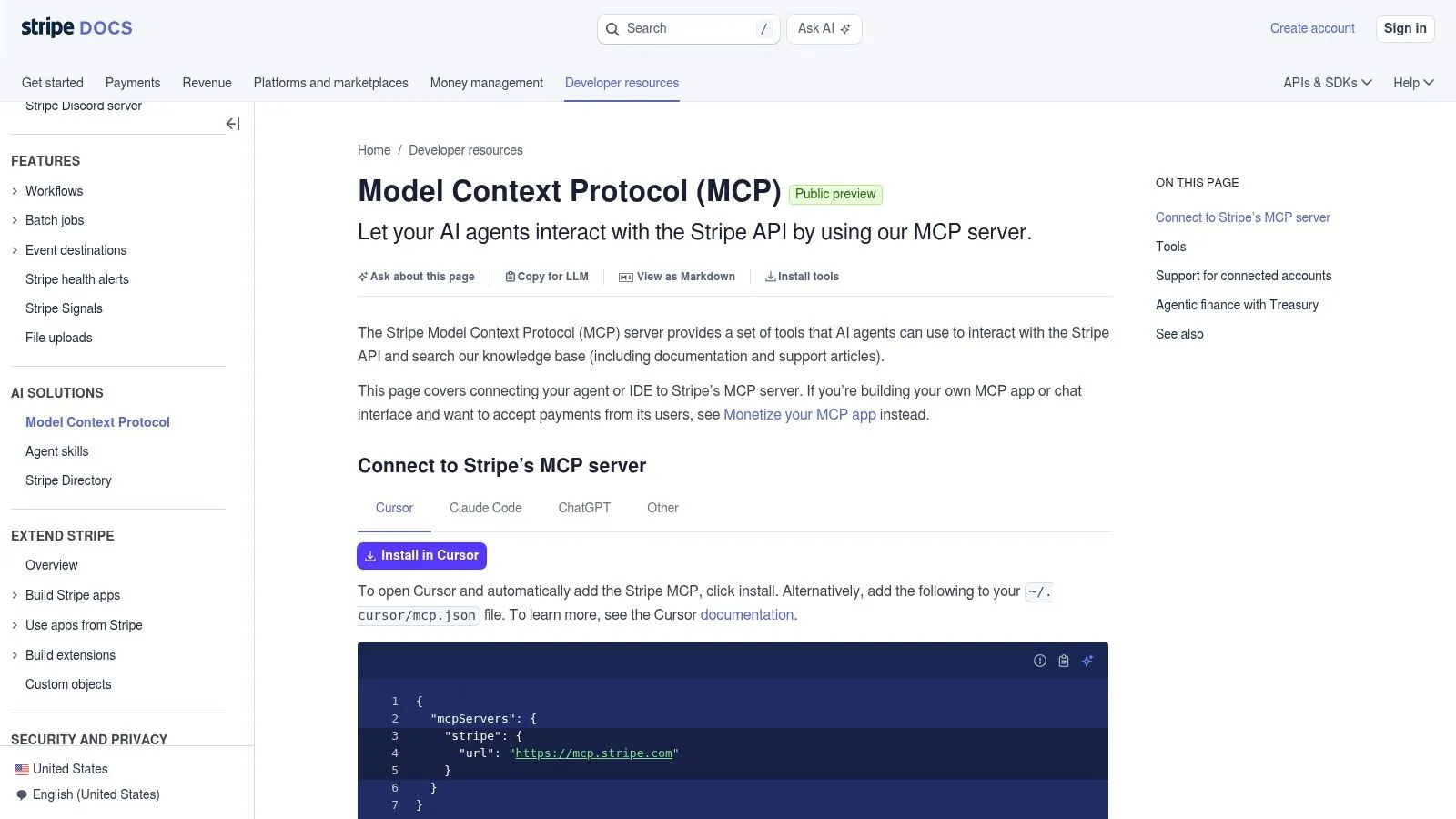
Stripe is where agent automation becomes financially sensitive very quickly. The official Stripe MCP Server exposes commerce operations like customers, products, payments, refunds, subscriptions, and Stripe-docs search so an agent can look up API guidance while it works. That mix is valuable for support, billing ops, and engineering teams that need quick access to payment objects without leaving the editor or chat client.
The nice part is that it's easy to prototype with. You can run it locally via npm for development, then point clients at the hosted endpoint with bearer authentication and Stripe API keys. That makes it straightforward to test workflows before you decide whether an agent should ever be allowed to trigger real billing actions. In practice, that separation between local experimentation and remote production access is the right way to handle payments.
The risk is obvious. Keys need strong handling, role separation matters, and agent-driven payments need guardrails that many teams don't have yet. If you're not ready to audit every write path, keep Stripe in a read-heavy posture and use it for lookups, reconciliation, and guidance first.
Good fit for commerce operations and billing tasks
Choose Stripe MCP when the agent needs to inspect billing state, search official docs, or assist with customer and subscription workflows. It's especially helpful for support teams and fintech builders who want structured access to commerce objects without building a one-off admin panel. If you work in this space, the fintech integration context is worth keeping close.
6. Playwright MCP Server
When the agent has to use a real browser, Playwright is usually the cleanest answer. The official Playwright MCP Server gives agents structured browser control through accessibility snapshots, scripts, and normal Playwright setup. That makes it useful for QA, scraping tricky interfaces, and any workflow where the HTML alone doesn't tell the full story.
Many “awesome mcp servers” lists get hand-wavy, but the trade-off is concrete. Browser snapshots and accessibility trees can blow up context in chat-based clients, so you should not treat Playwright as a cheap default for every webpage. Use it when you need deterministic interaction, especially for app flows, logged-in UIs, or pages that depend on client-side rendering.
Security deserves real attention too. Playwright can execute JavaScript and interact with live pages, so it belongs behind a clear trust boundary. If you're pointing it at untrusted sites or production systems, keep the scope narrow and the credentials disposable.
If the agent needs to click, type, wait, and verify, use Playwright. If it only needs page text, a lighter scraper is usually enough.
Good fit for browser automation and UI verification
Use Playwright MCP for end-to-end checks, interactive browser tasks, and content extraction from complex UIs. It's a strong fit when the agent needs to reproduce user behavior instead of inferring it from markup. For teams deciding between browser engines, this Playwright versus Puppeteer comparison is a practical place to anchor the decision.
7. Brave Search MCP Server
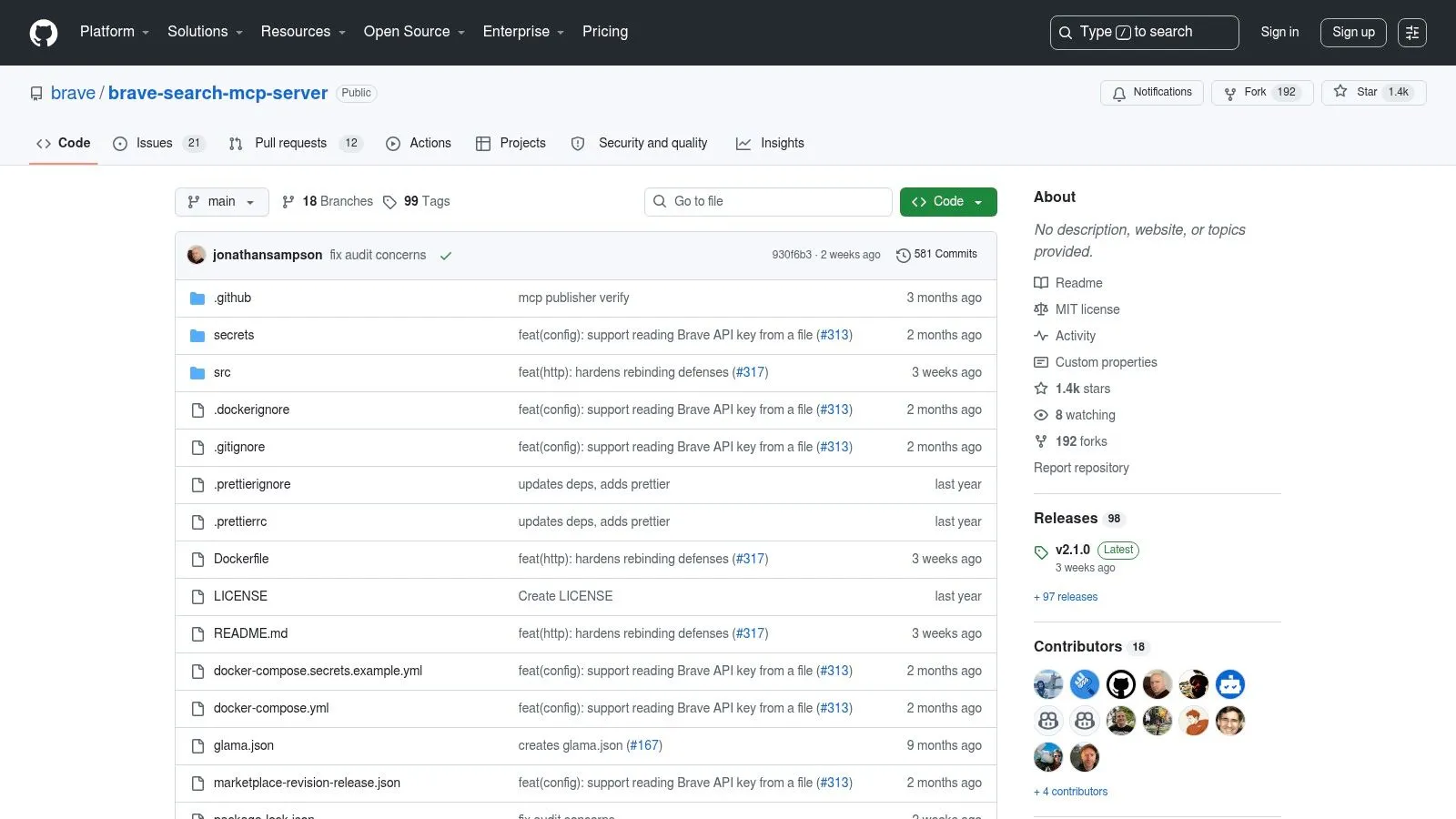
Brave Search is the most obvious choice when the agent needs web discovery rather than direct system access. The official Brave Search MCP Server wraps Brave Search API verticals for web, news, images, videos, local points of interest, and context-oriented queries. That makes it a good fit for agentic research loops where search results feed summarization, extraction, and follow-up browsing.
The value here is structure. A search server should return results that downstream tools can consume, and Brave's verticals make that easier than scraping a random search page. The downside is that you're still tied to API keys, rate caps, and payload size, which can affect both cost and context budget. If your agent is going to run a lot of searches, you should think about how many results you really need before each call.
This is also the category where a specialized web scraping tool can make sense. If a first-party MCP server doesn't cover the site you need, or if search only gets you to a page that still needs clean extraction, a web scraping endpoint with native MCP support is a good fallback. That's especially true for workflows that need to move from discovery to readable content without forcing the model to parse raw page noise.
Good fit for search-first research loops
Pick Brave Search MCP when the agent starts with a question and needs to find current sources, related pages, or topical context before doing anything else. It's a sensible default for RAG-style workflows and broad internet research. For broader search workflows, the web search API approach is worth comparing against your current stack.
Top 7 Awesome MCP Servers Comparison
| MCP Server | Implementation complexity 🔄 | Resource requirements ⚡ | Expected outcomes 📊 | Ideal use cases 💡 | Key advantages ⭐ |
|---|---|---|---|---|---|
| GitHub MCP Server | Moderate–High 🔄: PAT/SSO setup, Docker/config flags | Medium–High ⚡: containers/binaries, token management | Fine‑grained repo ops, CI/CD automation 📊 ⭐⭐⭐⭐ | Code assistants, CI/CD automation, repo management | First‑party, granular scoping reduces token/context overhead ⭐⭐⭐⭐ |
| Notion MCP | Low 🔄: hosted OAuth flow (simple add URL) | Low ⚡: no infra; OAuth or PAT where supported | Quick workspace search/read/write 📊 ⭐⭐⭐ | Content editing, knowledge retrieval, integrations | Zero‑infrastructure and broad client coverage; easy onboarding ⭐⭐⭐ |
| Google Drive MCP | Moderate 🔄: Cloud project + Drive APIs + OAuth (Dev Preview) | Medium ⚡: Workspace governance, auditing | Secure file access, metadata, file workflows 📊 ⭐⭐⭐⭐ | Document automation, enterprise file access, audits | First‑party Workspace security and auditing; practical file tools ⭐⭐⭐⭐ |
| Slack MCP Server | Moderate 🔄: Slack app setup, admin approvals | Low–Medium ⚡: app credentials, enterprise controls | Search and act in workspace (messages/files) 📊 ⭐⭐⭐ | Knowledge search, team actioning, Slackbot-like workflows | Integrates with Slack admin model and app manifests ⭐⭐⭐ |
| Stripe MCP Server | Low–Moderate 🔄: API key auth; optional local npm dev | Low ⚡: hosted endpoint or local prototype | Agent-driven payments, billing actions, docs lookup 📊 ⭐⭐⭐ | Payments automation, subscription/billing tasks | Commerce-focused tools, easy local prototyping → hosted endpoint ⭐⭐⭐ |
| Playwright MCP Server | High 🔄: browser installs, init scripts, strict security | High ⚡: Chromium, compute, larger context payloads | Deterministic UI automation, complex scraping 📊 ⭐⭐⭐⭐ | Testing, complex UI interactions, programmatic scraping | Scriptable real‑browser interactions for cases HTML can't cover ⭐⭐⭐⭐ |
| Brave Search MCP Server | Low–Moderate 🔄: API key, npm/Docker setup | Medium ⚡: API quotas, potential LLM downstream costs | Structured multi‑vertical search results for RAG 📊 ⭐⭐⭐ | Web/news/image/video search, RAG pipelines, browsing loops | Multi‑vertical search, easy local or hosted deployment, good tutorials ⭐⭐⭐ |
How to Choose and Connect Your First MCP Server
Start with the job, not the directory. If your main pain is code work, install GitHub first. If the pain is internal knowledge, try Notion or Google Drive. If the pain is research, use Brave Search. If you need real browser interaction, use Playwright. And if you already know your target service doesn't have a first-party MCP server, a web scraping tool with a native MCP endpoint can fill the gap cleanly.
The large directories are useful, but they're not a buying guide. Recent measurements show that the ecosystem is growing fast, yet quality is uneven, and more than half of some indexed projects were judged low-value or abandoned in one arXiv study on MCP server validation. That's why you should prefer first-party servers, check whether the transport is stable, and start with read-only access wherever possible.
For production work, think in terms of blast radius. A search server is low risk. A browser automation server is medium risk. A billing or write-enabled repo server is high risk. The right stack is usually small, not broad, and the best first install is the one that removes a daily annoyance without creating a new security review.
If you want to build custom web extraction into that stack, Webclaw gives you an MCP server for scraping, crawling, structured extraction, summarization, and content diffing from live pages. It's a practical fit when you need clean context from sites that don't have a first-party server, or when your agent needs readable content instead of raw HTML.