10 Best Site Mapping Tools for Developers in 2026
You need a site map when the usual methods stop working. Maybe Screaming Frog is chewing through a large site and your laptop fans are already screaming louder than the crawler. Maybe the product team wants a visual hierarchy for a redesign, but the site is a JavaScript-heavy app that won't render cleanly in a basic fetch. Or maybe you're building retrieval or agent workflows and you've discovered the obvious problem. A visual sitemap is not the same thing as usable content for a model.
That gap matters more now because mapping tools are moving from optional utilities into core infrastructure. The web mapping market is projected to grow from $7.2 billion in 2025 to $18.6 billion by 2034, at an 11.2% CAGR, according to DataIntelo's web mapping market report. At the same time, developers still run into the same practical split: tools that are good at making diagrams for humans, and tools that are good at extracting clean, reliable data from modern sites.
Most guides blur those jobs together. They shouldn't. Technical SEO, UX architecture, and AI extraction have different failure modes, different outputs, and different definitions of success. If you care about adoption inside your team, the useful metrics aren't just whether the tool can crawl. They include adoption rate, feature usage, and time to first key action, as outlined by Amplitude's product adoption metrics guide.
If you just need the basics first, it helps to boost your SEO with sitemaps. If you need the right tool for a specific technical job, start here.
1. Webclaw
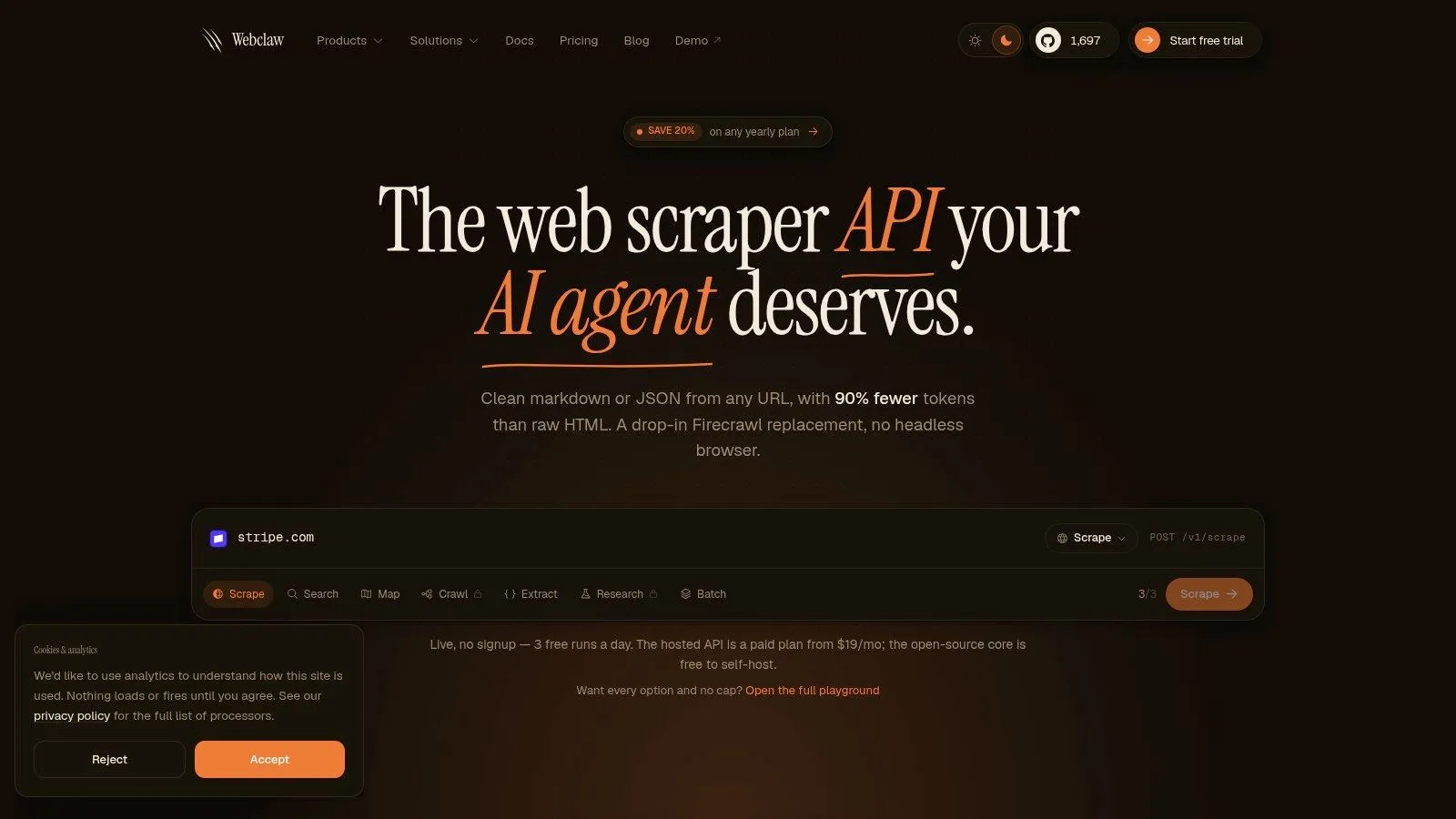
A common failure case looks like this. The crawler finds the URLs, but the output is raw HTML full of nav, footer links, consent banners, and client-side junk that an LLM then has to chew through at token cost. Webclaw fits the API and data-extraction side of site mapping, where the job is not just URL discovery but returning content that is usable in retrieval pipelines, agents, and downstream processing.
It supports single-page extraction, full-site mapping, structured extraction, batch jobs, change detection, research workflows, and agent integrations. The useful part is the shape of the output. It is built for programmatic consumption, so developers spend less time writing cleanup layers after the crawl.
Why developers pick it
For LLM applications, raw HTML is often the wrong intermediate format. It preserves too much of the page chrome and too little of the page intent. Webclaw is designed to return cleaner content, which reduces token waste and usually produces better inputs for chunking, embedding, and prompt assembly.
The integration surface is also practical. There is a REST API with bearer auth, official SDKs for TypeScript or JavaScript, Python, and Go, a CLI for scripting, and an MCP server for agent-driven workflows. That stack covers the usual paths from local experiments to scheduled jobs and production services.
Practical rule: If the destination is an LLM, optimize for clean context before crawl completeness. A smaller crawl with readable output is often more useful than a larger crawl that dumps noisy HTML.
Where it beats classic crawlers
Classic site mapping tools are usually strongest in technical SEO audits or visual hierarchy work. Webclaw is stronger when the target site behaves like a modern app and the result needs to feed another system. That includes JavaScript-heavy pages, anti-bot protections, proxy requirements, and content locked inside document or media flows that a simple HTML fetch will miss.
That developer-centric use case is underrepresented in traditional sitemap guidance. Visual planning tools and information architecture references, including PowerMapper's site mapping material and broader IA discussions such as Abby Covert's writing on sitemaps, help teams organize structure. They are less useful when the actual requirement is, "crawl this site reliably, normalize the content, and hand it to an LLM or data pipeline."
Webclaw is built around that requirement. It can render JavaScript, work through common blocking layers, support bring-your-own proxies, and extract from formats that show up in production systems. It also gives teams a few deployment choices: managed API for speed, a live free option for testing, and a self-hostable open-source core for teams that need tighter control.
The trade-offs are straightforward. Credit-based pricing is easy to start with and harder to model at volume. Self-hosting gives control over operations and compliance, but it also makes your team responsible for uptime, queueing, proxy health, and abuse handling. If the job is a quick internal-link audit on a laptop, pick a desktop crawler. If the job is mapping sites for AI systems, especially where extraction quality matters as much as URL discovery, Webclaw is aimed at the right problem.
2. Screaming Frog SEO Spider
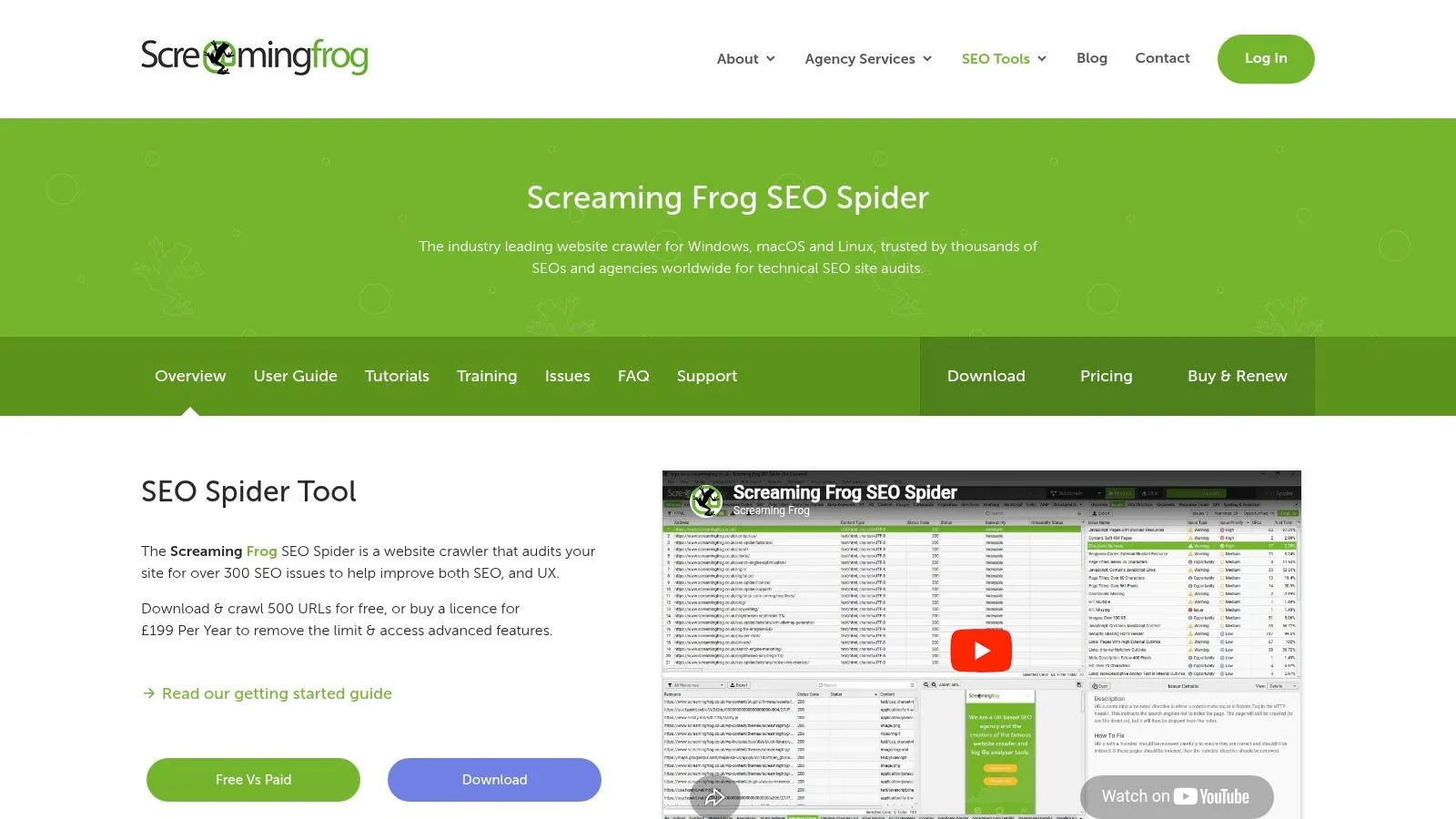
Screaming Frog SEO Spider is still the default answer for technical SEO because it solves a lot of problems quickly. Point it at a site, crawl, export, filter. If your day involves status codes, canonicals, duplicate titles, sitemap validation, extraction rules, and internal-link audits, it earns its place fast.
It's especially useful when you want full local control. You can render JavaScript with headless Chromium, run custom extraction with CSS Path, XPath, or regex, and connect analytics sources for richer crawl analysis.
Best fit
Screaming Frog works best when the operator is comfortable shaping the crawl. You decide rendering settings, limits, extraction rules, and export logic. That's why it stays popular with technical SEOs and developers. It doesn't hide much from you.
The downside is just as obvious. It's desktop software, so scale is bounded by your own machine. Large JavaScript crawls can become a RAM management exercise.
- Choose it for audits: Fast one-off technical reviews, XML sitemap generation, redirect analysis, and export-heavy SEO workflows.
- Choose something else for team collaboration: It isn't built like a shared cloud workspace.
- Be realistic about modern apps: It can render JavaScript, but that doesn't make it the right tool for bot-protected or extraction-heavy AI workflows.
A crawler running locally is great when you want direct control. It's less great when the crawl needs to survive enterprise workflows, shared dashboards, or hostile anti-bot environments.
3. Sitebulb
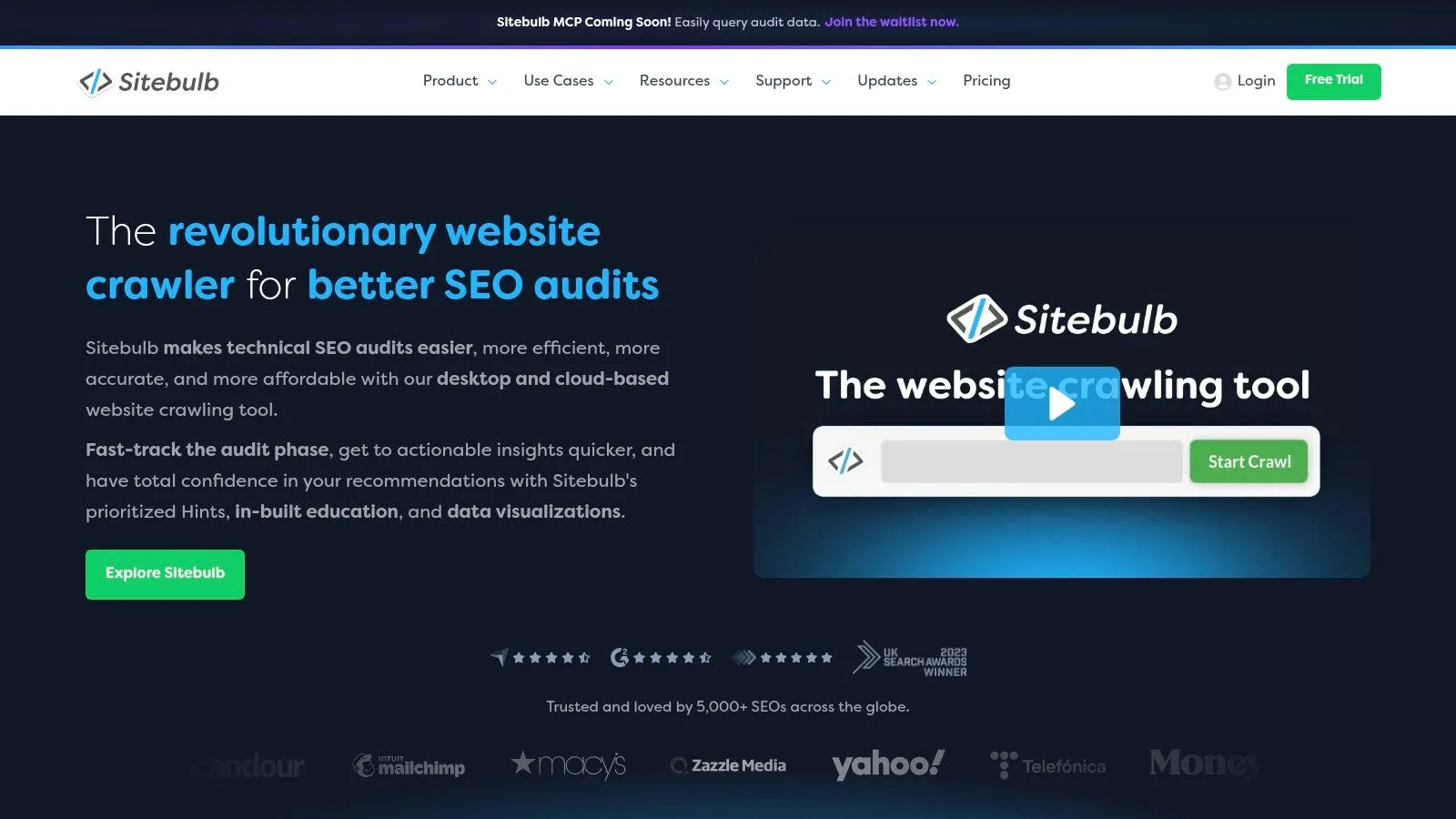
Sitebulb is what I recommend when someone wants a strong crawler but doesn't want to decode everything from raw exports. It has the same general job category as Screaming Frog, but the product philosophy is different. Sitebulb spends more effort explaining what it found and why it matters.
That matters for teams where not everyone is a crawler specialist. If you're handing reports to product managers, content leads, or junior SEOs, the visualizations and issue explanations reduce friction.
Why teams like it
The best part of Sitebulb is its “Hints” model. It doesn't just flag a pattern. It tries to prioritize and explain it. That makes it more approachable for mixed-skill teams and more useful for recurring audits that need some built-in interpretation.
Its cloud edition also changes the scaling story. You're less constrained by local hardware, and larger team workflows become easier to manage than in a desktop-only setup.
- Strong fit for shared analysis: Visual crawl maps, architectural insights, and issue guidance work well in review meetings.
- Less ideal for raw developer extraction: It's still a crawler first, not an API-first content pipeline.
- Know the edition split: Some capabilities and collaboration patterns live in Cloud, not Desktop.
If your team wants a technical crawler that teaches while it audits, Sitebulb is often easier to operationalize than more bare-metal alternatives.
4. Lumar formerly Deepcrawl
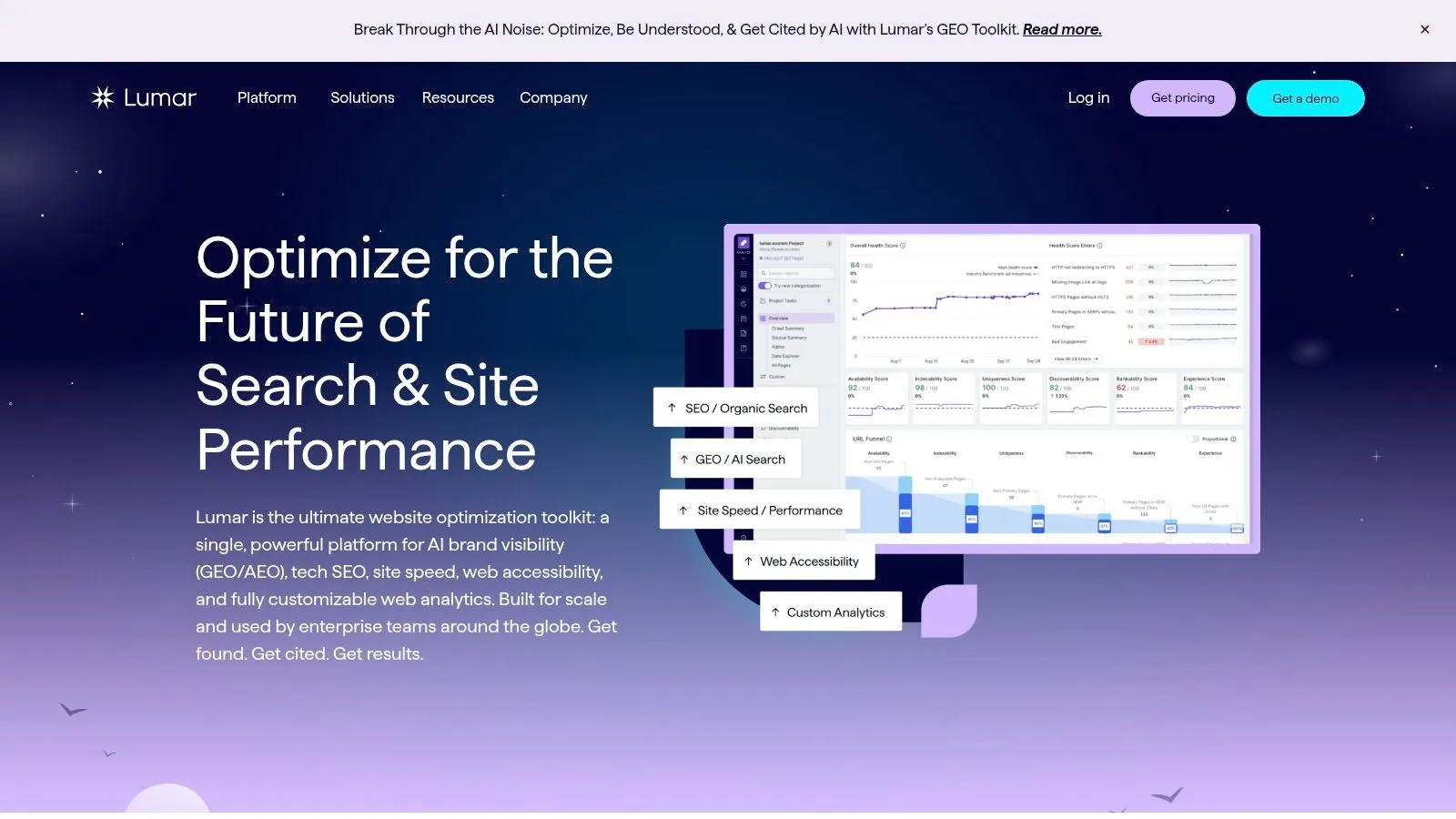
Lumar is for organizations that no longer think about “a crawl” as a one-time event. They think in terms of governance, monitoring, accessibility, technical quality, and increasingly AI visibility across a large web estate.
That's the key trade-off. Lumar is not a lightweight mapper. It's a platform. If you need to monitor many properties, coordinate multiple teams, and keep technical issues visible over time, that platform shape is useful.
Where it fits
Lumar's value shows up on large sites with recurring operational work. Its modules cover technical crawling, performance concerns, accessibility checks, and AI or search visibility layers that matter to enterprise teams managing more than one problem at once.
The market direction supports why platforms like this keep expanding. Mordor Intelligence projects the global digital map market to grow from USD 32.79 billion in 2026 to USD 61.19 billion by 2031 at a 13.29% CAGR, based on its digital map market analysis. That doesn't validate any single vendor, but it does explain why mapping and monitoring are increasingly treated as infrastructure rather than a niche SEO utility.
Enterprise mapping tools win when the question changes from “What's broken today?” to “How do multiple teams keep this estate healthy all year?”
The obvious drawback is complexity. Quote-based pricing, platform onboarding, and broad scope make sense for big organizations. For small teams, that's often too much tool for the job.
5. JetOctopus
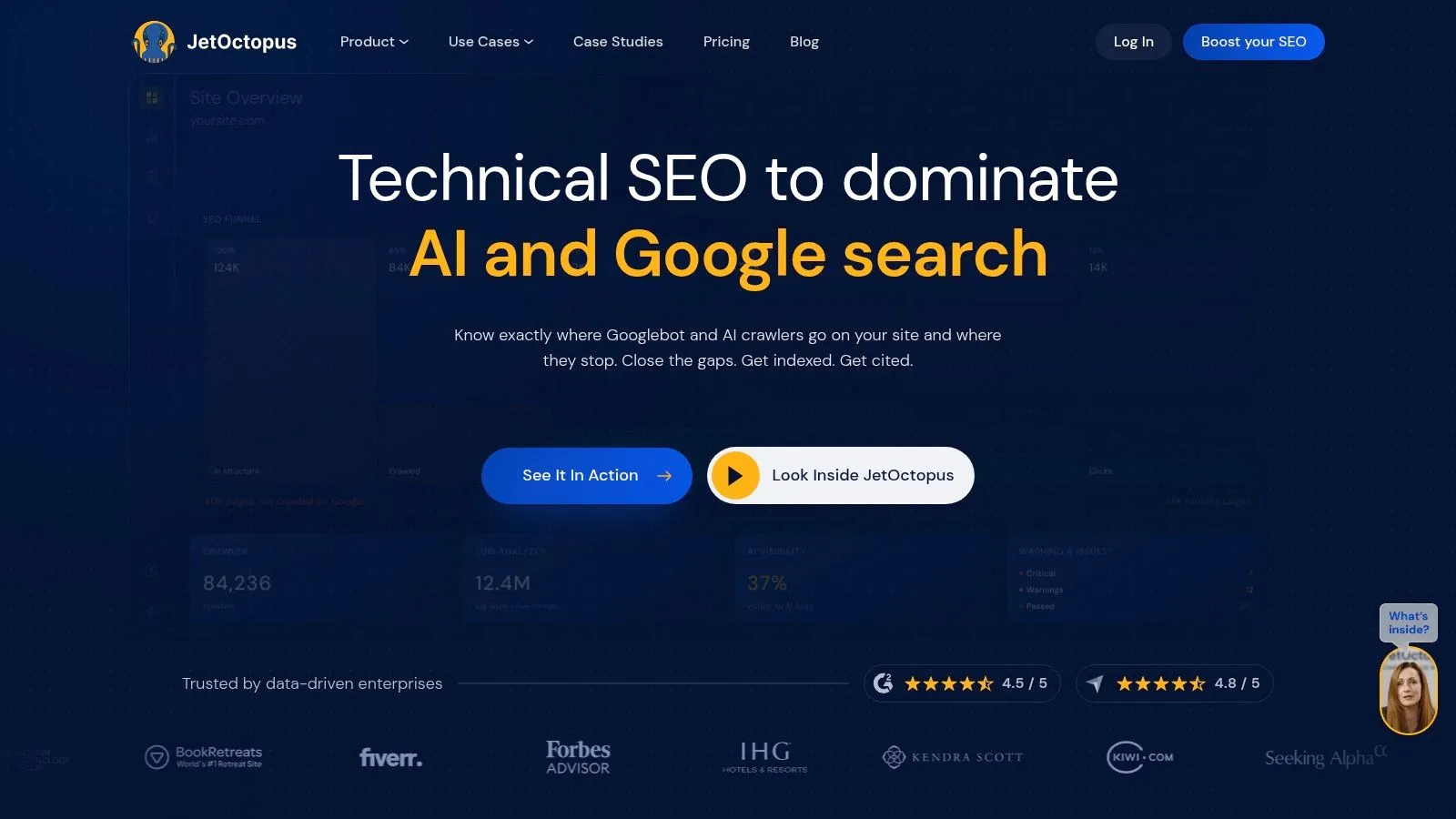
JetOctopus sits in a practical middle ground between classic cloud crawling and deeper operational analysis. Its differentiator is that it doesn't stop at crawl data. It also pulls in logs, Search Console, and analytics context so you can inspect what happened to a page across discovery, crawling, indexing, and traffic.
That's useful because site structure problems rarely live in one dataset. A page can be linked internally, absent from XML, rarely hit by bots, and underperforming in search at the same time.
Why it stands out
JetOctopus is a good choice when internal linking analysis and bot behavior matter at scale. The visual reporting is strong, and the inclusion of log analysis makes it more useful than a simple crawler for diagnosing why important URLs aren't getting the attention you expect.
It also avoids a common team bottleneck by allowing unlimited users on plans, which makes it easier for agencies or larger in-house teams to share access without turning every seat into a budget debate.
- Use it for lifecycle debugging: Crawl data plus logs gives a more complete picture of discoverability and bot behavior.
- Use it for larger teams: Shared access works better than desktop-bound tools.
- Avoid it for quick one-offs: The interface has enough depth that it's better suited to ongoing analysis than a fast five-minute spot check.
If you need site mapping tools that connect architecture with actual crawler behavior, JetOctopus is one of the cleaner options.
6. Botify
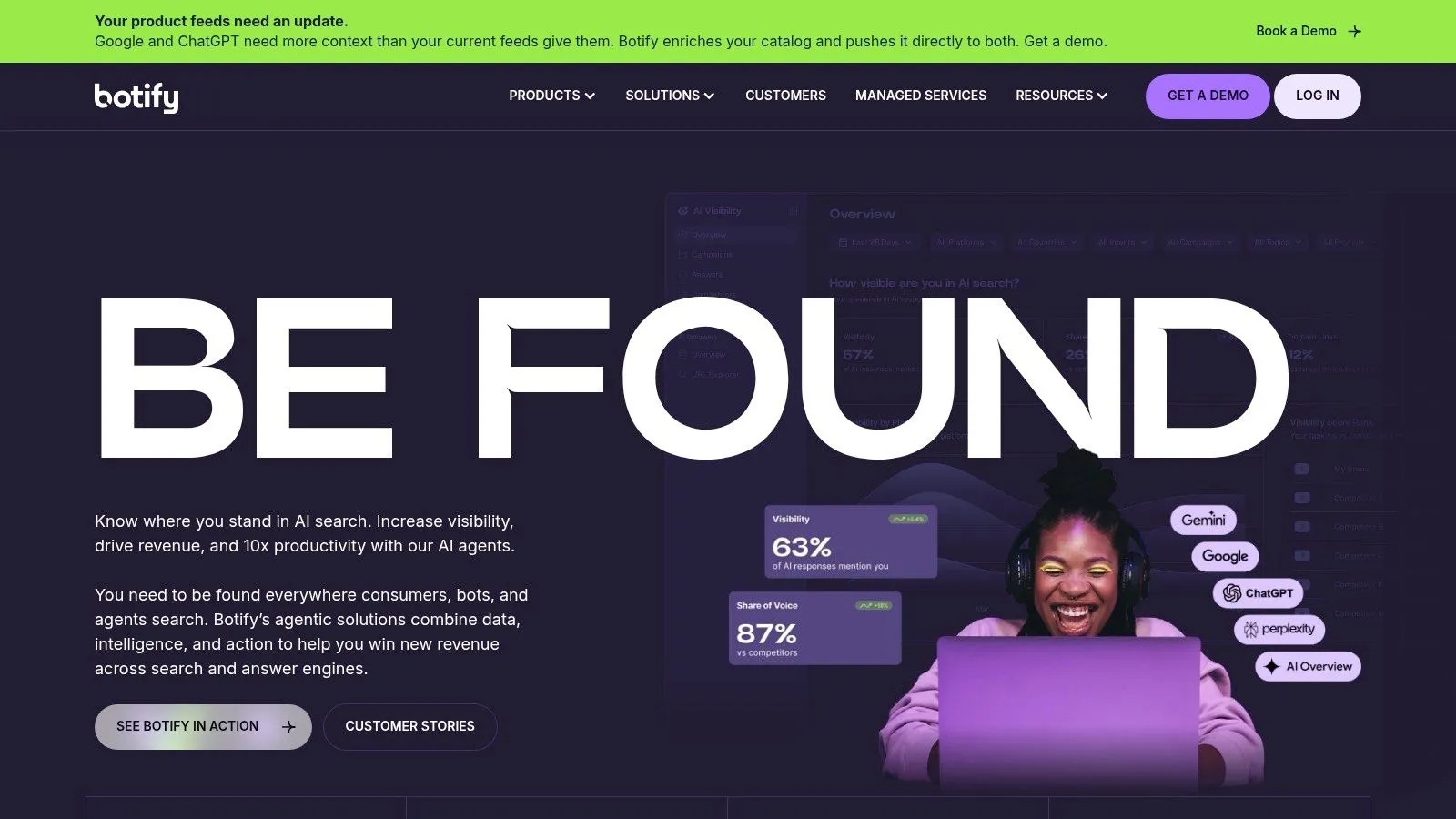
Botify has been enterprise-first for a long time, and that still defines the product. It combines crawling, rendering, analysis, and automation in a way that's aimed at companies with large sites, multiple stakeholders, and a need to move from diagnosis to action.
That matters because a site map by itself doesn't fix anything. On enterprise sites, the expensive part is usually coordinating the fix across engineering, SEO, content, and platform teams.
What it does well
Botify is strong when you need rendering-aware analysis, indexation insight, internal-linking intelligence, and workflow automation in one environment. It's also one of the more credible choices when the organization wants stronger support, enterprise security expectations, and a sales-led implementation motion.
The trade-off is that smaller teams can drown in the overhead. You don't buy Botify because you want a lightweight sitemap generator. You buy it because the site is already big enough that fragmented tooling is starting to hurt.
Its AI search and GEO-focused positioning also makes sense in the current environment. But if your core need is API extraction for an LLM workflow, Botify is still operating in a different category than a developer-first extraction tool.
7. Oncrawl
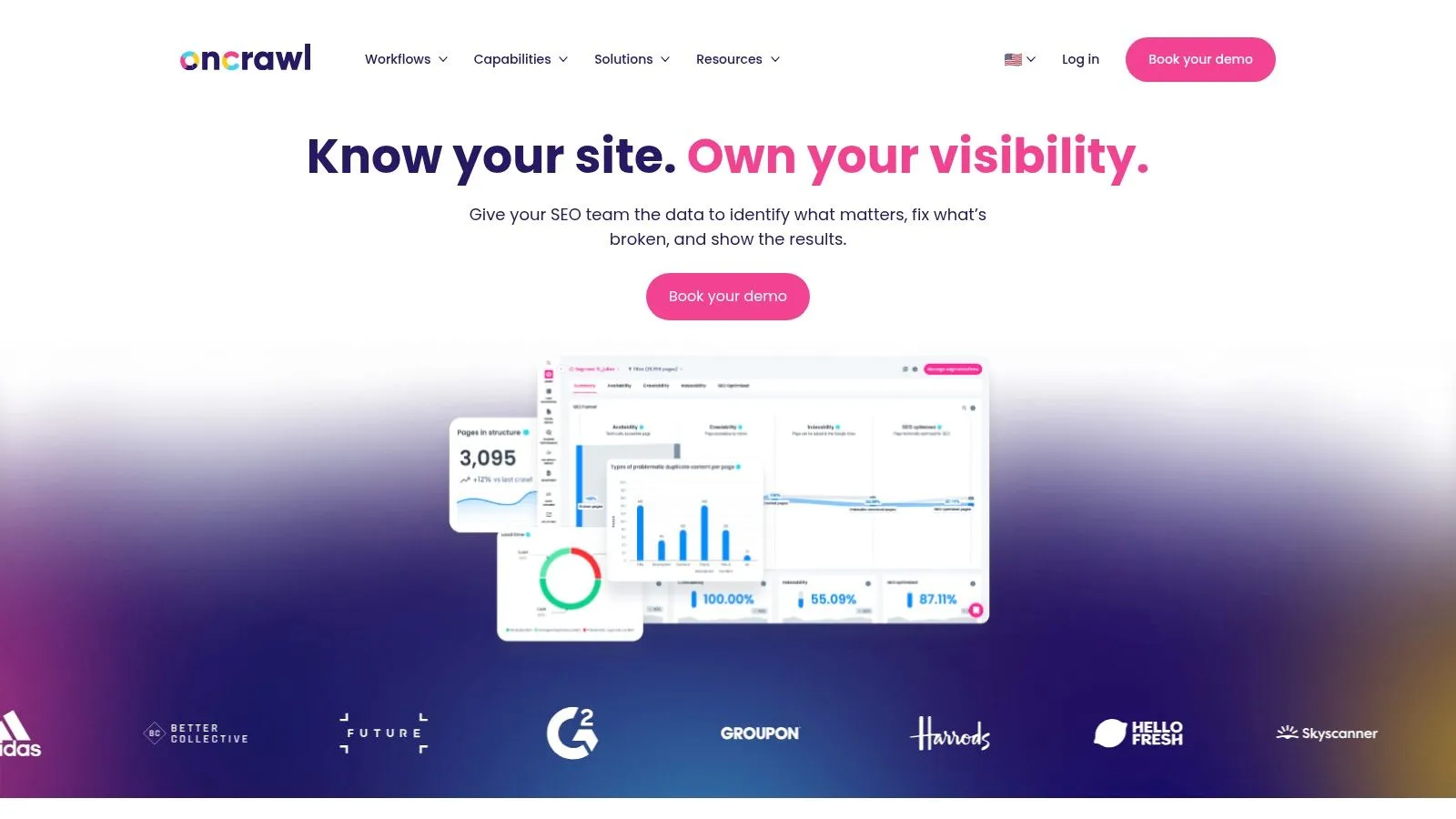
Oncrawl is a strong pick when you care less about pretty maps and more about correlating crawl structure with log behavior and content-level signals. Its strength is analytical depth. It helps you ask, “Which pages exist, how are they linked, how do bots behave, and where are the architectural bottlenecks?”
That combination is useful on large or messy sites where orphan pages, thin internal-link paths, and crawl inefficiencies overlap.
When to choose it
Oncrawl is particularly useful for teams that already think in datasets. If your workflow includes APIs, automated alerts, and analysis outside the UI, it fits better than simpler visual tools.
The broader market growth around enterprise mapping infrastructure also explains why these platforms keep gaining relevance. IMARC projects the global digital map market at USD 6.8 billion in 2025, reaching USD 19.0 billion by 2034 at an 11.73% CAGR, according to its digital map market forecast. Again, that's market context, not product proof. But it does match what many teams are experiencing. Mapping, monitoring, and analysis are no longer side utilities.
Oncrawl makes sense when you want to join crawl data to operational evidence, not just export another list of URLs.
If you only need a simple crawl and a few exports, this is probably more platform than you need.
8. DYNO Mapper
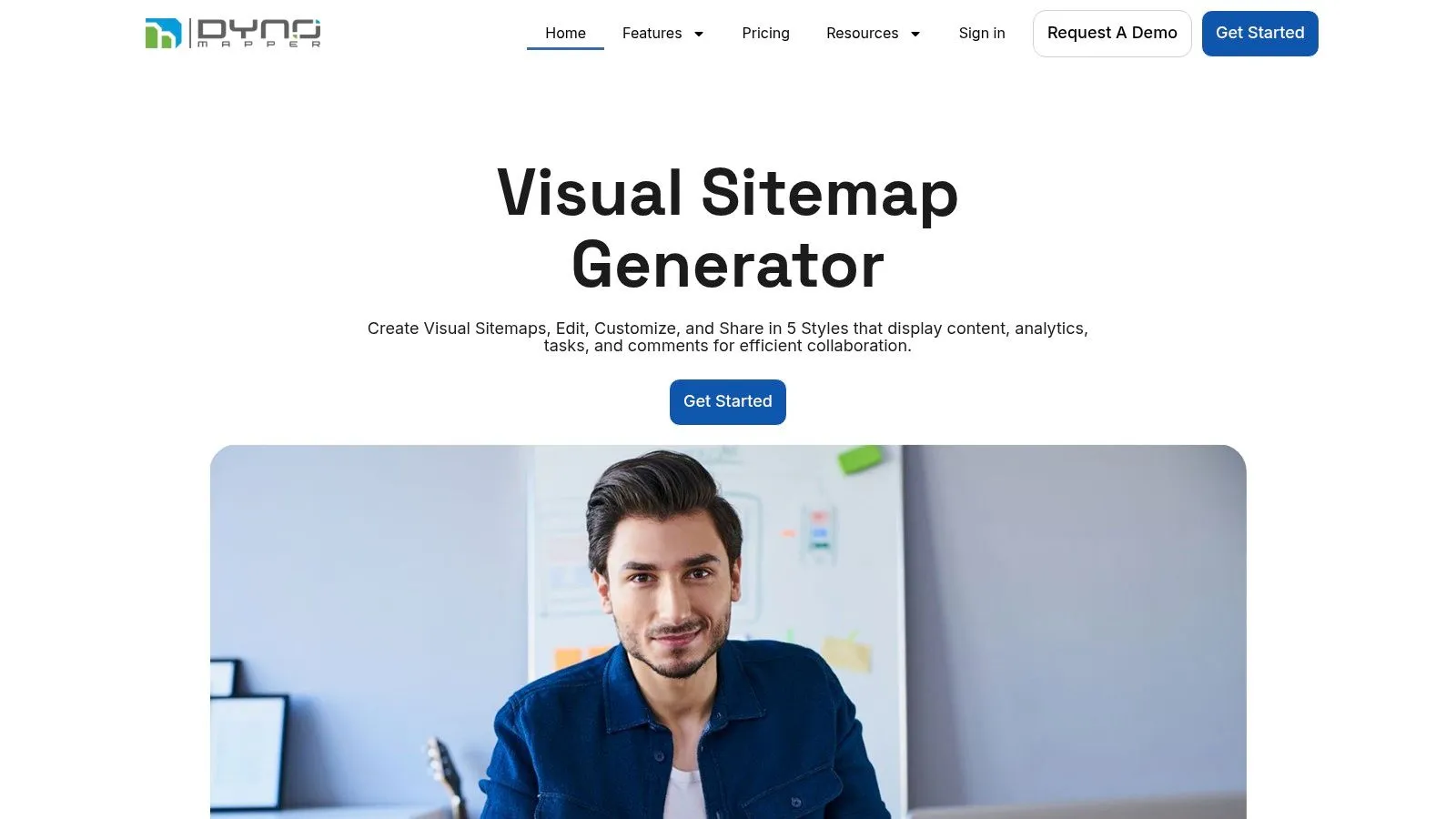
DYNO Mapper belongs in the UX and content-governance category. It does crawl and audit work, but the reason to choose it is that it balances visual sitemap creation with content inventory, auditing, accessibility checks, and workflow integrations.
That makes it useful when the goal isn't just technical diagnosis. It's often the right fit when a redesign, content cleanup, or migration needs a shared structure that designers, strategists, and technical people can all use.
Best use case
DYNO Mapper is good when the sitemap itself becomes a working artifact. Teams can import structure, review content, connect planning work to tools like Jira or Figma, and keep the information architecture visible during implementation.
That's different from a crawler that mainly exists to produce exports and issue lists. Here, the visual map is part of collaboration.
- Use it for redesign prep: Stronger than SEO-first crawlers for content inventory and IA discussions.
- Use it when accessibility is part of the brief: That integrated view helps mixed teams.
- Watch plan limits: Page-per-crawl quotas can become restrictive on very large sites.
If your problem is “help the team understand and reorganize the site,” DYNO Mapper is more natural than a developer crawler.
9. Slickplan
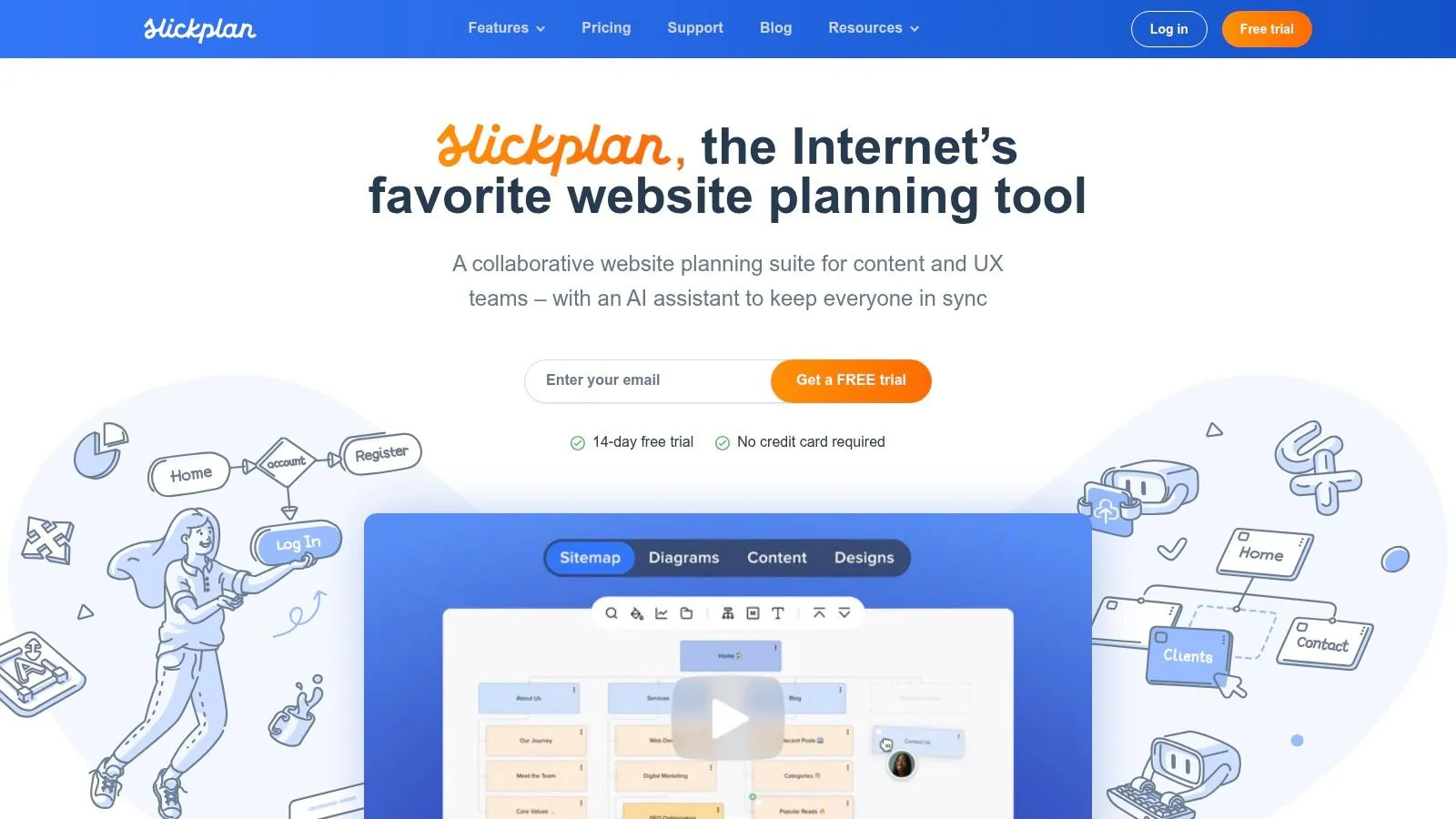
Slickplan is less about crawling the live web thoroughly and more about planning what the site should become. That's why it stays useful for information architects, UX teams, agencies, and content planners. It's good at turning a messy structure into a client-ready artifact.
The drag-and-drop builder, notes, content planning, and diagram tools make it easier to work through hierarchy before anything is built.
Why it works for planning
Slickplan is strongest when the crawl is only an input, not the final output. You might import a basic structure from an existing site, then reorganize pages, attach notes, map ownership, and prepare the next version of the experience.
That's also where its limits show. Its crawler is lighter than a full technical SEO crawler, and very large or JavaScript-heavy sites often need a separate specialist tool upstream.
For agencies and product teams, that's usually fine. They aren't asking Slickplan to debug rendering issues or audit canonicals. They're asking it to create structure people can discuss and approve.
10. VisualSitemaps
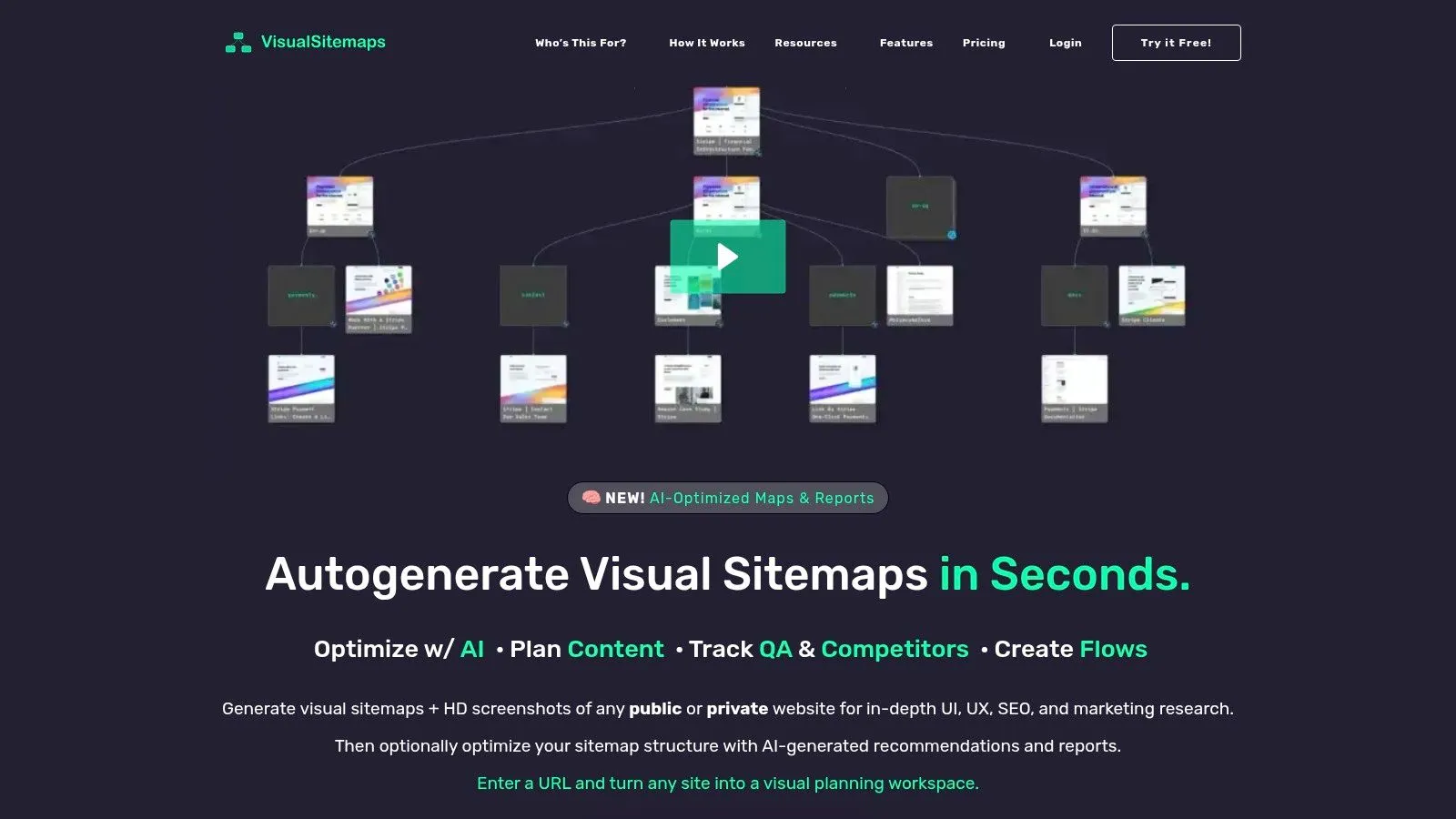
VisualSitemaps solves a narrow problem well. It lets you see a site quickly through screenshot-based maps. That sounds simple, but it's particularly useful in redesign QA, competitor reviews, content audits, and stakeholder alignment.
A visual crawl can expose inconsistency faster than a spreadsheet. You notice template drift, weird page groupings, outdated sections, and broken design patterns almost immediately.
Where it helps most
VisualSitemaps is a strong review tool, not a replacement for a technical crawl. If you need status codes, rendering diagnostics, canonical logic, or bot-behavior analysis, you'll still need another tool.
What it does give you is speed of comprehension. A stakeholder who won't read an export will look at a visual map. That matters in real projects.
If the audience is non-technical, screenshot-based mapping often gets faster buy-in than any crawl report ever will.
For UX review, visual QA, and comparative site snapshots, it's easy to justify. For engineering diagnostics, it's only part of the toolkit.
Top 10 Site Mapping Tools Comparison
| Product | Core features | UX / Quality (★) | Pricing & Value (💰) | Target audience (👥) | Unique selling points (✨ / 🏆) |
|---|---|---|---|---|---|
| Webclaw | LLM-optimized extracts, scrape/crawl/map/search, JS rendering, YT transcripts | token-efficient | 💰 Starter $19/mo (10k credits); 3 free runs/day; OSS self-host (AGPL) | 👥 AI/LLM engineers, dev teams, RAG & agents | ✨ LLM-ready output, best-effort protected-page handling, BYO proxies, MCP for agents |
| Screaming Frog SEO Spider | Desktop crawler, JS rendering, sitemap gen, custom extraction | ★★★★ fast & stable | 💰 Free limited; paid desktop license (~£149/yr) | 👥 Technical SEOs, consultants | ✨ Extensive exports, site visualizations, large knowledge base |
| Sitebulb | Desktop + Cloud, crawl maps, 300+ Hints, JS (Cloud) | ★★★★ approachable & educational | 💰 Desktop or Cloud plans; Cloud no crawl-credit model | 👥 SEOs & teams needing actionable guidance | ✨ Prioritized "Hints", polished visualizations |
| Lumar (Deepcrawl) | High-speed enterprise crawler, GEO/AEO, accessibility, multi-app suite | ★★★★★ enterprise-grade | 💰 Quote-based enterprise pricing | 👥 Large orgs, enterprise SEO teams | ✨ Broad platform (SEO, performance, accessibility, AI visibility) |
| JetOctopus | Cloud crawler + log analyzer, JS crawler, AI internal linker | ★★★★ fast at scale | 💰 Tiered cloud plans; unlimited users on plans | 👥 Agencies, large sites & ops teams | ✨ Crawl+logs+GSC+GA4 correlation, fast internal-link visuals |
| Botify | Crawling, rendering, log analysis, automation & activation suite | ★★★★★ deep data & automation | 💰 Enterprise / quote-based | 👥 Enterprise SEO & search teams | ✨ Workflow automations, strong security & support |
| Oncrawl | Scalable crawler + live log ingestion, architecture & data science tools | ★★★★ data-rich & scalable | 💰 Sales-led quoting | 👥 Data-driven SEO teams, large/complex sites | ✨ Crawl+log correlation, "Lenses" analytics |
| DYNO Mapper | Visual sitemaps, content inventory, audits, accessibility testing | ★★★★ visual & collaborative | 💰 Subscription plans (page quotas may apply) | 👥 UX, content & governance teams | ✨ AI sitemap generator, integrations (Jira/Asana/Figma) |
| Slickplan | Drag‑drop sitemap builder, content planner, diagramming, light crawler | ★★★★ intuitive for non-devs | 💰 Team subscription plans (monthly) | 👥 Information architects, UX & content teams | ✨ Visual sitemap + content planning & mockups |
| VisualSitemaps | Screenshot-based visual sitemaps, scheduled crawls, exports & diffs | ★★★★ quick visual QA | 💰 Paid plans with page/month quotas; per-credit mobile screenshots | 👥 UX/QA, redesign & competitive reviewers | ✨ Screenshot sitemaps, visual diffs and fast IA reviews |
Map, Analyze, and Build
The best site mapping tools aren't interchangeable. They produce different artifacts for different jobs, and picking the wrong category creates extra work fast. A technical SEO crawl, a visual IA map, and an LLM-ready content extraction pipeline may all start with URL discovery, but they end in very different places.
If you're auditing a site's technical health, desktop and cloud crawlers still do the heavy lifting. Screaming Frog remains hard to beat for direct, hands-on analysis. Sitebulb makes interpretation easier for mixed teams. JetOctopus, Oncrawl, Lumar, and Botify become more attractive as the site grows, the stakeholder list expands, and operational monitoring matters more than a one-time crawl.
If the problem is redesign, governance, or stakeholder communication, the UX-oriented tools make more sense. DYNO Mapper, Slickplan, and VisualSitemaps all produce structure that humans can work with more easily than a giant export. They're better when the sitemap is part of planning, not just diagnosis.
The most important split, though, is between human-facing mapping and machine-facing extraction. That gap is still under-served. Many mainstream tools are good at generating diagrams, XML sitemaps, or SEO crawl exports. They're much less effective when you need clean content from JavaScript-heavy or bot-protected sites for AI workflows. That's why developer-first tools like Webclaw stand out. They treat site mapping as the front end of a downstream extraction problem, not the end product.
That matters because the output changes everything. For search work, you might want an XML sitemap, a crawl graph, and issue lists. For product planning, you might want a visual hierarchy and page-level notes. For AI, you want a reliable way to discover URLs, render modern pages, strip noise, and return content the model can use. Those are different jobs, and the tooling should reflect that.
Start with the destination, not the crawl. If the destination is a spreadsheet, choose an SEO crawler. If it's a workshop, choose a visual planner. If it's a retrieval pipeline or agent, choose an extraction system built for that path. If you need a broader operational view after the crawl, an automated SEO analysis platform can complement your mapping workflow.
The right tool won't just map the site. It'll make the next step easier.
If you're building agents, RAG systems, monitoring pipelines, or anything that needs reliable web context, Webclaw is the most developer-native option in this list. It maps sites, handles JavaScript-heavy pages, works on harder targets than basic fetchers, and returns cleaner content for models instead of dumping raw HTML into your pipeline.